App store
The Companion Hub App Store provides a catalog of self-hosted applications that you install from the dashboard. Open it from App Store in the dashboard’s top navigation.
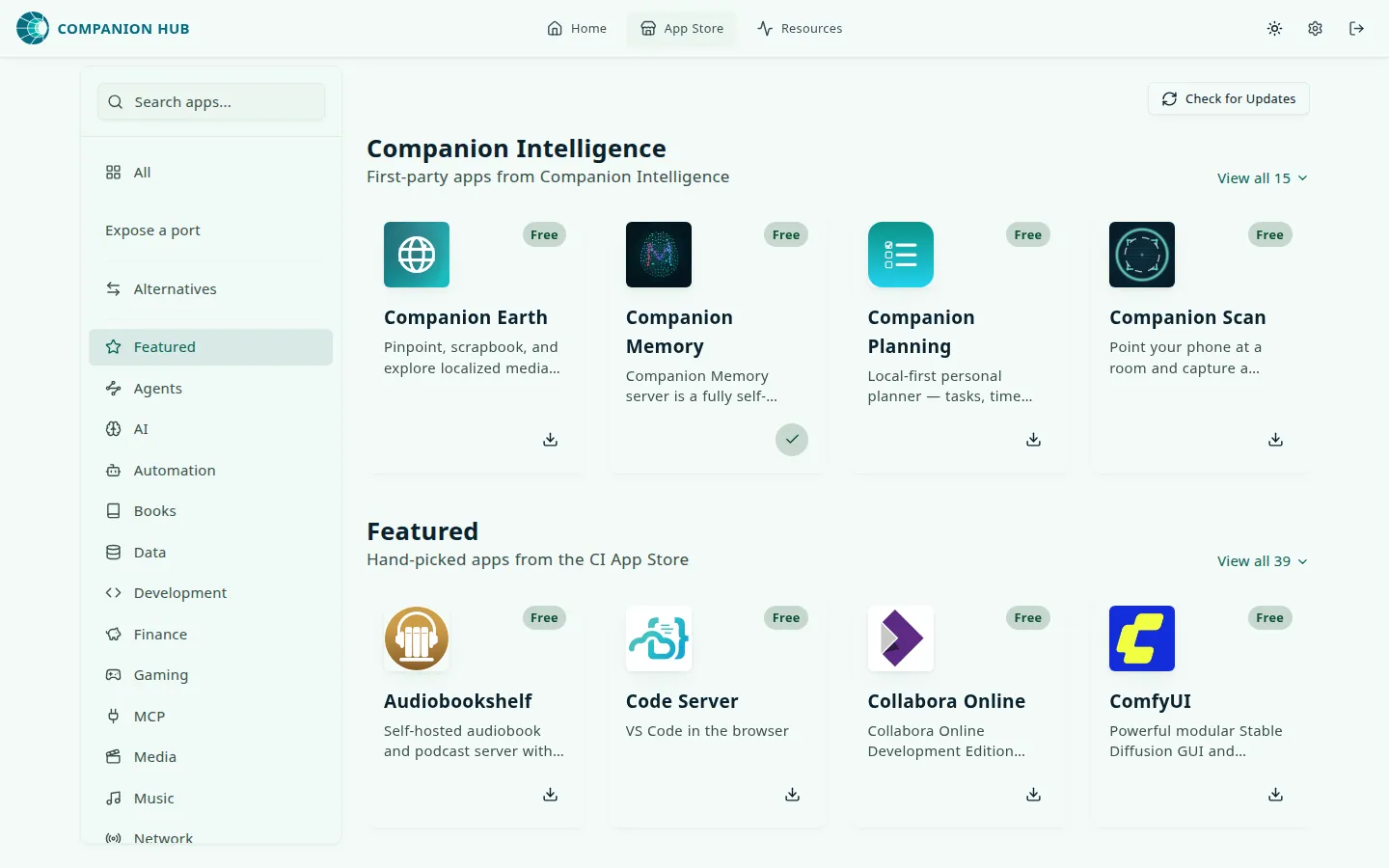
How it works
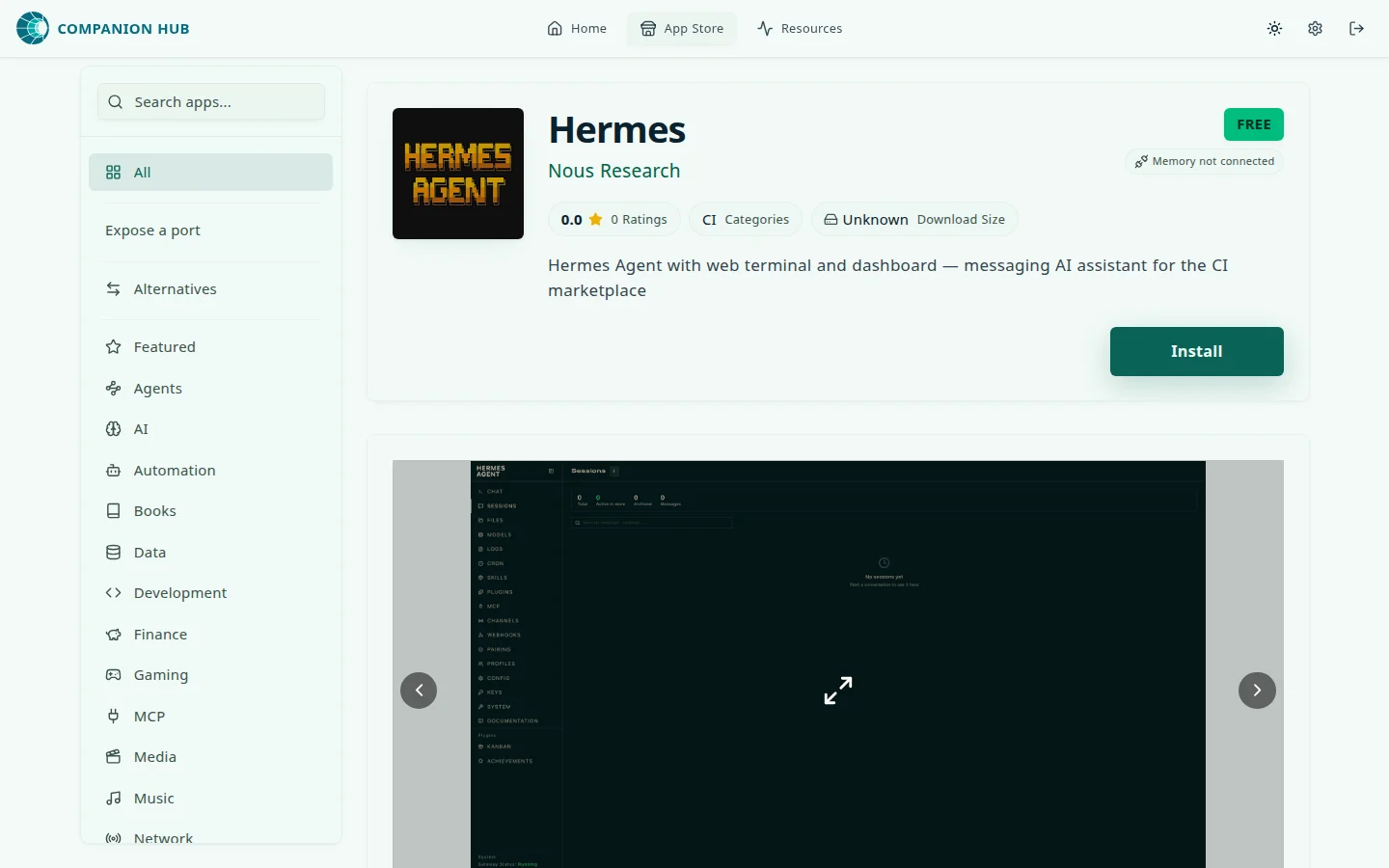
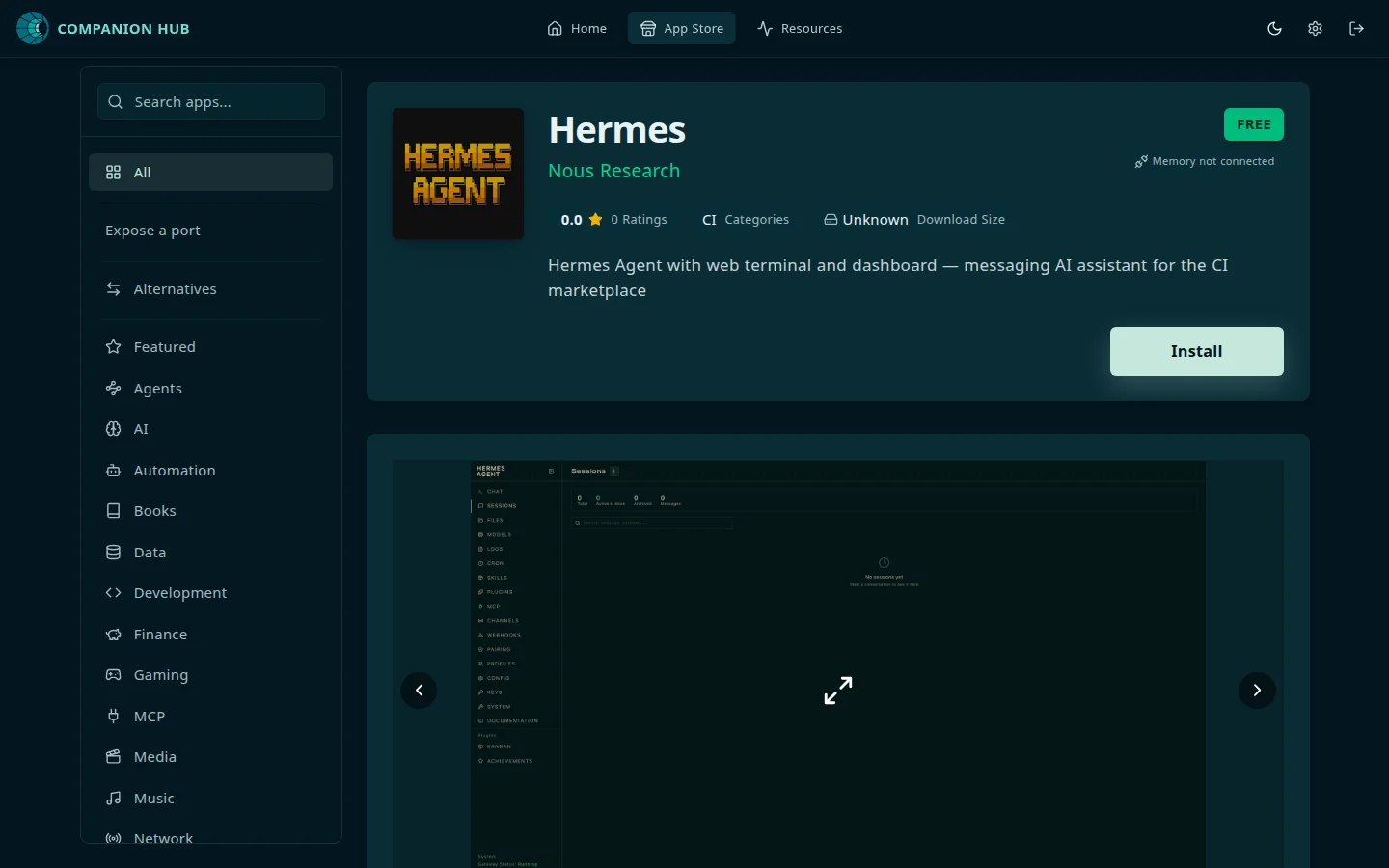
Browse by category or search, open an app detail page, fill in the install form (passwords, options, and how you want to reach the app), and select Install. Hub pulls Docker images, generates environment files, configures Traefik routing, and starts the stack.
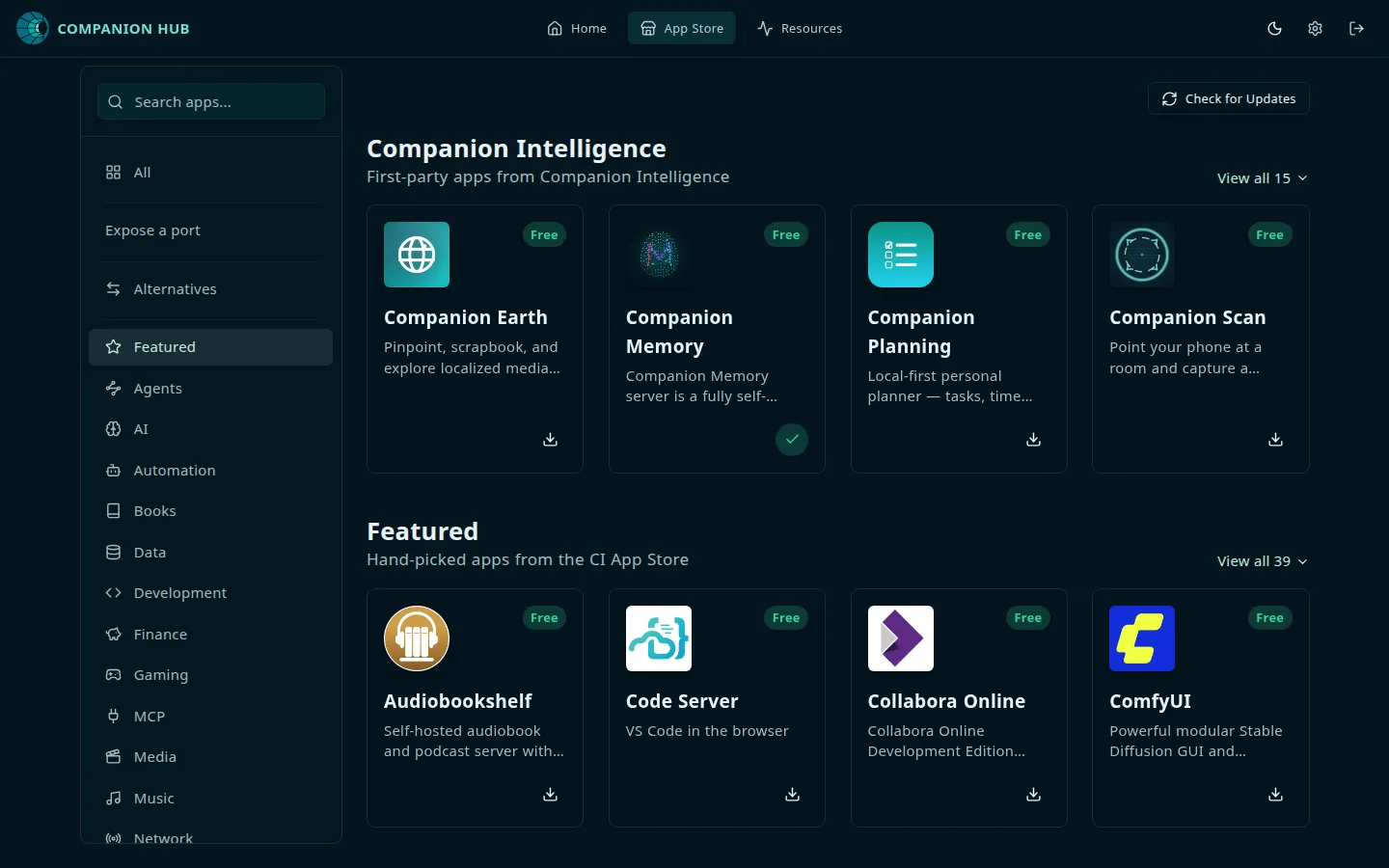
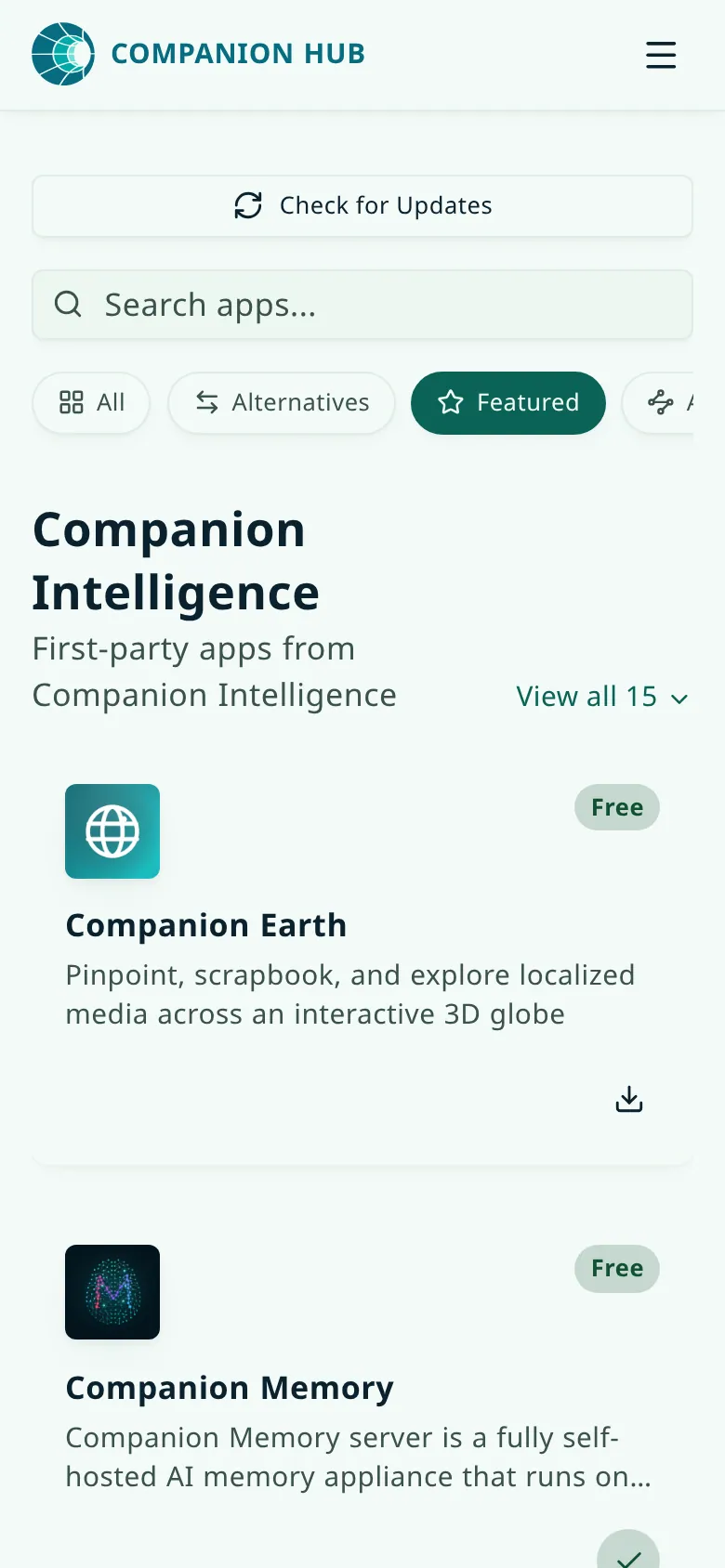
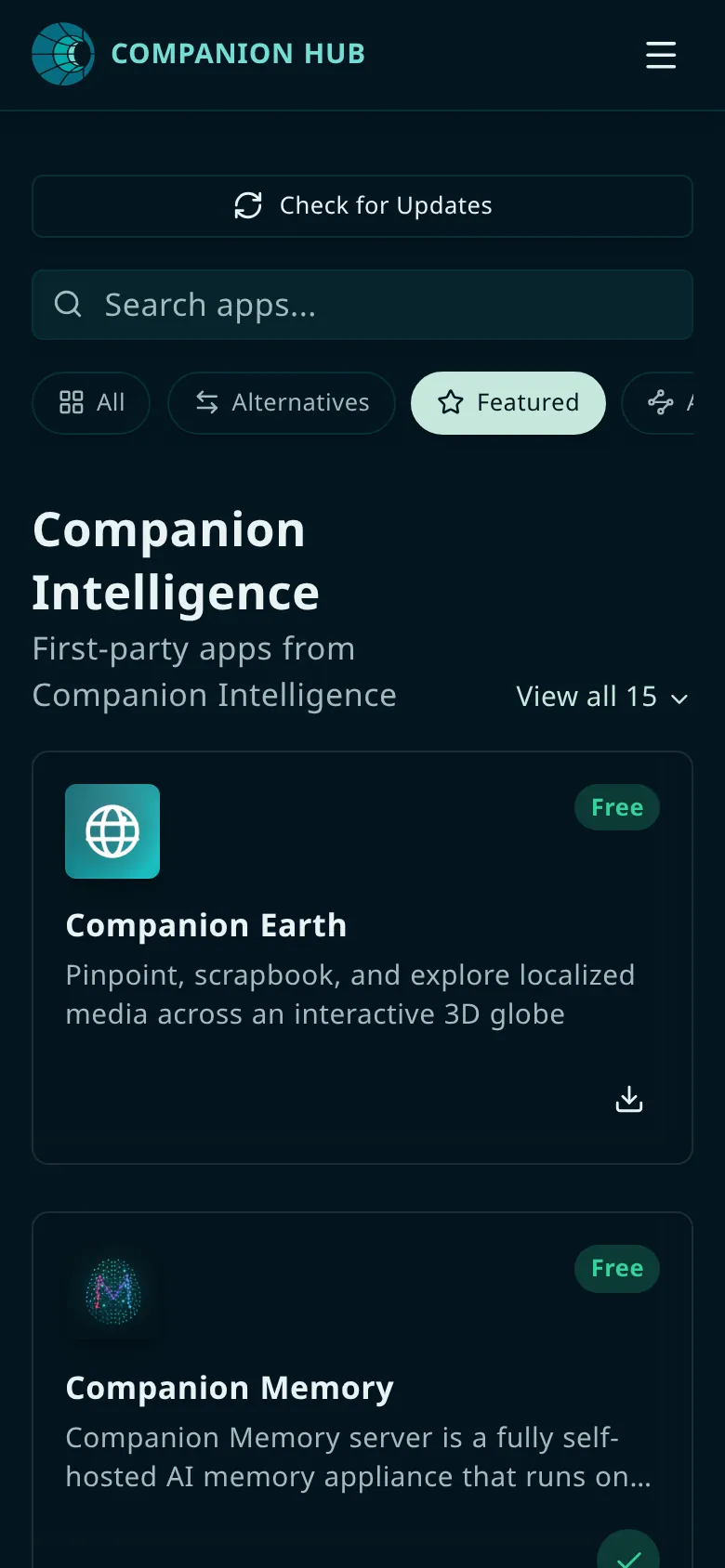
The store’s landing view opens with a Companion Intelligence row of first-party apps, then Featured, Trending, and Recently Added. Start typing in Search apps and the view switches to the full catalog. Search also matches the products an app replaces, so a search for “Google Drive” finds Nextcloud. See Self-hosted alternatives.
On a phone, the category rail becomes a row of chips under the search box, and the cards stack in one column.
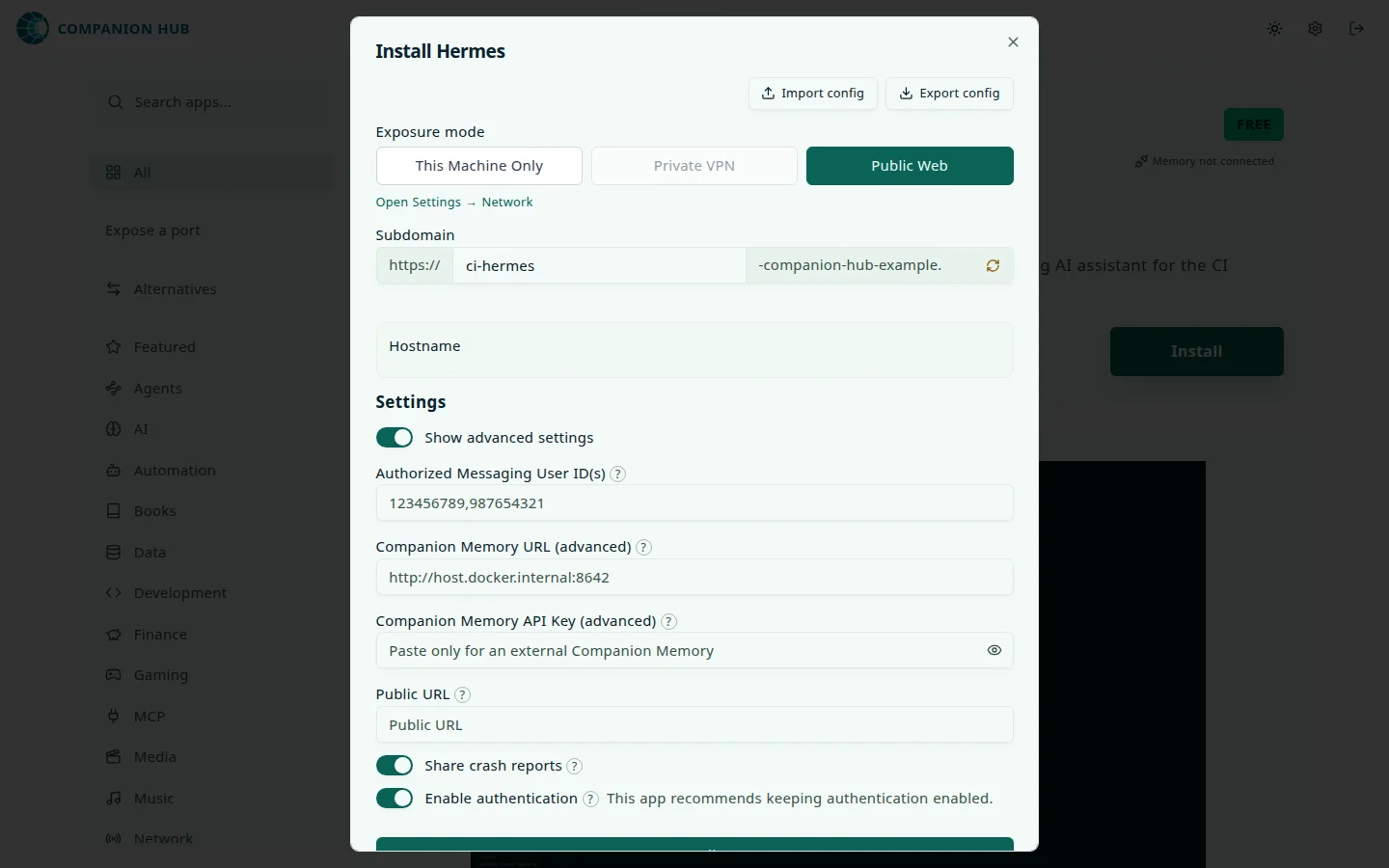
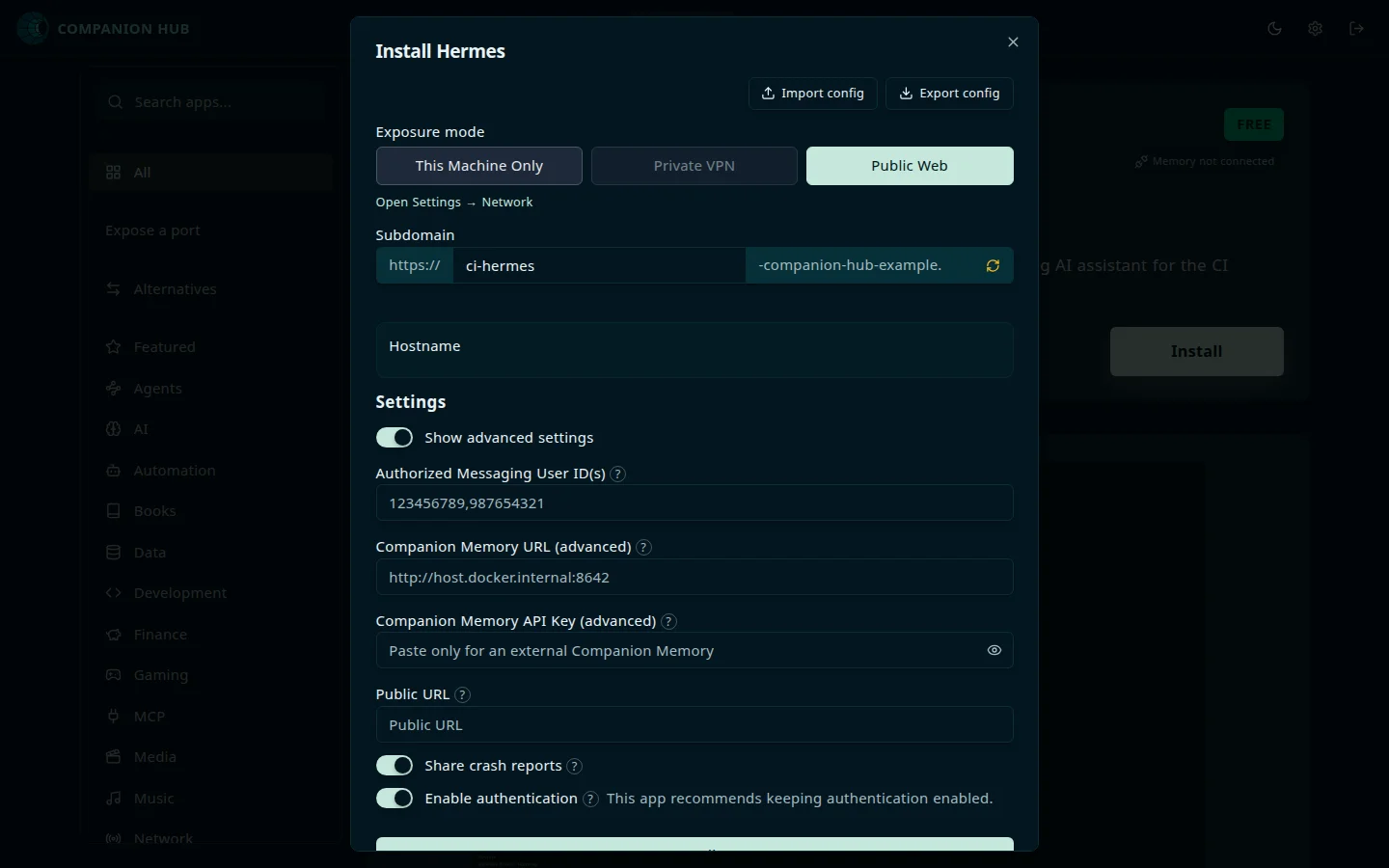
The install form always asks for the values the app needs. Under Exposure mode you choose where the app is reachable: This Machine Only, your Private VPN, or Public Web. Choosing Public Web adds a Subdomain field. Show advanced settings reveals the app’s optional fields, such as authentication and app-specific URLs. With Advanced Mode turned on (Settings tab, under Experience), the form shows every optional field at once, plus a per-app backup limit.
What happens between selecting Install and the app appearing on your dashboard:
flowchart TD
    A["Browse or search, then open the app's detail page"] --> B["Fill in the install form<br/>passwords, options"]
    B -->|"Install"| C["Hub pulls the Docker images"]
    C --> D["Generates the environment files"]
    D --> E["Configures Traefik routing"]
    E --> F["Starts the stack"]
    F --> G["App card on your dashboard<br/>status, logs, expose"]
Installed apps appear on your dashboard with live status, logs, and expose settings. For what each of those Docker steps means, see Docker and Companion Hub.
Act on every app at once
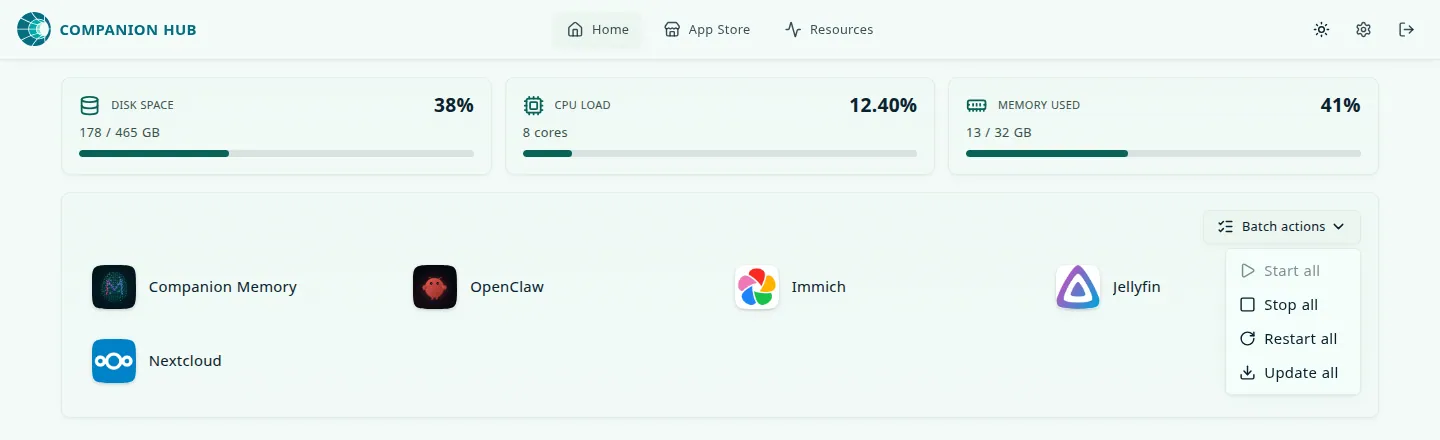
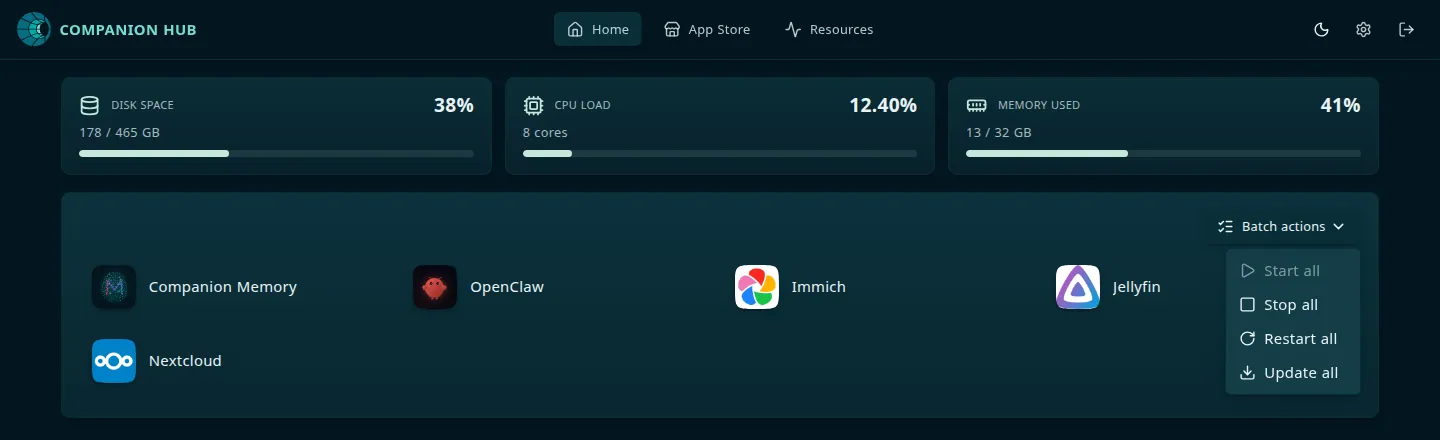
When an app is installed, Home shows a Batch actions menu above your apps. It acts on every app, with no picking:
- Start all starts every stopped app.
- Stop all and Restart all act on every running app.
- Update all appears when any app has an update. It always takes a backup of each app first.
Each choice asks you to confirm, and an item with nothing to act on is greyed out. Each tile changes status as Hub works through the apps. On the Hub machine, cihub app start-all, stop-all, restart-all, and update-all do the same through the running Hub.
Installing from the store needs a paired Hub. Hub sends the device key that CI Cloud issued when you paired, and without it the catalog can look slow or empty and installs do not finish. If the store looks empty on a Hub that has not been paired, pair it first — see Device pairing.
App sources
- CI Marketplace — The primary catalog (CI-Marketplace on GitHub)
- Custom app stores — Add private or third-party catalogs (Custom app stores)
- Remote install — Install from hub.ci.computer when your Hub is paired
- Apps in the store
- 578
- Counted from the live CI Marketplace catalog on 3 October 2026, excluding deprecated listings. The Community Apps page lists a subset.
- from Community Apps
Categories
Each app declares one or more categories, used for filtering and discovery. The valid categories are:
agents · ai · automation · books · companion-intelligence · data · development · featured · finance · gaming · media · mcp · music · network · photography · security · social · utilities
The sidebar lists every category except companion-intelligence, which appears as the Companion Intelligence row on the landing view instead. A few categories are special:
featured— surfaced prominently on the store landing viewagents— apps whose job is to run an autonomous AI agent, such as OpenClaw and Hermes. Agent apps carry bothagentsandai, so they also show up under AI.ai— the rest of the AI space: inference servers, chat front ends, and speech and image toolsmcp— Model Context Protocol servers that agents can connect to (see Companion agent)companion-intelligence— first-party CI apps and services
See Apps Available for the full catalog.
Apps with available: false in their manifest are treated as drafts, and
deprecated apps are dropped too. Neither appears in the store. See
config.json options for the full app manifest
format.
Submit your own app or agent
Have an app or an MCP-connected agent to share? Submit at ci.computer/store-submit or read Submitting to the Marketplace. Agent-specific requirements (like hub_integration.mcp_client) are covered in Companion agent → Building agent apps.
Apps that do not support your CPU architecture stay visible. An amd64-only app on an arm64 Hub shows a Wrong architecture message when you select Install. Hub also checks the image itself before it pulls it. If an app lists both architectures but its image has no arm64 build, Hub runs the amd64 image through emulation instead of refusing.
Refresh the catalog
Select Check for Updates at the top of the App Store to sync the catalog now. The button reads Syncing… while it works. Settings → App Stores → Refresh does the same thing.
Expose a service that is already running
Expose a port sits under the search box in the store sidebar. It publishes a service that is already running on this machine, rather than installing an app. Give it a name and the TCP port it listens on (1024 to 65535), then choose where it should be reachable: this machine, your private VPN, or the public web. Public web needs a paired Hub and a subdomain.