Installing your first app
Install self-hosted apps from the Companion App Store in your Hub dashboard. Your Hub must be paired with your CI Account first: the App Store downloads apps with the device key that pairing creates, and installs fail without it.
Browse the Companion App Store
In the top bar, select App Store. Search with Search apps…, or pick a category in the sidebar — Featured, Agents, AI, Data, Media, and more. The page groups apps into rows such as Companion Intelligence (first-party apps) and Featured.
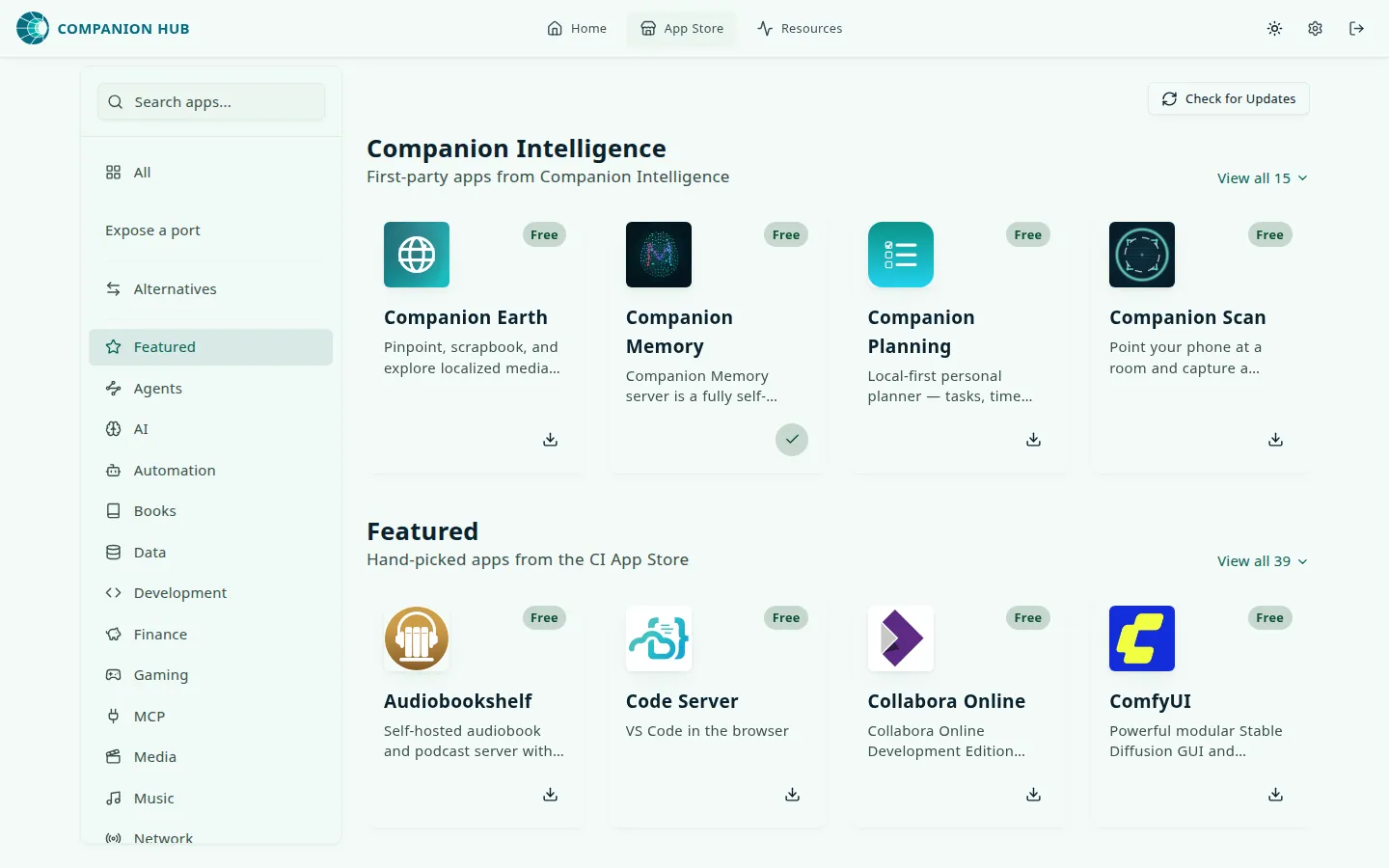
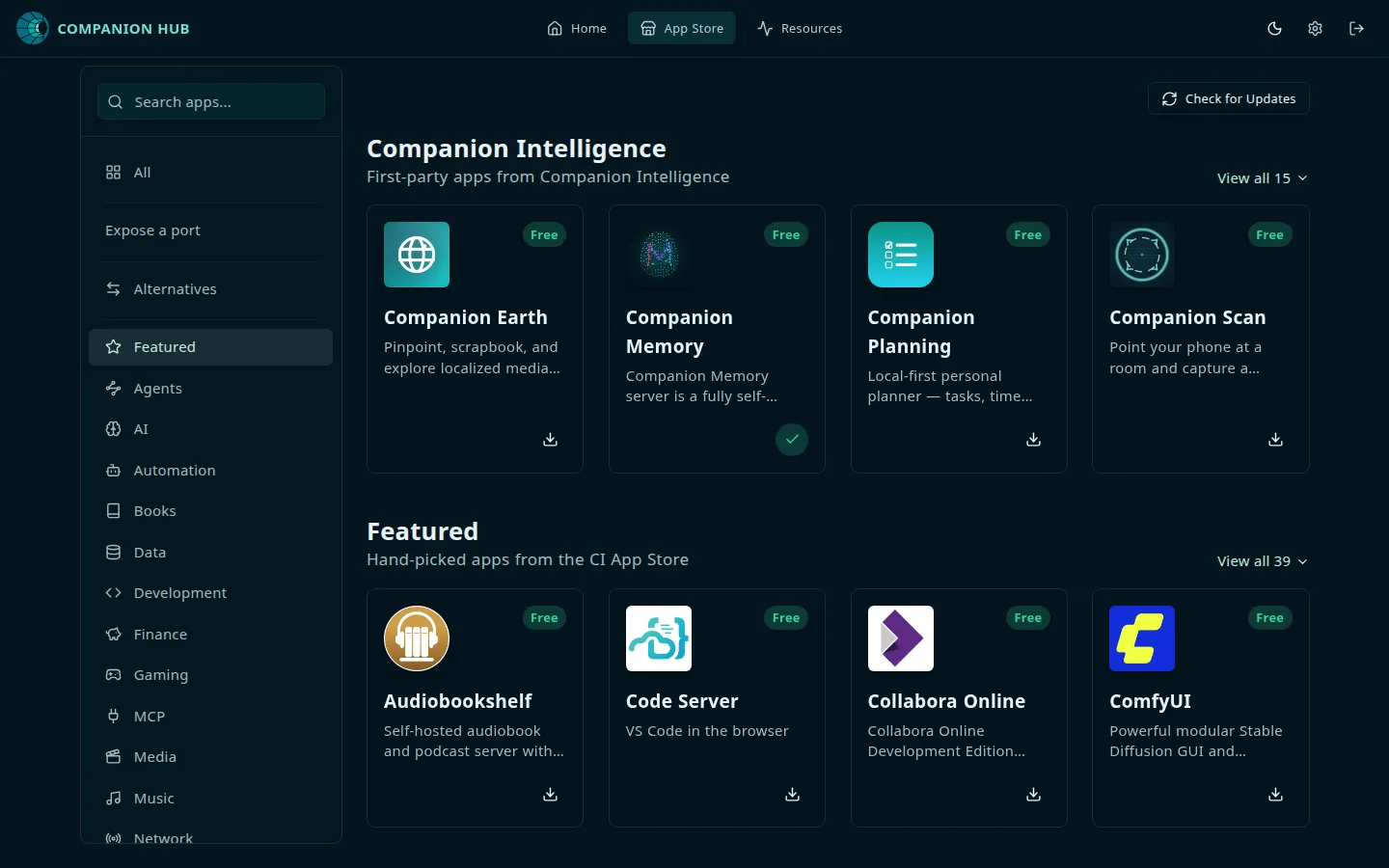
Choose an app
Find an app you’d like to install. Popular choices for getting started include:
- Nextcloud — File sync and collaboration
- Jellyfin — Media streaming
- Vaultwarden — Password management
- Immich — Photo management
If an app doesn’t support your CPU architecture, Hub refuses the install and shows Wrong architecture, naming the architectures the app needs.
Install
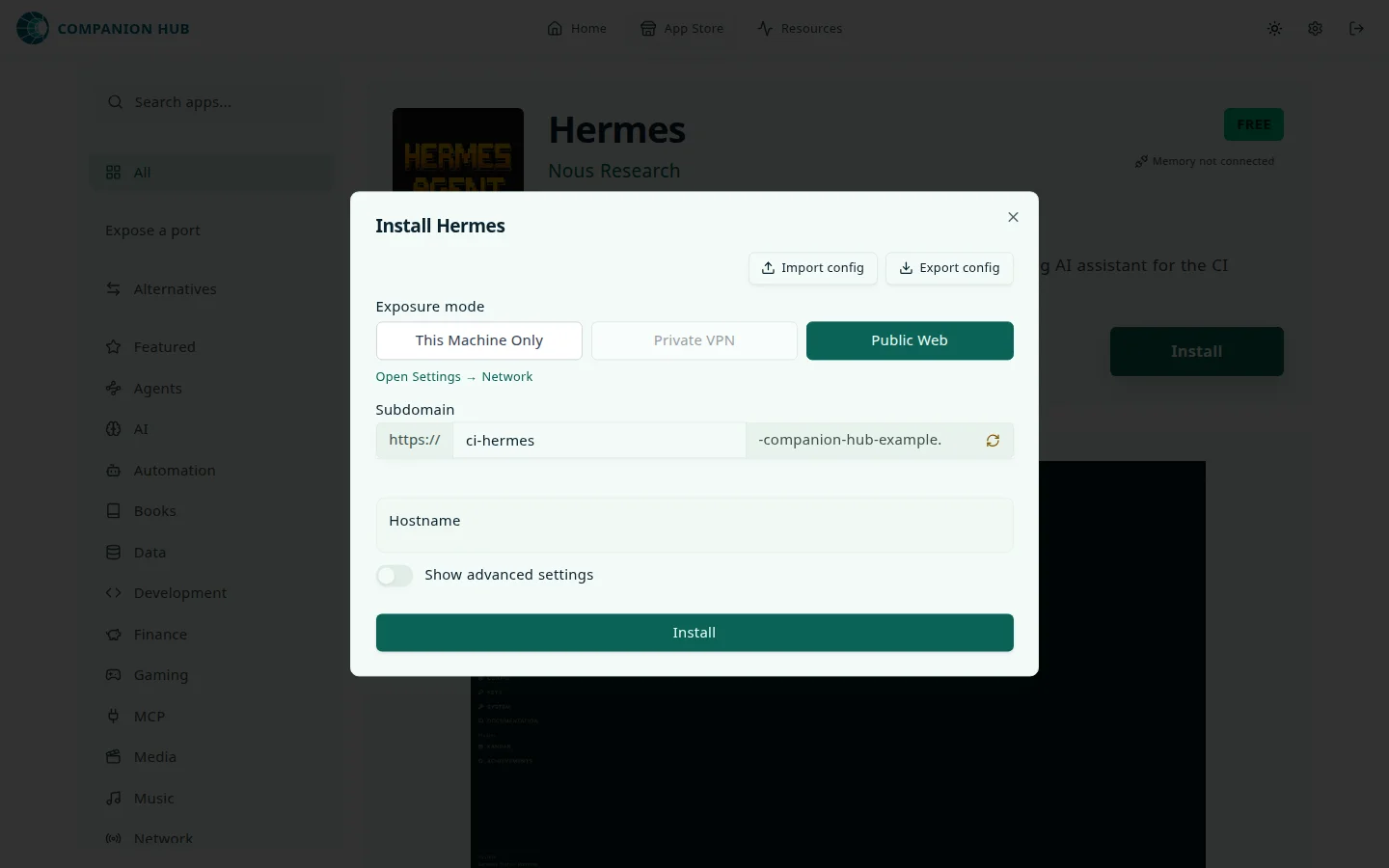
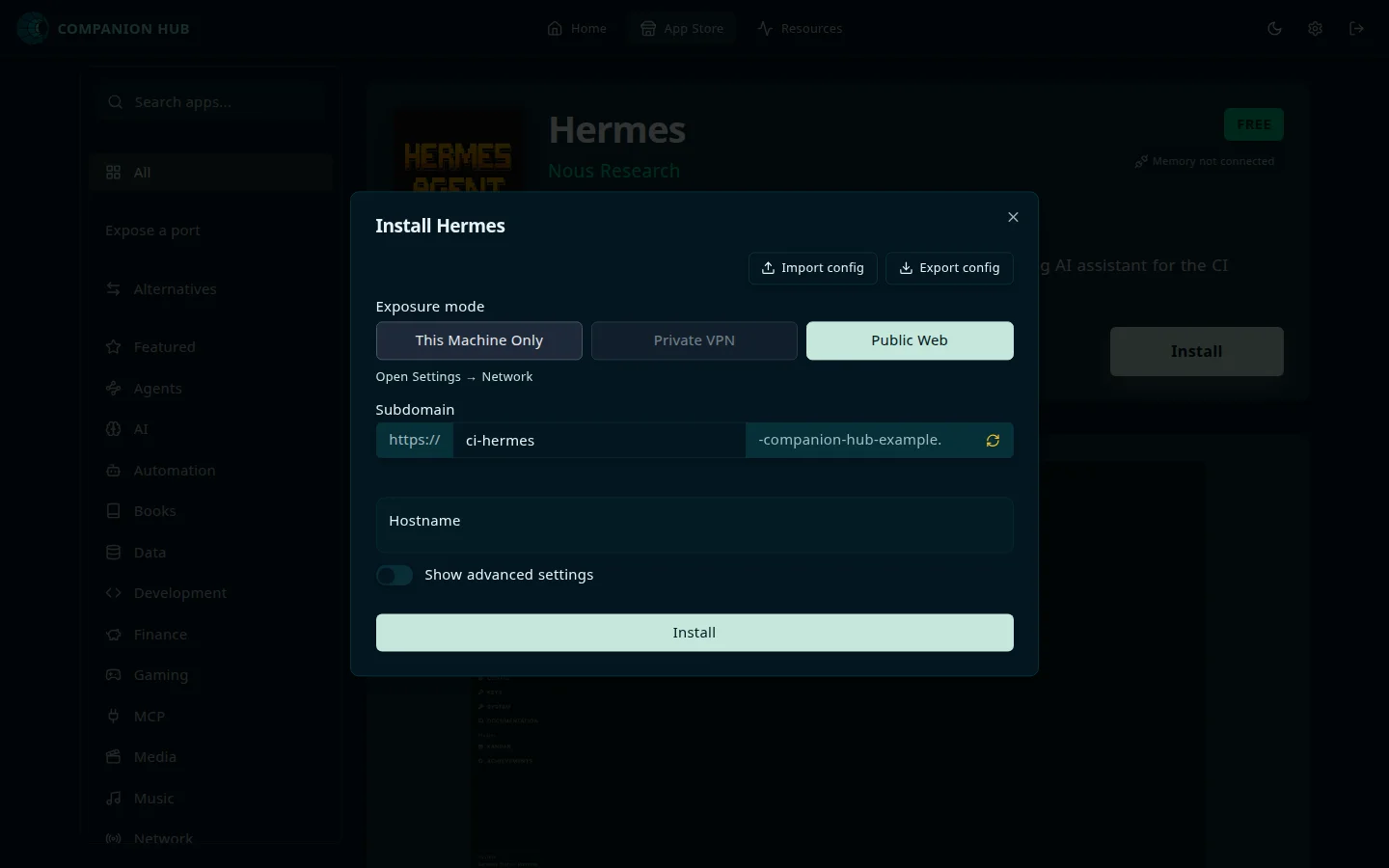
Select the app to open its page, then select Install. Review the options in the Install form and select Install again. The form can include:
- Exposure mode — Public Web (through the Cloudflare Gateway), Private VPN (Tailscale), or This Machine Only. The public and VPN options are unavailable until you’ve connected them.
- App-specific fields, such as an admin email or password. Random secrets the app needs are generated for you and don’t appear in the form.
- Options such as Enable authentication and Open port. Show advanced settings reveals more, and App backup limit appears only while Advanced Mode is on.
Companion Hub pulls the Docker image, configures networking, and starts the app. The button walks through Downloading…, Setting up…, and Finalizing install…; the first install of a large app can take several minutes. If you open the app’s public address before it finishes starting, Hub shows <App> is starting… and reloads every five seconds.
Access your app
After installation, the app appears on Home. Select Open on the app’s page or card.
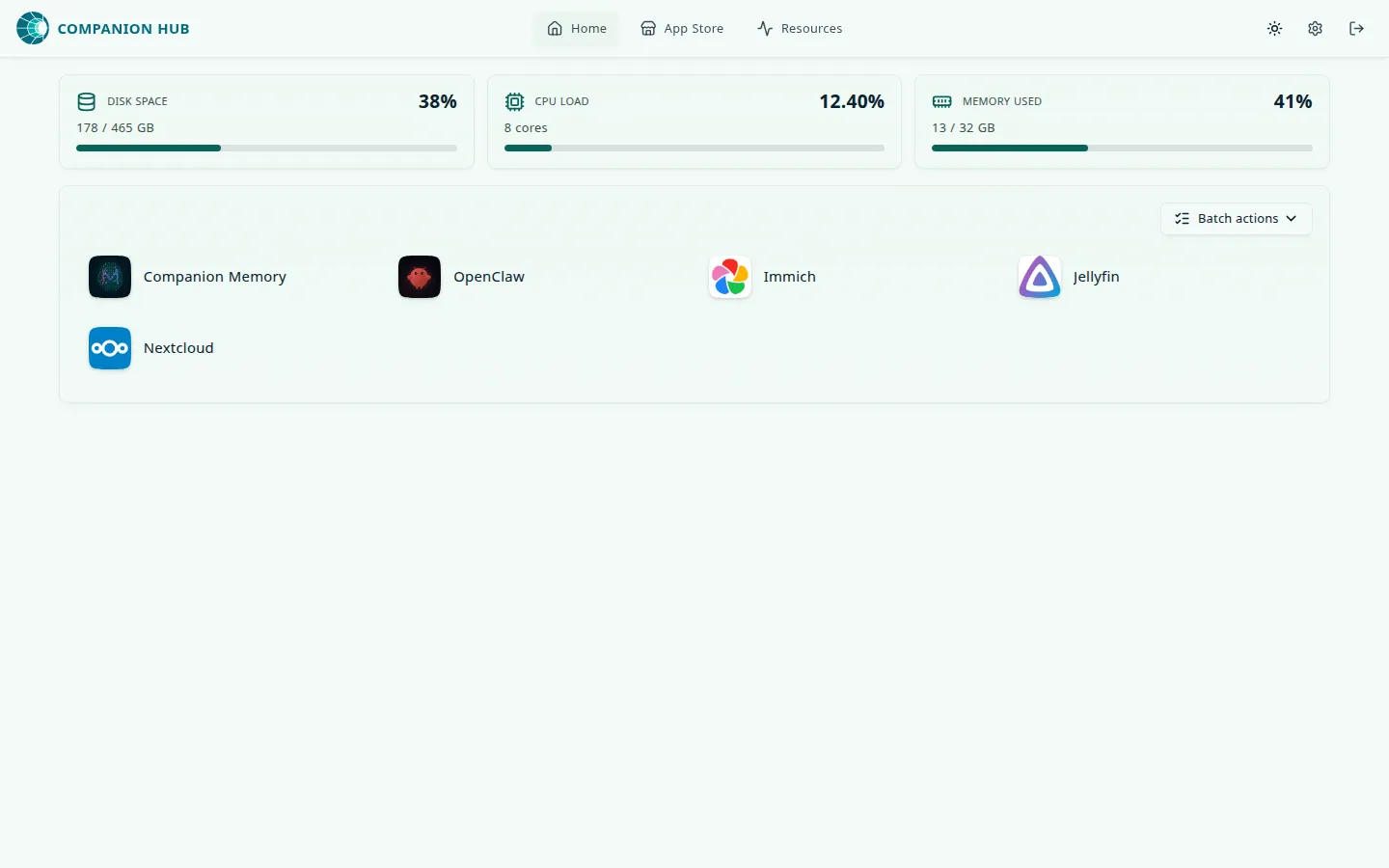
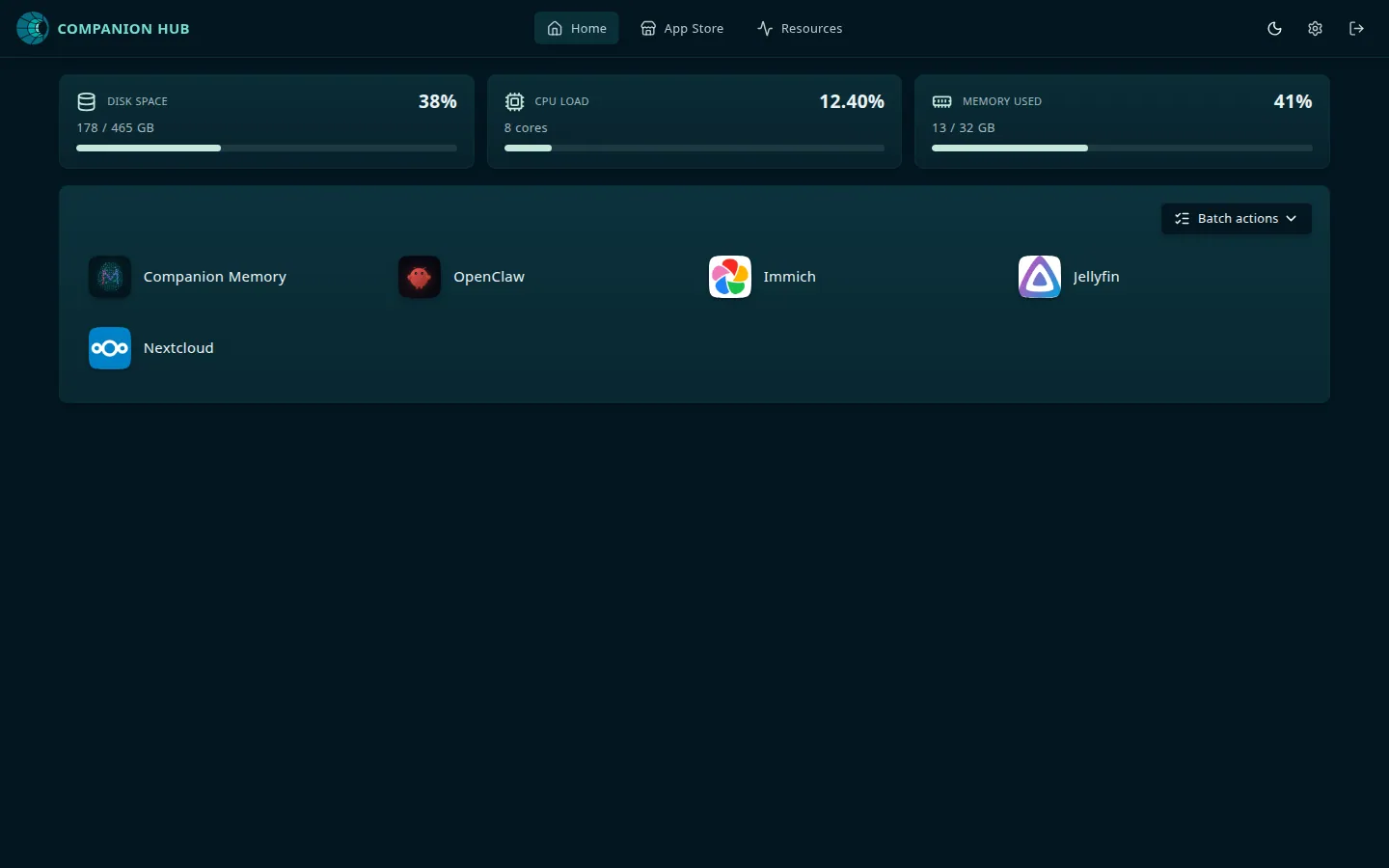
An app’s page has an Access points card with up to three addresses: Public domain, Private VPN, and Local access (“Open this app directly on this machine”). Local access is a direct port on the Hub machine, such as http://127.0.0.1:8301 for Nextcloud, and it works whether or not you’ve connected anything else. From another device on your network, use the Hub’s address and the same port. See Finding your app’s URL.
App not opening? Finding your app’s URL explains where each address comes from and what to check when one doesn’t load.
To access apps from outside your network, use the Cloudflare Gateway for managed public access or Tailscale for private access.