Networking overview
Companion Hub gives you multiple options for accessing your apps, from local-only to fully exposed on the internet.
Three routes lead to the same Hub: the local network needs nothing, Tailscale keeps the path private to your own devices, and the Cloudflare Gateway tunnel gives an app a public URL without opening your router.
flowchart TB
    LAN["Device on your local network"] -->|"http://server-ip:port<br/>no configuration"| HUB["Companion Hub<br/>your apps"]
    TS["Your own devices<br/>Tailscale client"] -->|"mesh VPN<br/>not on the public internet"| HUB
    WEB["Any browser<br/>anyone with the URL"] -->|"public URL"| CF["Cloudflare's network"]
    CF -->|"managed tunnel<br/>provisioned through your CI Account"| HUB
Access methods
The routes differ in who can reach an app, what you sign up for, and who terminates HTTPS. Every cell below is stated on this page or on the route’s own page.
| Route | Local network | Tailscale | Cloudflare Gateway |
|---|---|---|---|
| Reach it from | Your local network only | Anywhere, from your own devices | Anywhere, from any browser |
| Public on the internet | – | – | Yes — anyone with the URL |
| Account you need | – | Tailscale (free Personal plan) | CI Account — no Cloudflare account of your own |
| Port forwarding on your router | – | – | – |
| HTTPS handled by | None — plain http:// | Tailscale Serve, for Private VPN app links | Cloudflare, automatically |
| Setup | Nothing to configure | On a Linux Hub, install Tailscale on the Hub machine and sign in, then check Settings → Network | Pair your Hub with your CI Account, then choose Public Web for an app |
Local network (default)
By default, your apps are only accessible on your local network via http://<server-ip>:<port>. No configuration needed.
Cloudflare Gateway (recommended)
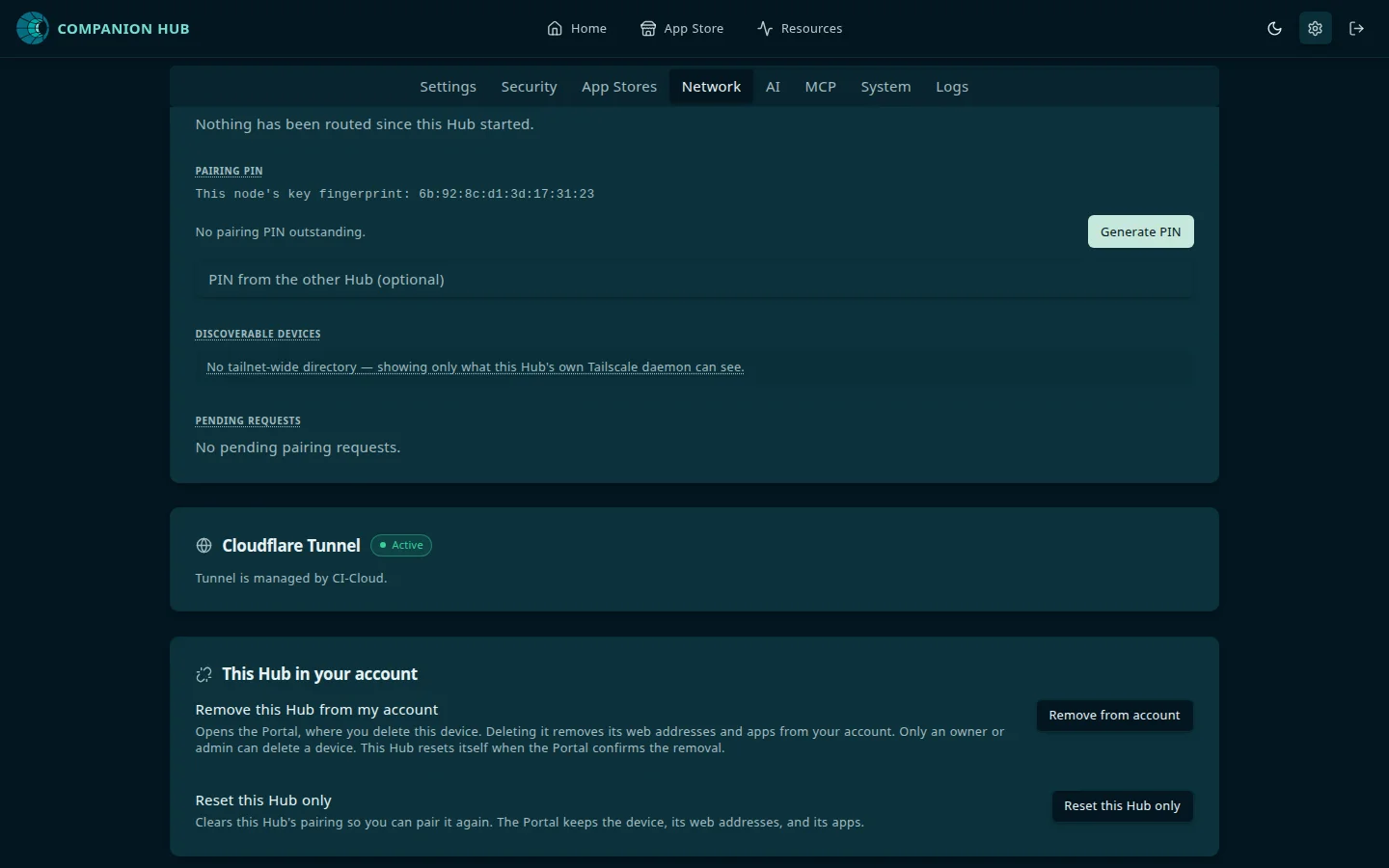
The Cloudflare Gateway creates a secure tunnel through Cloudflare’s network, with no port forwarding required. Pairing your Hub with your CI Account provisions the tunnel, and an app uses it when its Exposure mode is Public Web.
Tailscale
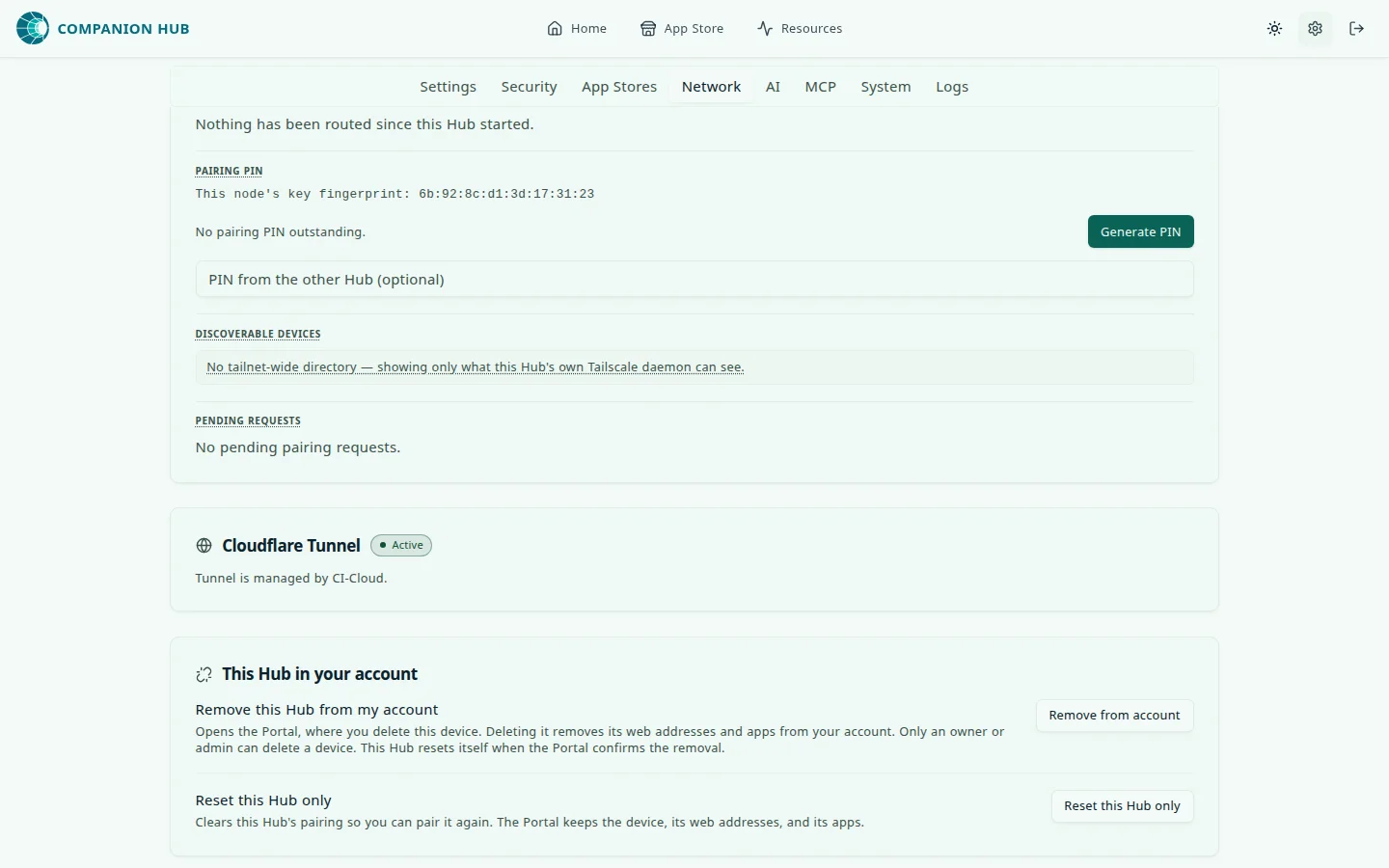
For private access without exposing apps to the public internet, Tailscale creates a secure mesh VPN between your devices. Private VPN works on a Linux Hub; the Tailscale page explains the limit on macOS and Windows.
Manual port forwarding
Production Hubs no longer publish an app by forwarding ports on your router. Use the Cloudflare Gateway or Tailscale, and use a custom domain for an address you own. See Expose your apps.
Pooling inference across Hubs
If you run more than one Companion appliance, Hub Pool lets paired Hubs on the same tailnet serve each other’s AI requests, so a second machine stops sitting idle. It is not an access method — it changes which Hub answers an app’s inference request, not how you reach your apps — and it builds on the Tailscale setup above. To try it, follow Pool two Hubs, a 25-minute walkthrough that ends with a request answered by the second Hub.