✨ Just In Case
Resilience when the internet goes dark. An offline emergency-knowledge search app that keeps preparedness, austere medicine, engineering, and survival references available with zero network connection.
Research project. Just In Case’s own project notes say not to rely on it for real-world use at this time. Its answers come from a small local model reading the documents you load, and it can be wrong. Do not use it in place of trained help or an emergency service.
Install & availability
| Hub App Store | Search Just In Case (app id ci-just-in-case) → Install. See Install from the Hub App Store for the extra steps. |
| Port | 18806 in the store listing. The container listens on 8080. |
| Requires | Companion Hub v0.2.27 or later |
| Architecture | linux/amd64 only. There is no arm64 build. |
| Default Model | Google Gemma 4 E4B Mobile (Q4_0) + Gemini Embedding 2 (EmbeddingGemma) |
| Curated Catalog | 115 verified sources + BitTorrent ZIM & video archives |
Zero-network operation. Once models and documents are provisioned to the
jic-sources and jic-data volumes, Just In Case operates with complete
independence from external networks, APIs, or cloud infrastructure.
Overview
Just In Case is a locally-hosted offline emergency-knowledge search appliance. It bundles a verified manifest of 115 curated preparedness sources — military field manuals, austere medicine guides, food preservation techniques, water/power engineering handbooks, emergency communications protocols, and civil resilience documents — and makes them searchable in natural language with source-grounded citations.
It is powered by llama.cpp for in-process LLM inference and embeddings, MuPDF for native document text extraction, and SQLite with sqlite-vec and FTS5 for Reciprocal Rank Fusion (RRF) hybrid search.
- Core profile
- ~350MB
- The default download; ZIM and video profiles are optional extras.
- from tiered profiles
- Default GGUF models
- ~4.6GB
- Gemma 4 E4B Mobile (about 4.3 GB) plus EmbeddingGemma (about 265 MB), fetched once.
- from quickstart
Content Library & Tiered Profiles
Content is acquired using the built-in content fetcher (fetch-source-data.sh) supporting tiered download profiles:
| Profile | Footprint | Content Scope | Command |
|---|---|---|---|
core (default) | ~350 MB | 115 curated emergency PDFs and TXTs across all 9 primary functional categories. | ./helper-scripts/fetch-source-data.sh --profile core |
emergency-zims | ~20 GB | Kiwix .zim archives: MDWiki, Ready.gov, iFixit Repair Guides, Wikipedia Medicine, MedlinePlus, FAS Tactical Medicine. | ./helper-scripts/fetch-source-data.sh --profile emergency-zims |
full-zims | ~240 GB | Full-scale encyclopedias: English Wikipedia Maxi (110 GB), Project Gutenberg (77 GB / 70k books), WikiHow Illustrated (51 GB), TED Talks. | ./helper-scripts/fetch-source-data.sh --profile full-zims |
kalite | ~40 GB | KA-Lite consolidated offline educational library (15,414 instructional MP4 videos and thumbnails). | ./helper-scripts/fetch-source-data.sh --profile kalite |
The default profile is a small fraction of the optional archives, which is why the larger ones come with BitTorrent distribution:
BitTorrent & Magnet Distribution
For multi-gigabyte corpora, JIC includes a zero-dependency BitTorrent creator (helper-scripts/create-torrent.py) that can package arbitrary local folders into .torrent files and magnet URIs with public tracker fallbacks.
Categorization & Knowledge Areas
The 115 curated documents cover 9 core domains:
100_Survival: FEMA disaster checklists, US Army Survival FM 21-76, Map Reading FM 3-25.26, Kearney Nuclear War Survival Skills, FM 5-103 Survivability & Fortifications, FEMA CERT manual.200_Medical: Hesperian Where There Is No Doctor / Dentist / Women, Emergency War Surgery (5th Ed), Austere Medicine, Special Operations Forces Medical Handbook (ST 31-91B), Emergency Childbirth.300_Food: USDA Complete Guide to Home Canning, Peace Corps ICE agricultural series (Field Crops, Soils, Grain Storage, Animal Traction, Fish Pond Culture, Beekeeping).400_Engineering: NREL Solar Resource, VITA Village Technology, Gravity-Flow Water Systems, SODIS, Army TMs (Hand Tools, Welding, Machine Tools, Hydraulics, Electrical, Plumbing FM 5-420, Roads FM 5-430, Generators).500_Comms: ARRL Emergency Comms, CISA NIFOG v2.02, CISA AUXFOG, FCC Part 97 Amateur Radio, FM 24-18 Tactical Radio, FM 24-19 Radio Operator’s Handbook.600_Education: OpenStax Elementary Algebra, Anatomy & Physiology 2e, College Physics 2e, Chemistry 2e.700_Social: Universal Declaration of Human Rights, US Constitution, Federalist Papers, King James Bible.800_Software: Think Python 2e, Think OS, Eloquent JavaScript 3e, Pro Git 2e.900_Transport: TM 9-8000 Automotive Vehicles, FM 21-305 Wheeled Vehicle Driver, FM 20-22 Vehicle Recovery, NAVEDTRA 14050 Construction Mechanic, USCG Seamanship & Navigation.
Architecture
flowchart LR
    B["Browser / Mobile Client"] -->|":8080"| S["jic-server
UI · /query · /status · /api/library"]
    S <--> DB[("jic-data volume
SQLite: vec0 + FTS5")]
    S --> V[("jic-sources volume
PDF · TXT · ZIM library")]
    I["jic-ingestion
MuPDF → chunk → embed"] --> V
    I --> DB
    F["content-fetch
(profile selector)"] -->|"sources.yaml & Torrents"| V
    M[("./gguf_models
read-only")] -.-> S & I
Install from the Hub App Store
The Hub app runs the same container as the Docker Compose route below. Its definition gives the container two folders from the app’s data directory: data, which holds the search index, and gguf_models, which holds the language and embedding models. The app does not download models and does not include the content fetcher, so a fresh install has no models and no documents.
Install
Search for Just In Case in the Hub App Store and install. The install form has no options.
Add the two model files
Place gemma-4-E4B-it-Q4_0.gguf (about 4.3 GB) and embeddinggemma-300M-qat-Q4_0.gguf (about 265 MB) in the app’s gguf_models folder, which is inside the app’s folder under app-data (see Folder structure). The download addresses are in helper-scripts/fetch-models.sh in the JustInCase repository . Then restart the app.
Open the app and check its status
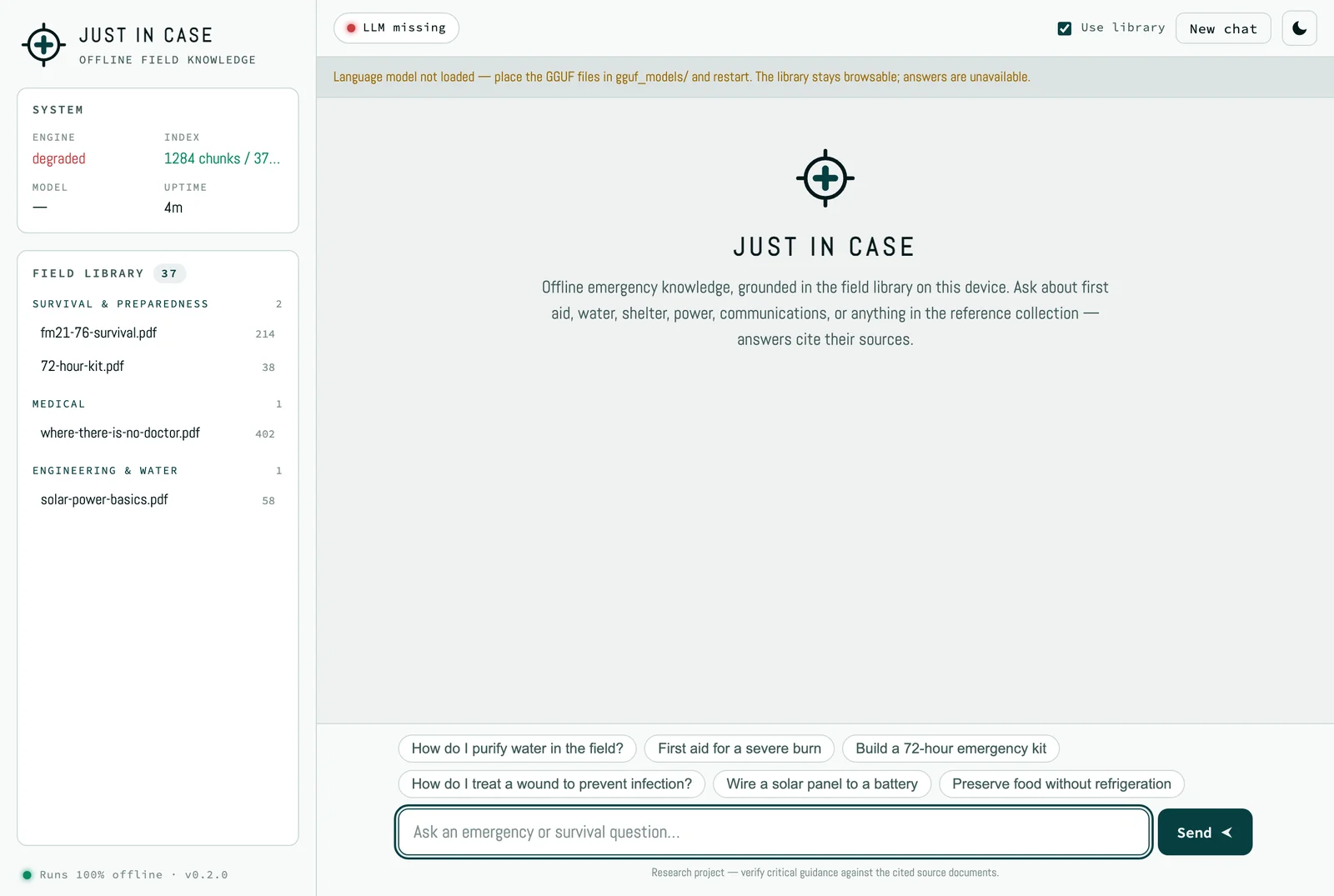
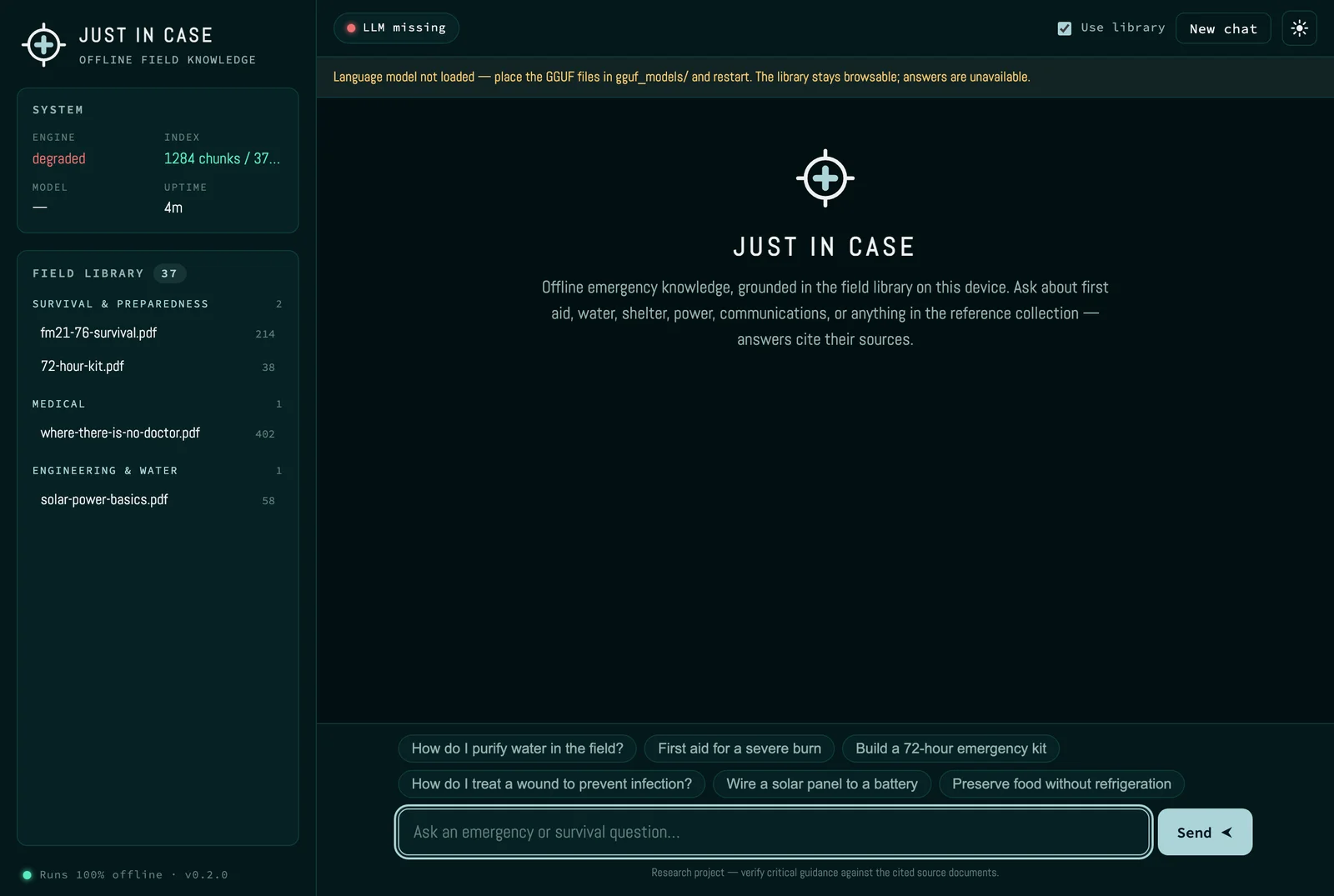
Open Just In Case from its card on the Hub dashboard. Until both model files are present, the page opens but shows LLM missing and the message Language model not loaded — place the GGUF files in gguf_models/ and restart. The library stays browsable, and answers are unavailable.
Load documents
Load the curated library with the Docker Compose route below, or add your own PDFs and text files to a category folder under the app’s public/sources directory. The Hub app does not currently keep that directory outside the container, so documents you add there can be lost when the app is recreated.
Setup & Quickstart
This route runs from a clone of the JustInCase repository on any machine with Docker and Docker Compose, and needs about 4 GB of disk for models plus room for your library.
Fetch Models
Download the default GGUF models (~4.6 GB total):
./helper-scripts/fetch-models.shLaunch Container Stack
Start the server and background ingestion watcher:
docker compose up --build -dPopulate Knowledge Library
Fetch the default curated emergency catalog:
docker compose --profile fetch run --rm content-fetchVerify and Query
Open http://localhost:8080 or execute an API query:
curl -s -X POST http://localhost:8080/query \
  -H "Content-Type: application/json" \
  -d '{"query": "How do I purify surface water with chlorine bleach?"}'
Links
- JustInCase repository — public
- Folder structure — where Hub keeps each app’s data
- Spellbook
- Kiwix Upstream Mirrors