First-Party Apps
This section covers the apps, interfaces, and tools that tie the wider platform together around local memory, agents, and user-facing device experiences — the software built and maintained by Companion Intelligence, plus the integrations we maintain for third-party agents and devices.
Several apps are in active development or closed preview. Check each app’s page for current availability.
How to read this section
Think of the ecosystem in four groups:
- Core platform — the memory foundation and its supporting tooling, built by Companion Intelligence
- Companion integrations — third-party agents and devices we didn’t build, connected to your hub through integrations we maintain
- Client apps — first-party desktop, mobile, and browser interfaces
- Companion experiences — first-party apps and XR/immersive interfaces built on the same platform
If you are new, start with the core platform and then branch into the client surfaces that matter for your setup.
Platform overview
The Companion Intelligence product suite is organized as layered infrastructure and clients. Clients connect back to the intelligence services, and Hub runs those services locally:
flowchart TB
    accTitle: Platform overview: Companion clients connect back to intelligence services, which run on the platform foundation
    C["Companion clients<br/>Browser · Desktop · Mobile · Wearables · XR"]
    I["Intelligence services<br/>Companion Memory · Companion Agents"]
    F["Platform foundation<br/>Hub · CI Account · Marketplace"]
    C -->|"connect back to"| I
    I -->|"run on"| F
App data stays on your hardware. Hub runs the local services. Your CI Account is required for pairing, remote access, and Organizations. Companion clients connect back to that Hub.
Companion sites
Every Companion site that is live on the web is linked here. Each has a docs page, and each docs page links back to its site. The main site, ci.computer , is where you buy a Companion Core and download Companion Hub.
Try in your browser
- Companion Spatialxr.ci.computerA phone-first augmented-reality app that overlays nearby places, history, and weather on your camera view.Open site Read the docs
- Photo Time Machinephoto.ci.computerA viewer that turns an image, image set, or video into a shareable 3D model. You point it at a server you run.Open site Read the docs
- Virtual Homeshomes.ci.computerThirty homes, each built live in your browser from one spec file. Fly the camera paths and change the hour.Open site Read the docs
- Spellbookmagic.ci.computerA searchable catalog of local-AI and self-hosting tools, organized by the job you are doing.Open site Read the docs
Set up a device
- Home Assistant Voice PEha.ci.computerA guided setup, built in your browser, that connects a Home Assistant Voice PE to your Companion.Open site Read the docs
- Even Realitieser.ci.computerThe Setup & Connect page for CI Companion on Even Realities G2 glasses. Developer preview.Open site Read the docs
- Mentra Livementra.ci.computerThe setup guide, settings-file builder, and demo for Companion for Mentra glasses. Developer preview.Open site Read the docs
- Pebblepebble.ci.computerRecall and search your Companion Memory from your Pebble. Developer preview.Open site Read the docs
Even Hub , the Even Realities developer portal, is a third-party site. The Even Realities page explains how CI Companion uses it.
Core Platform
Built and maintained by Companion Intelligence — the memory foundation and the tooling around it.
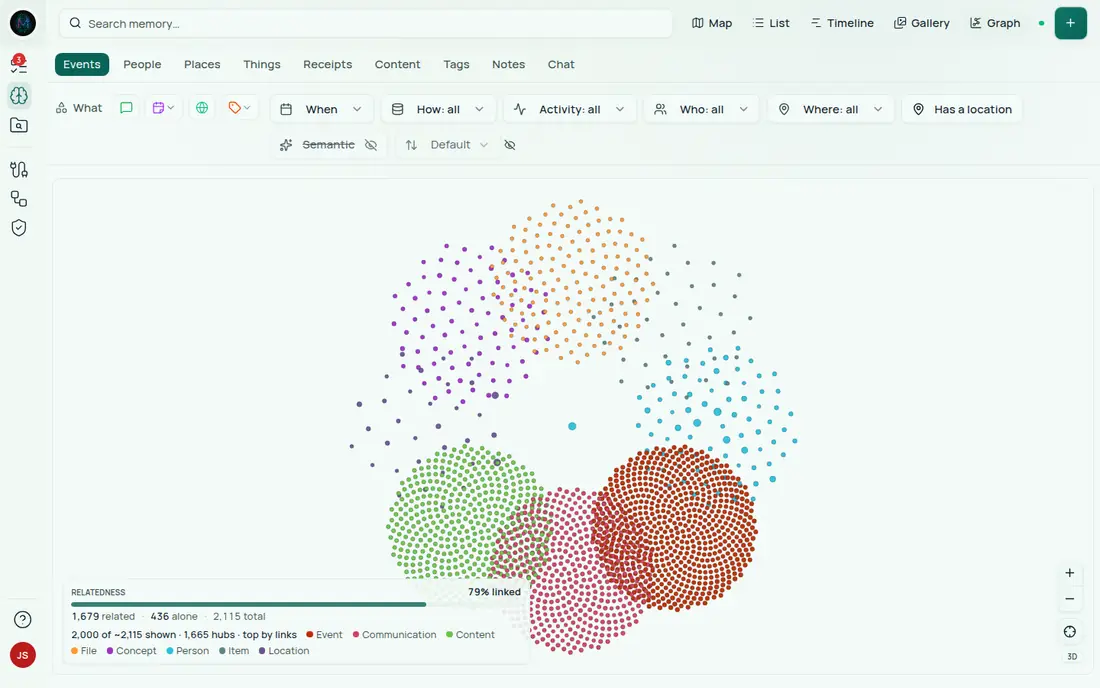
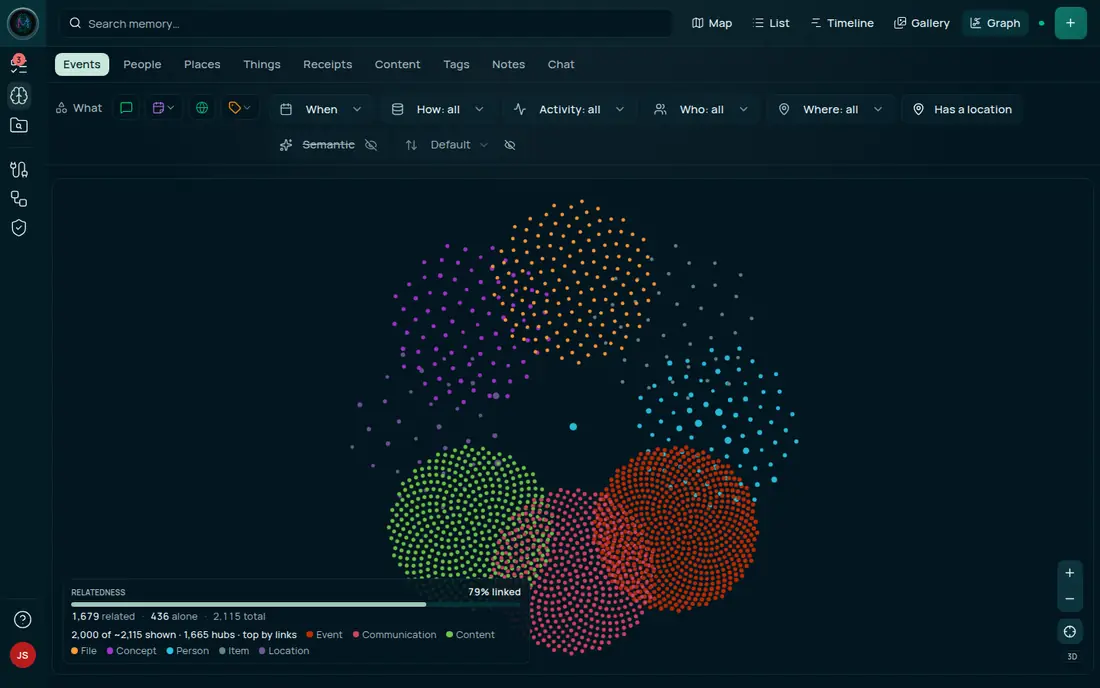
Personal Digital Twin database & lifelogging engine · Preview
🧬 Companion Memory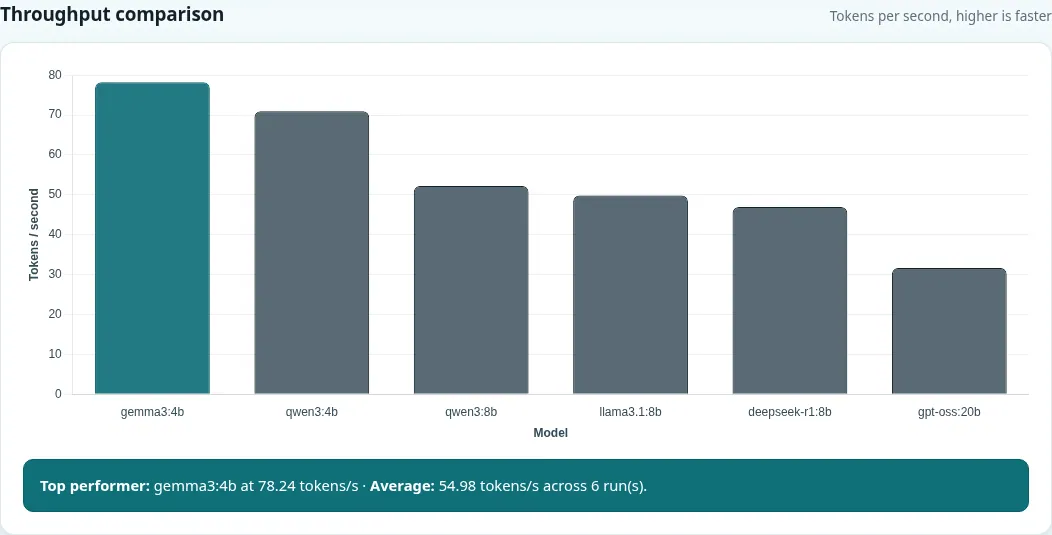
LLM performance benchmarking on local hardware · Available
💫 Local BenchBuild & deploy isolated static containers · Available
🟢 Static Container BuilderOptimized local caching for tool deployments; the Hub app is a status page and the tooling isn’t public yet · Developer preview
🌌 Tools Cache MountData import is built in, not a separate install: the standalone Import Tools app was retired in August 2026, and migrating cloud data and social accounts — including media and file uploads — now runs inside Companion Memory itself.
Companion Integrations
Third-party agents and devices — we didn’t build these products or their platforms, but we maintain the integrations that connect them to your hub and Companion Memory.
Coding & computer-use agent wired into Companion Memory · Available
🦀 OpenClaw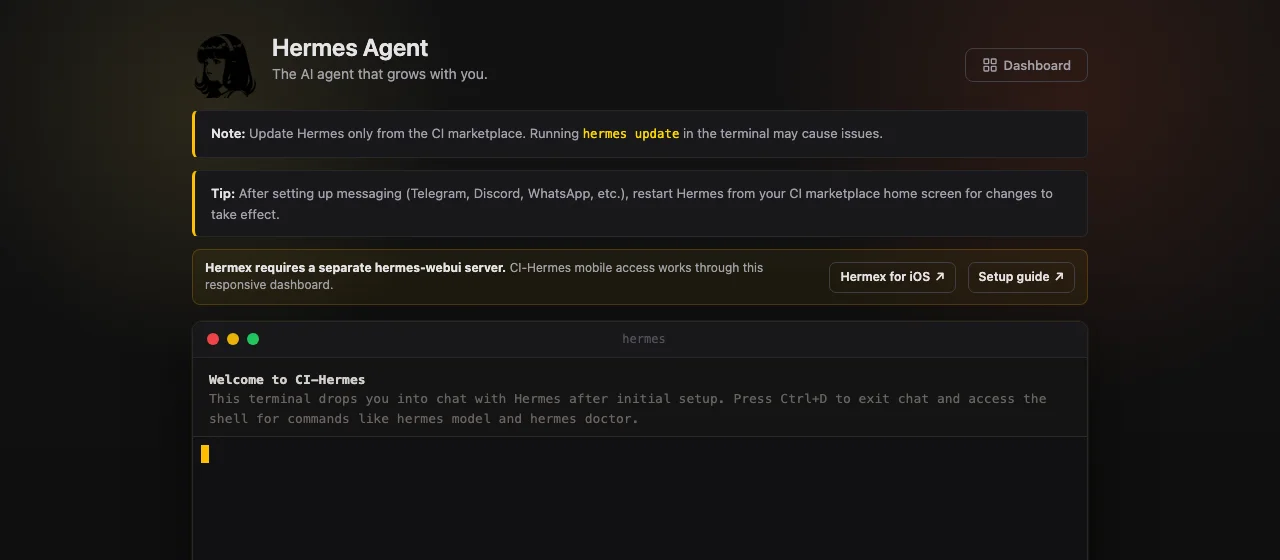
Conversational reasoning agent with memory access · Available
⚡ HermesVoice companion for Mentra smart glasses, with optional Companion Memory recall · Developer preview
🕶️ Mentra Live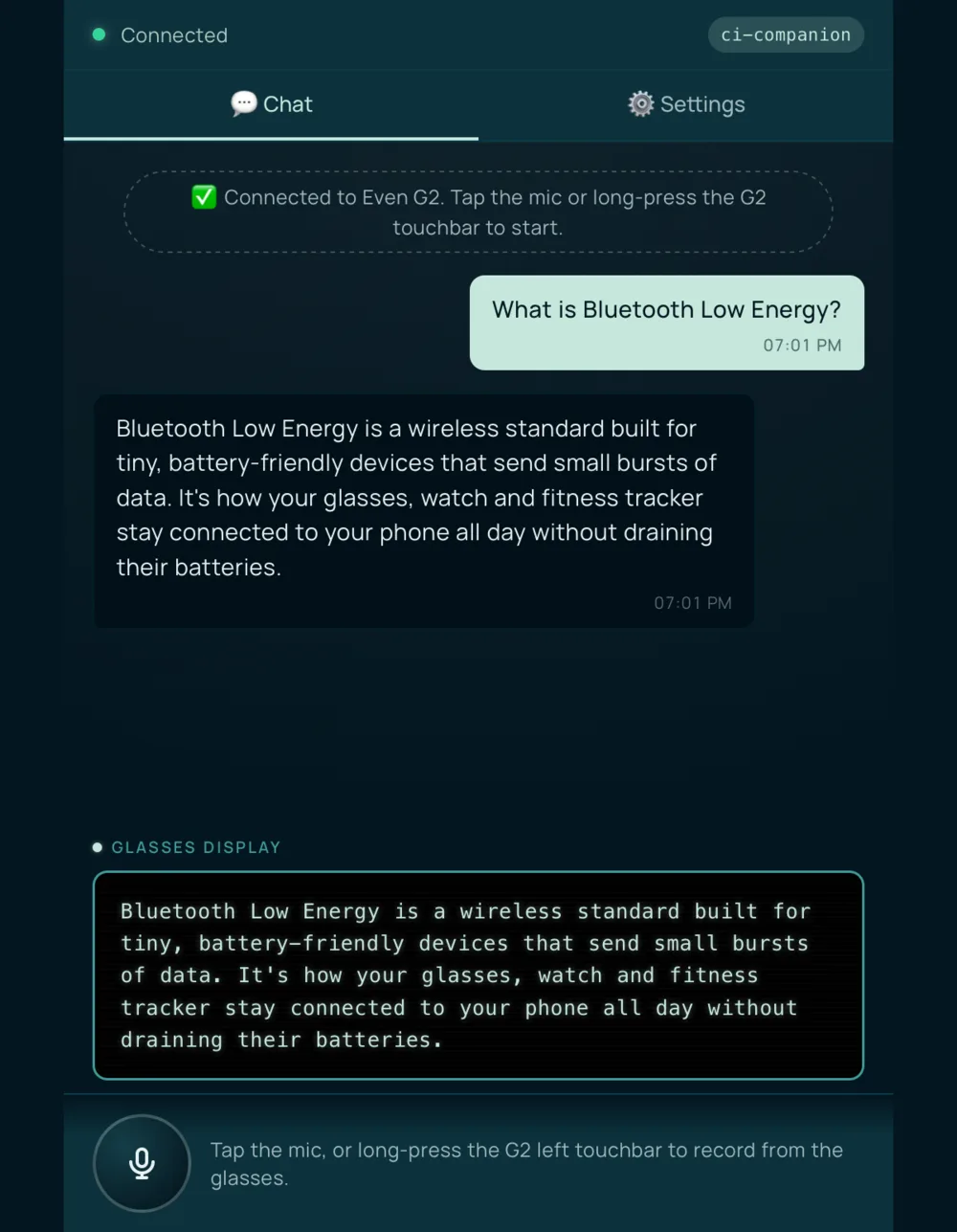
Heads-up access to your local AI on Even Realities G2 glasses · Developer preview
🛰️ Even RealitiesEdge vision detections sent to your Companion Memory · Prototype
👽 Sipeed MaixCAMDeveloper backend for Omi DevKit hardware, not connected to Companion Memory yet · Prototype
👓 Omi (prototype)Recall and search your Companion Memory from your wrist · Developer preview
⌚ PebbleYour Voice PE, answered by your Companion · Available
🎙️ Home Assistant Voice PEClient Apps
First-party interfaces for your desktop, phone, and browser.
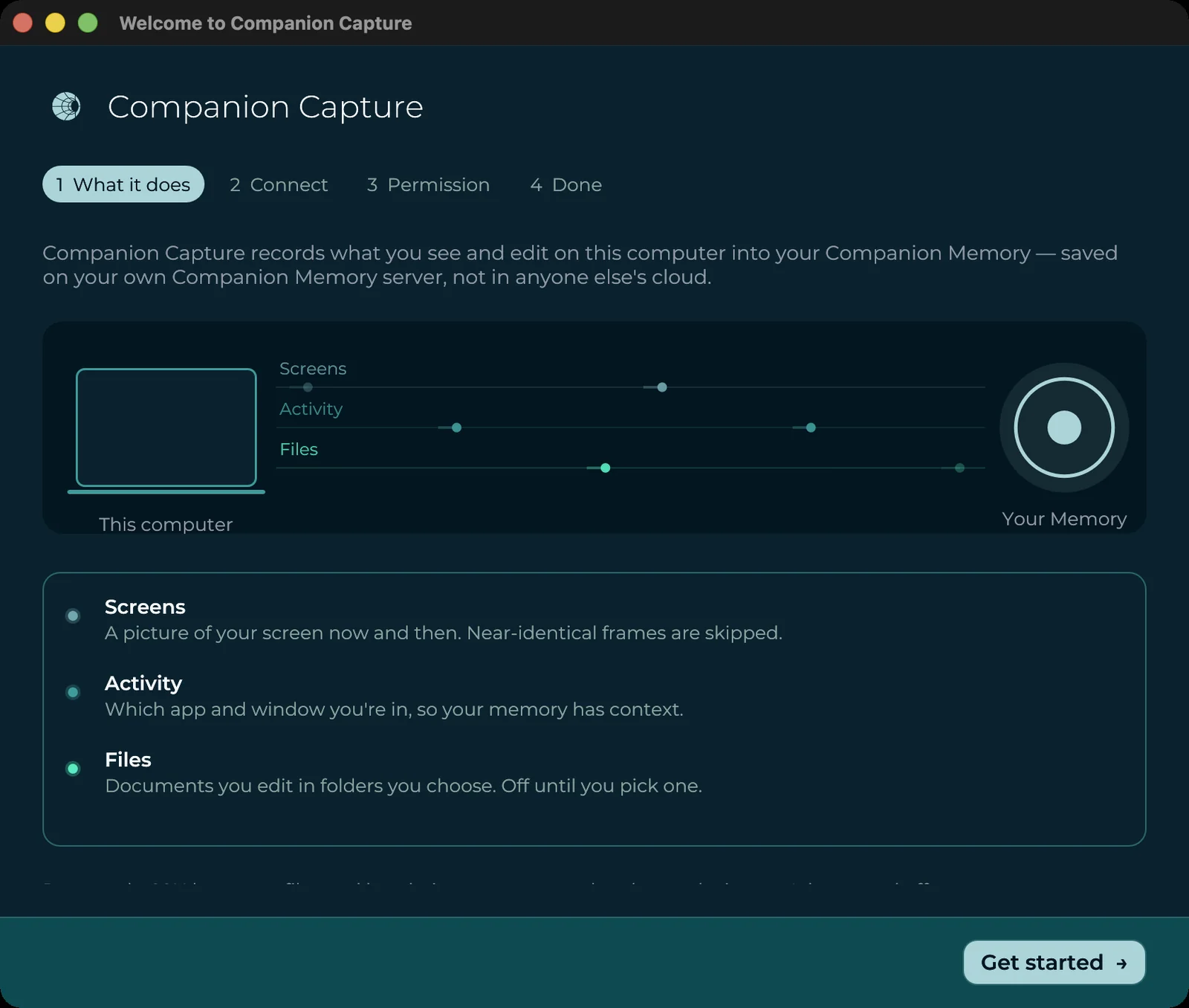
Menu-bar and system-tray capture app → Companion Memory (formerly Desktop Applet) · Pre-release
🖥️ Companion CaptureNative iOS & Android client for your Companion Memory · Closed preview
📱 Mobile App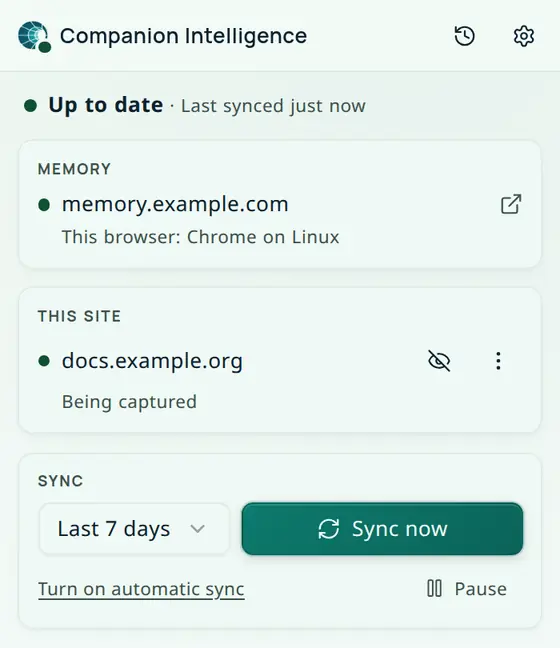
Send browsing history and highlights from Chrome, Firefox, Edge, and Brave to your Companion Memory · Available
🌐 Browser ExtensionsCompanion Experiences
First-party apps and XR/immersive interfaces built on the same platform.
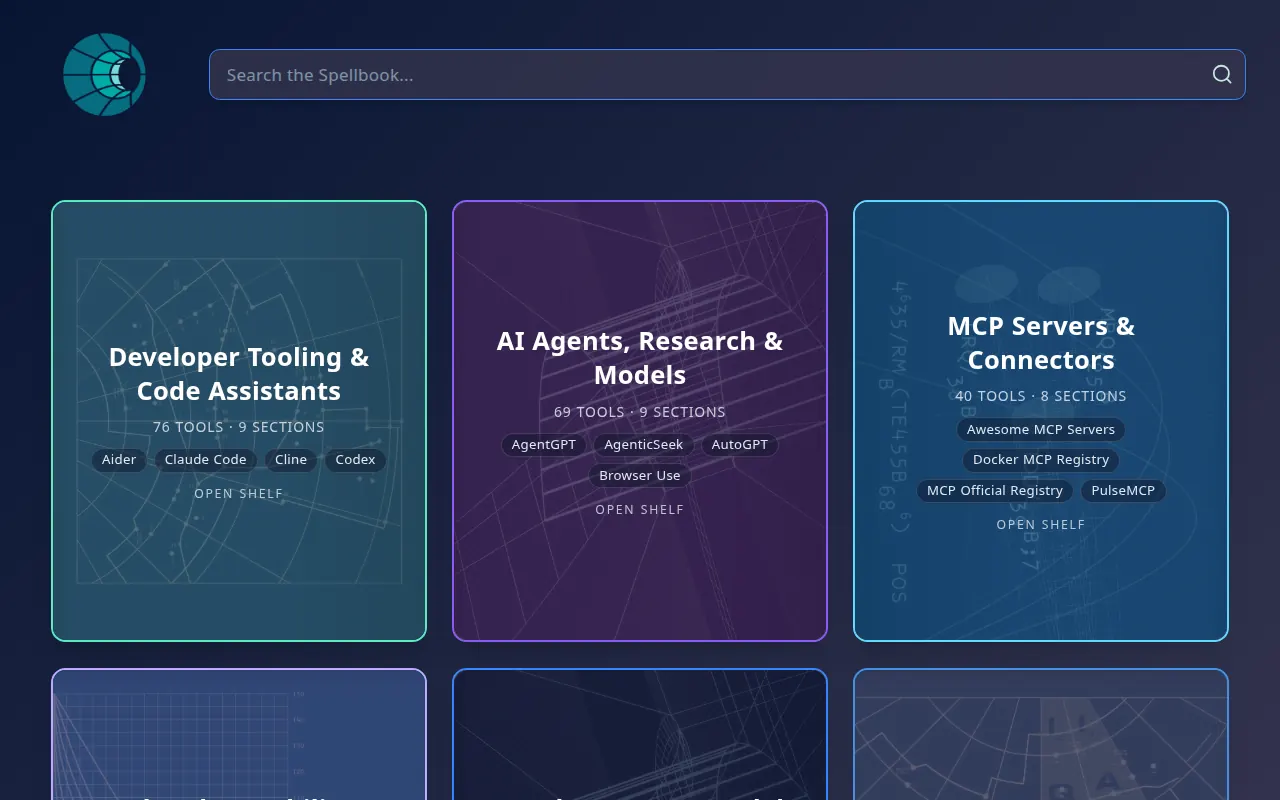
Searchable offline catalog of 797 local-AI and self-hosting tools · Available
📡 SpellbookLocal-first todo & planning app with an auto-scheduler · Available
📋 Companion PlanningOffline LLM survival & preparedness search (research project) · Available
✨ Just In Case
Embodied AI avatar for browsers, WebXR headsets, and visionOS · Available
🤖 Avatar Companion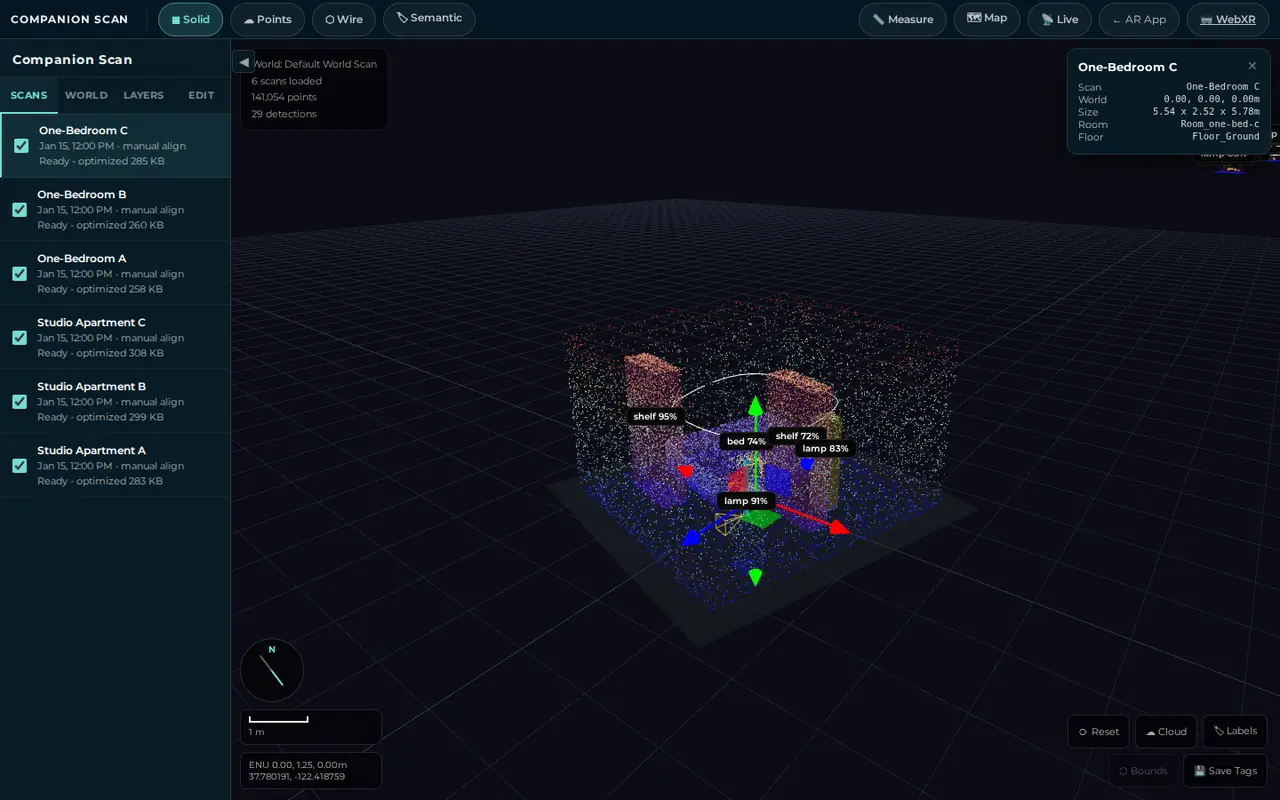
Place-first AI 3D scanning and spatial editing; object labels need an Ollama vision model · Available
🥽 Companion Scan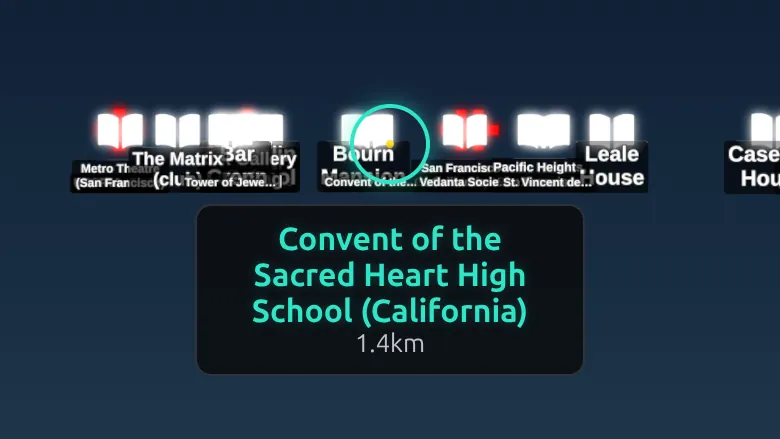
Phone-first augmented reality that overlays nearby places, history, and weather · Available
🚀 Companion Spatial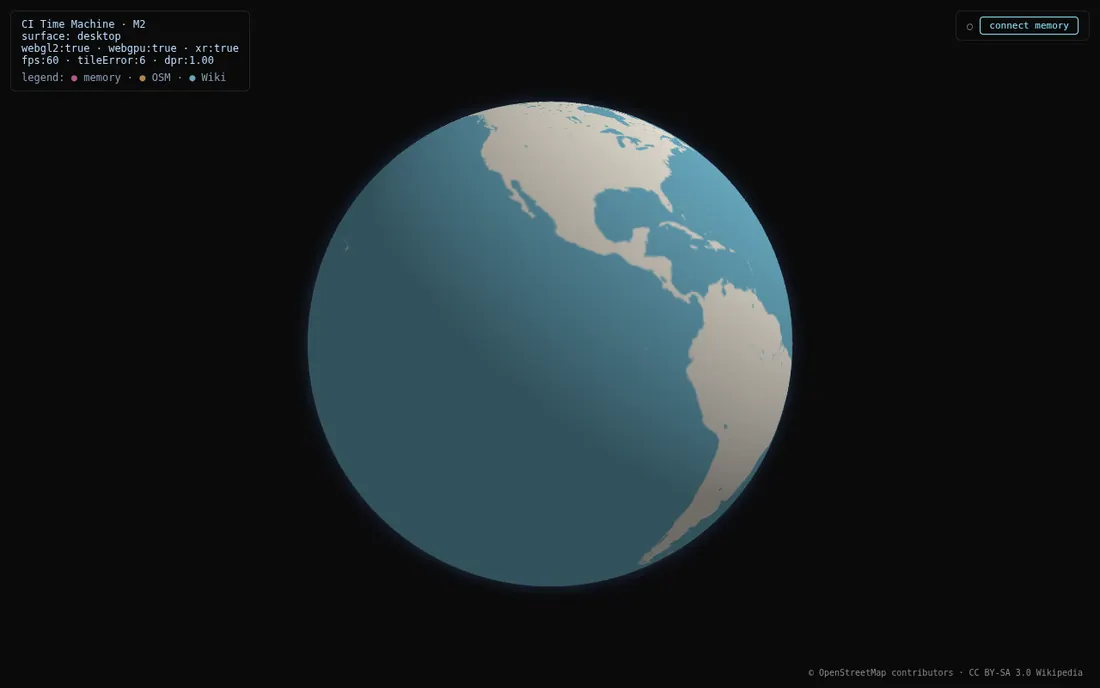
3D globe demo of the spatial photo experience to come; needs internet access for map tiles · Available (demo mode)
☄️ Photo Time MachineThirty homes, each built live in your browser from one spec file, with a Companion Core on every desk · Available on the web
🏠 Virtual Homes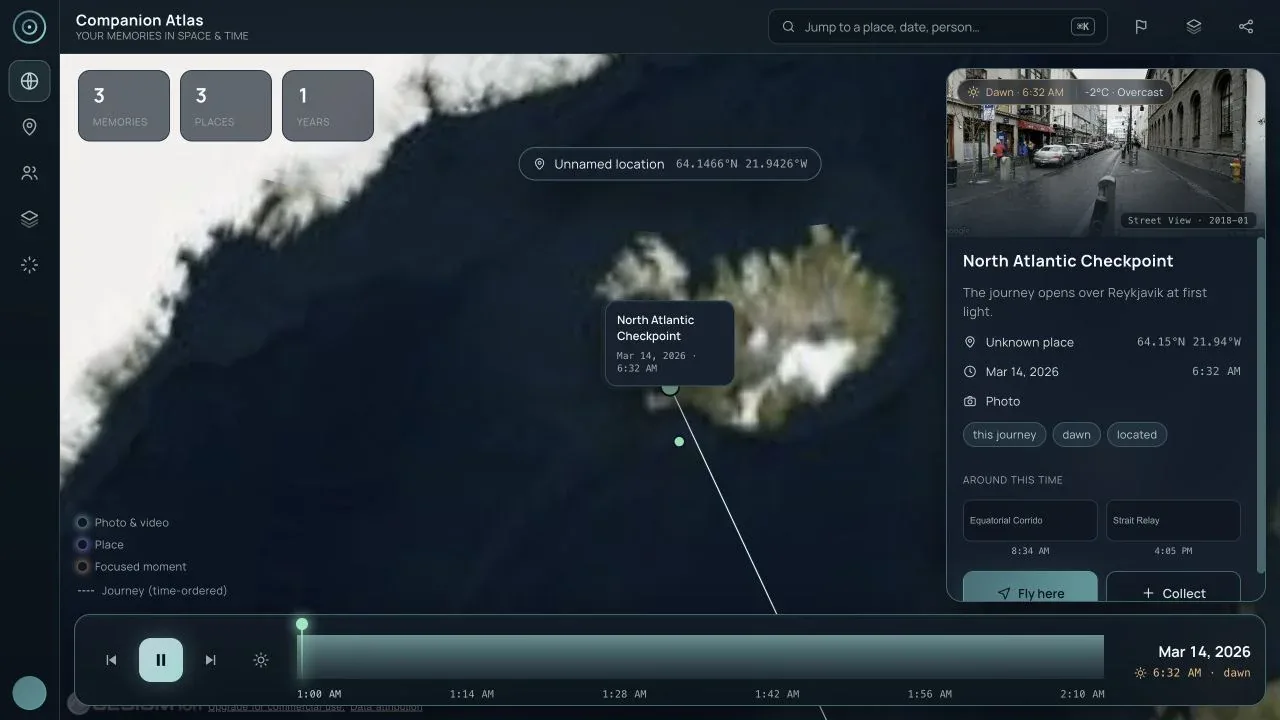
Memory globe + scrapbook time machine · Pre-release (not in the Hub App Store yet)
🪐 Companion Atlas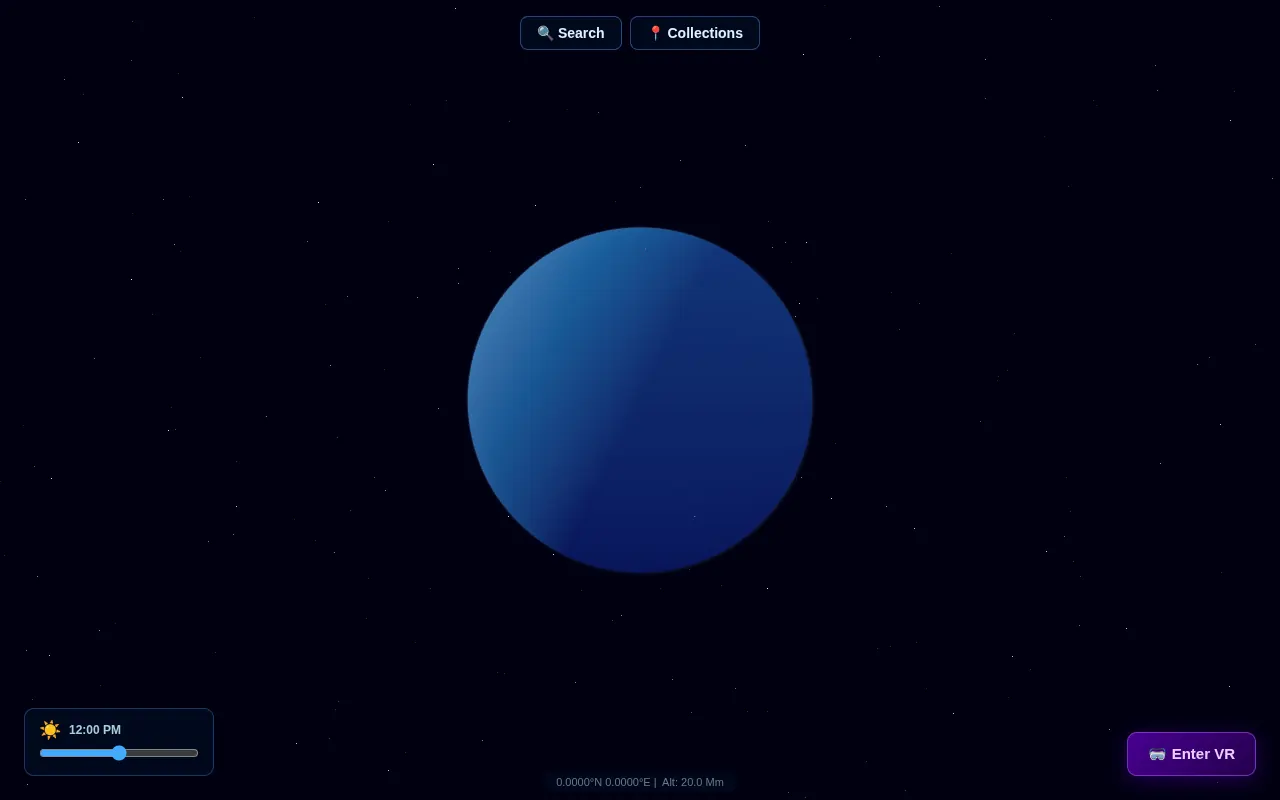
Interactive 3D globe you can search and pin (superseded by Companion Atlas) · Deprecated
🔭 Earth