Finding your app’s URL
You installed an app and it says Running. What do you type in the address bar?
The short answer: open the app’s page and look at its Access points card — it shows every address Hub has for the app and whether each one works right now. The Open button uses the best one.
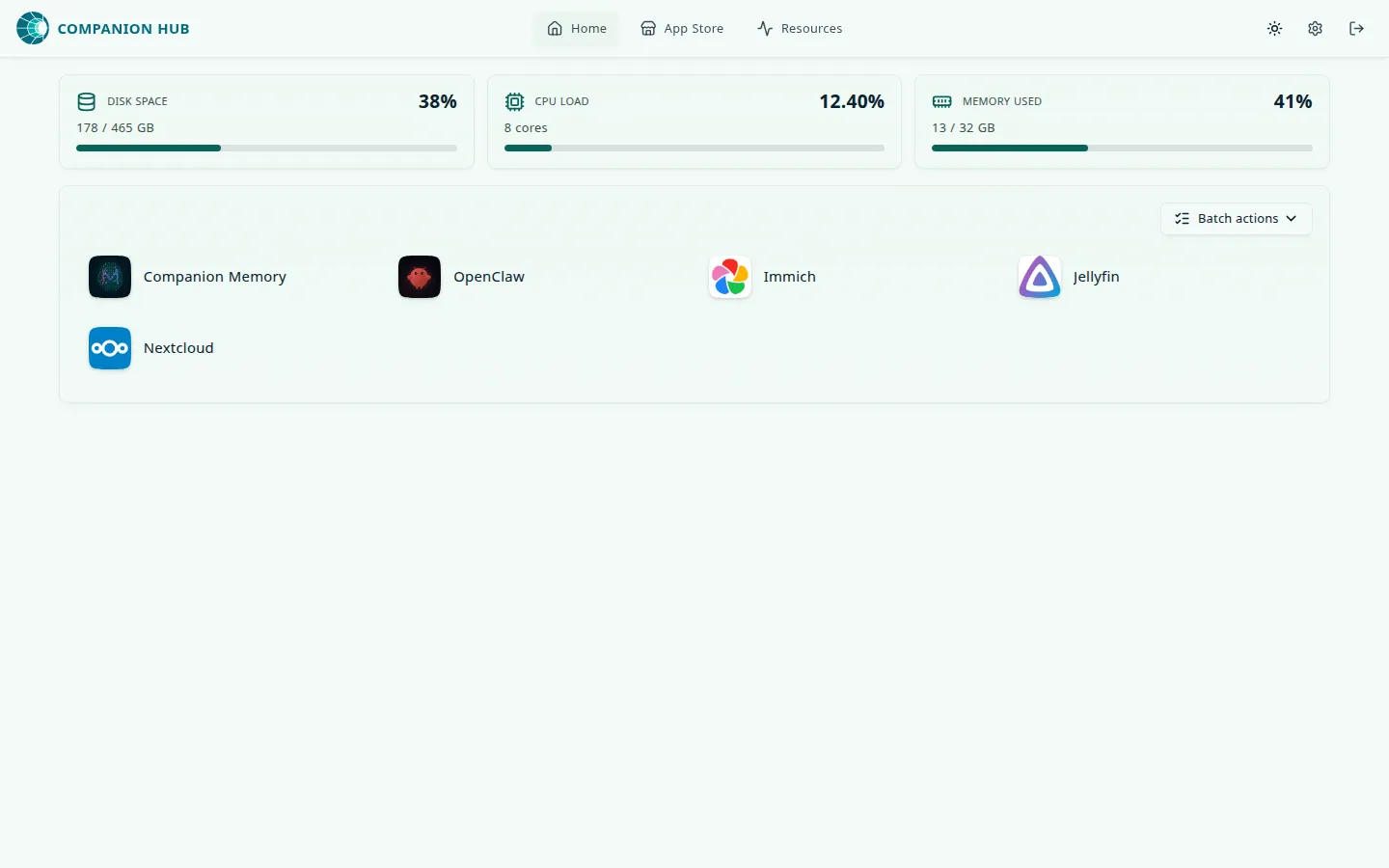
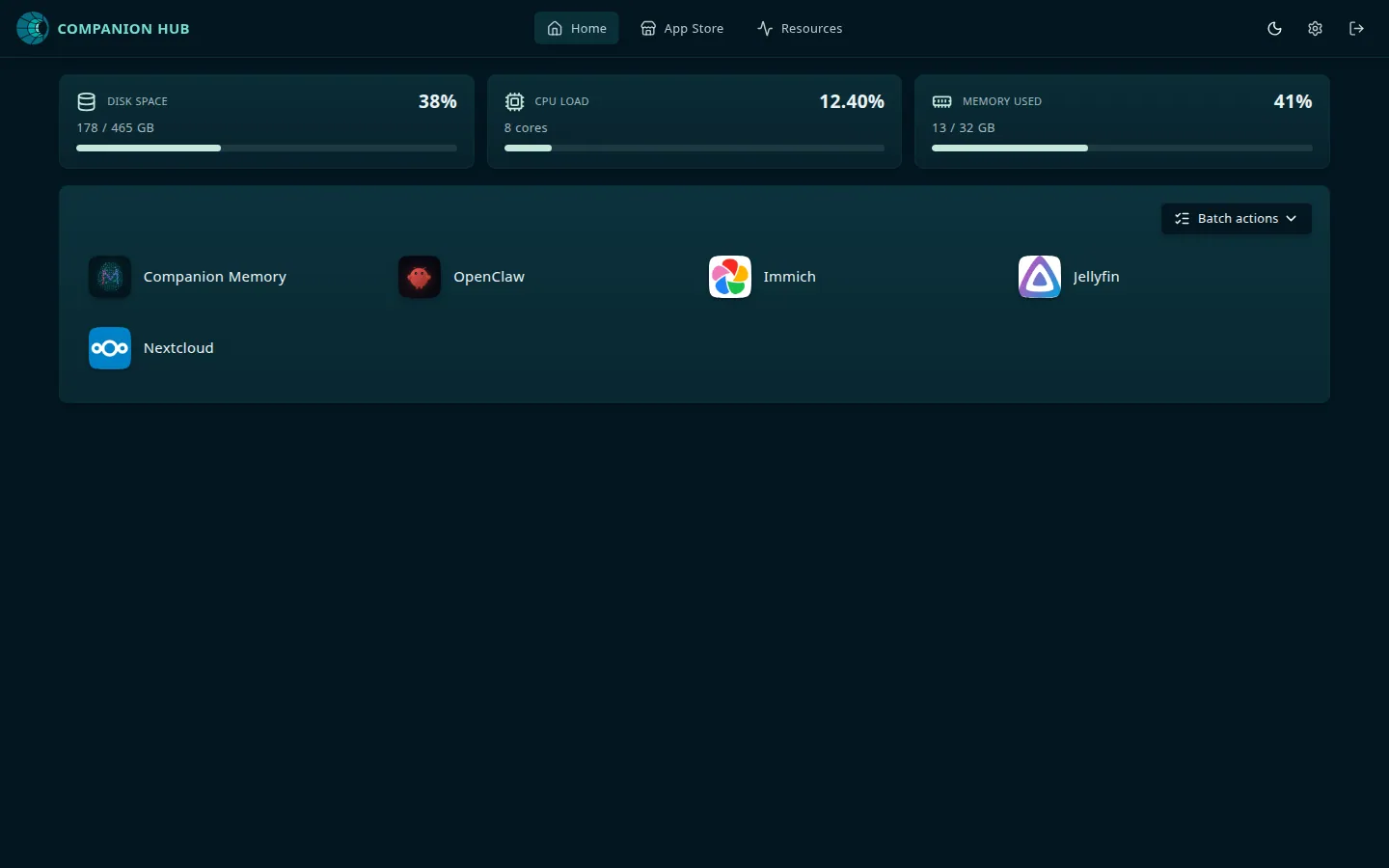
Three ways to reach an app
Every app has up to three access points. Local access needs nothing else; the other two depend on how you’ve connected your Hub.
| Access point | What it is | Looks like | Works when |
|---|---|---|---|
| Local access | The app’s direct port on the Hub machine. Hub describes it as “Open this app directly on this machine.” | http://127.0.0.1:8301 on the Hub machine, or http://<hub-address>:8301 from another device | The app is running |
| Private VPN | The app over your Tailscale network, with HTTPS | https://<hub-name>.<tailnet>.ts.net:8301 | Tailscale is connected, HTTPS certificates are enabled on your tailnet, and the app’s port is published |
| Public domain | The app on the public web through the Cloudflare Gateway | https://<app>-<hub>-<org>.<zone>, for example a zone such as ci0.pw | The Hub is paired and the app’s Exposure mode is Public Web |
Each entry shows a status: Enabled, Pending, Refused, Not configured, Unavailable, or Local only (the app can’t be exposed publicly). Only an Enabled route has a live address, an Open button, and a copy button. Local access is the one that always works, so start there.
The routes side by side:
flowchart LR
    B["Your browser"] -->|"Local access<br/>http://127.0.0.1:8301"| A["App container"]
    B -->|"Private VPN<br/>https://hub.tailnet.ts.net:8301"| V["Tailscale Serve"]
    B -->|"Public domain<br/>https://app-hub-org.zone"| C["Cloudflare tunnel<br/>and Traefik"]
    V --> A
    C --> A
If an address doesn’t load, fall back to Local access. If that works, the app is fine and the problem is in the Tailscale or Cloudflare route.
Open an app from another device
Local access uses 127.0.0.1 when you’re on the Hub machine. When you open the dashboard from another device — for example at http://192.168.1.20:5002 — Hub uses the address that device used to reach it, so the entry reads http://192.168.1.20:8301. Select Show QR code to open the app on your phone; Hub offers a code only for addresses another device can reach.
Hub publishes the port of agent apps (OpenClaw WebCLI and Hermes) and of apps with no login of their own on the Hub machine only. Their Local access address works on the Hub machine, and no QR code is offered. Reach them from other devices through Private VPN or Public domain.
Check what state the app is in
Confirm the app is running
cihub app statusThe app’s page also shows its status. An app that’s Installing, Starting, or Stopped has no live address yet.
Try Local access on the Hub machine
Use the address in the Local access entry, for example http://127.0.0.1:8301. If it loads, the app is healthy.
Check the route that failed
- Private VPN says Pending or Not configured — Tailscale isn’t connected, HTTPS certificates aren’t enabled on your tailnet, or the port isn’t published yet. See Tailscale.
- Private VPN says Refused — Tailscale refused the Hub’s changes, because the account the Hub runs as isn’t the computer’s Tailscale operator. Open Settings → Network, run the command it shows, and the app publishes within five minutes. See Tailscale refused the Hub’s changes.
- Public domain says Not configured — the Hub isn’t paired yet, or the app’s Exposure mode isn’t Public Web. Pairing sets up the tunnel; the app’s own settings decide whether it uses it. See Cloudflare Gateway.
While an app is starting
Through the Public domain address, an app that is still starting shows <App> is starting… instead of Bad Gateway. The page reloads itself every five seconds and opens the app as soon as it answers. Hub treats an app as starting for two minutes after it last changed state or the Hub itself started. After that, the page reads <App> isn’t responding, with an Open <App> in Companion Hub button on a paired Hub. The Local access address goes straight to the app’s port and shows your browser’s own error instead. See An app’s address says it is starting.
The Local domain setting
Settings → General settings → Local domain is not the address you type to open a local app. Hub opens local apps by port, as above. The setting routes traffic from the Cloudflare tunnel to Traefik for apps you expose to the public web, and it defaults to localhost. Leave it alone unless you’re working through Link a domain to your dashboard.
The field’s hint text still says apps are reachable at
app-name.local-domain. That hostname is not a local address on current
versions of Hub.
For HTTPS on your LAN, see Local SSL certificate. For access from outside your network, see Networking.