Companion Hub MCP
Companion Hub exposes a Model Context Protocol server that lets an agent manage the appliance — discover apps, install and control them, read logs, inspect configuration, and proxy calls into the apps themselves.
Find your address first
The path is always /api/mcp. What comes before it — written <hub-url> throughout this section —
depends on how you reach the appliance, and 5002 only appears when you are talking to Hub’s
published port directly.
| How you reach Hub | Address |
|---|---|
| On the LAN, by IP or hostname | http://<appliance-ip>:5002/api/mcp |
| Over a VPN such as Tailscale | http://<tailscale-name>:5002/api/mcp |
| By its public URL / tunnel | https://<your-hub-domain>/api/mcp — no port |
| By the appliance’s local Traefik host | http://ci-hub.local/api/mcp — no port |
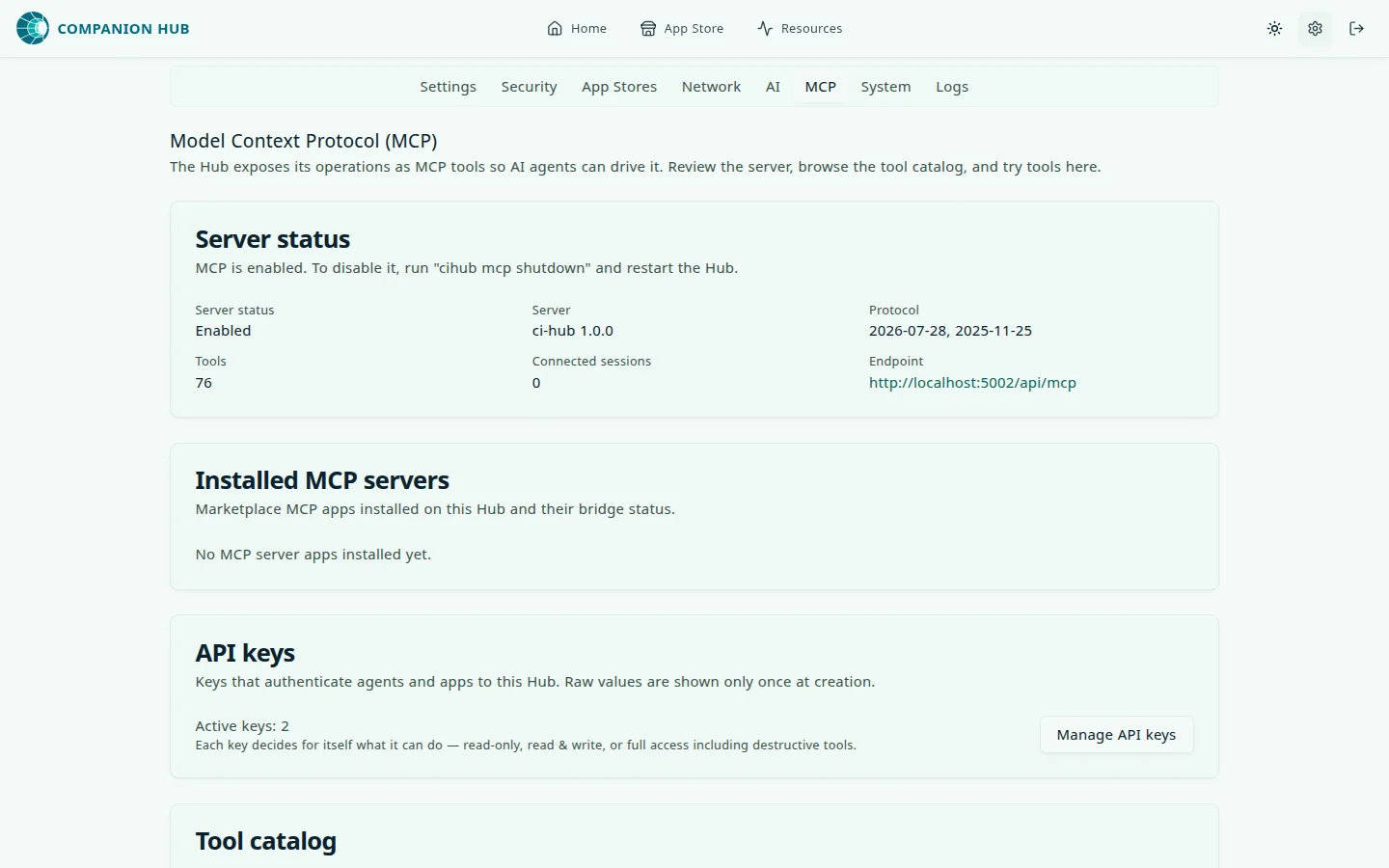
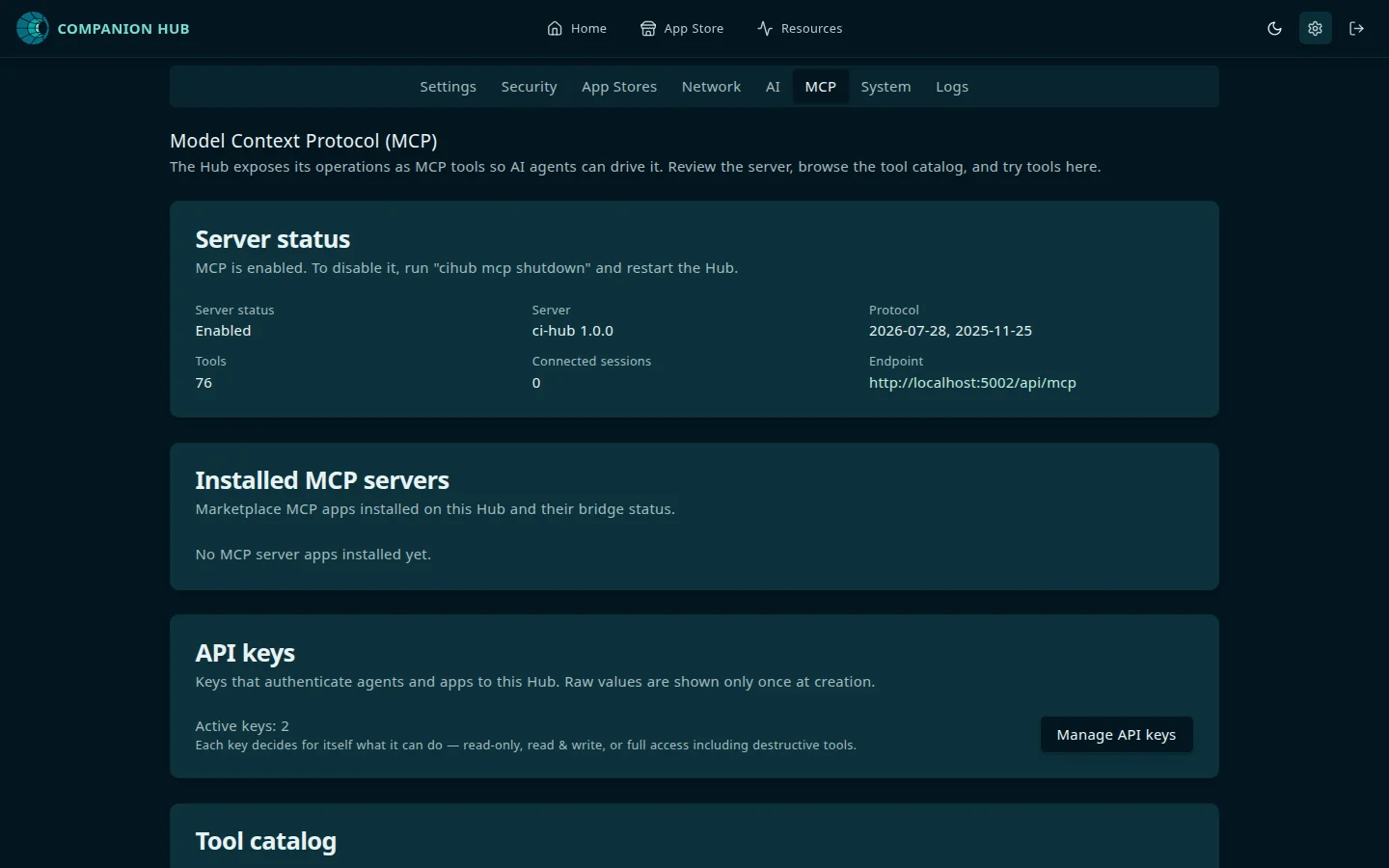
The dashboard can hand you the address. Open Settings → MCP and copy the Endpoint value. It is
built from the address your browser is using, so open the dashboard the same way your agent will reach
the Hub — from http://localhost:5002 it shows a localhost address that no other machine can use.
The same tab shows the server status, the protocol versions, the tool count, and the number of
connected sessions.
ci-hub.local is the Host name Traefik matches, and it works only where your network resolves it
(ci-os-hub.local on an appliance installed before the container was renamed). When you are not sure
it resolves, use the IP address and port 5002.
5002 is fixed — unlike Companion Memory, Hub is not an app and its port is
not allocated per install. But it is only in the URL for the first two rows.
The public route enters on 443, is served by the appliance’s Traefik on
port 80, and never mentions 5002; appending it to a tunnel origin is a
connection error, not a fix.
Endpoint
| URL | <hub-url>/api/mcp |
| Transport | Streamable HTTP |
| Protocol versions | 2026-07-28 (stateless) and 2025-11-25 (sessionful) |
| Auth | Authorization: Bearer <key> — nothing else is accepted |
| Enabled | By default, unless MCP_ENABLED=false |
Hub rejects x-api-key. If you have a working setup against Companion Memory
and copy it across, changing only the URL and key, you get 401 until you
also change the header.
The value injected into apps as HUB_MCP_URL is the complete endpoint — http://ci-hub:5002/api/mcp,
already carrying the path. (HUB_URL is the bare origin, http://ci-hub:5002.) Both use an internal
Docker hostname that only resolves inside the appliance’s container network — ci-os-hub instead of
ci-hub on an appliance installed before the container was renamed — so an app should consume
HUB_MCP_URL as-is rather than appending /api/mcp to it. From your own machine, use the appliance’s
LAN address or a tunnel origin instead.
An earlier version of these docs described an SSE transport and a companion
HUB_MCP_MESSAGES_URL endpoint. Both were removed in the migration to
Streamable HTTP. If you are following an older guide, that is why it does not
work.
Protocol dual-stack
Hub serves two MCP protocol revisions on the same /api/mcp endpoint:
| Revision | Client style | How it works |
|---|---|---|
2026-07-28 | Modern | Stateless per-request exchange — no initialize, no Mcp-Session-Id. MCP SDK v2 clients with versionNegotiation: { mode: 'auto' } attach the per-request _meta envelope automatically. |
2025-11-25 | Legacy | Sessionful Streamable HTTP — POST initialize first, then carry the issued Mcp-Session-Id header on every follow-up POST, GET, and DELETE. This is what most agents use today. |
The Hub inspects each inbound POST and routes legacy traffic to the session registry; modern traffic is handled statelessly. Existing clients that send a plain initialize request continue to work unchanged.
How one endpoint serves both, decided per request:
flowchart TD
    P["POST hub-url/api/mcp"] --> I{"Which revision<br/>is the client speaking?"}
    I -->|"2025-11-25 — initialize first,<br/>then Mcp-Session-Id on every call"| L["Session registry<br/>(sessionful, what most agents use today)"]
    I -->|"2026-07-28 — per-request<br/>_meta envelope, no session"| M["Stateless handler<br/>(SDK v2, versionNegotiation auto)"]
If you are building a new MCP client, prefer the official TypeScript SDK v2 with
versionNegotiation: { mode: 'auto' } so it probes and selects the right era.
Legacy clients using SDK v1 or hand-rolled initialize + session headers remain
fully supported.
Getting a key
From the Hub dashboard, under Settings → Security — or on the appliance host:
cihub api-key create --name "my-client" --capability readFor details, including how to choose a capability, see Get your API keys.
What the tools can do
Hub’s tools are named hub_*. They cover app discovery and lifecycle, app configuration, backups,
custom apps, inference backends and models, app-store management, links, Cloudflare and registration
status, system information and updates, and app proxying.
Which of them your agent sees depends on your key’s capability, because tools/list is filtered.
The counts below are from Hub 0.3.0; a later release can add tools, so treat them as a signal
rather than a target:
| Capability | Sees | Tools |
|---|---|---|
read | Read-only tools — listing, inspecting, reading logs and config | 33 |
write | Plus install, start, stop, restart, reconfigure | 60 |
full | Plus uninstall, reset, update an app, restore or delete a backup, change an app store, and bulk operations (update, stop, or restart every app) | 76 |
This replaced an older appliance-wide switch that granted destructive access to every key at once. Capability is now per credential, so one agent having it does not mean all of them do.
The two app-proxy tools are gated differently, and the difference matters when
you pick a capability. hub_call_app_api is judged per call from the HTTP
method, so it appears at every capability level — but only GET, HEAD and
OPTIONS count as reads. Every other method needs full, so a write
key is refused for POST/PUT/PATCH/DELETE just as a read key is.
hub_call_app_tool is stricter still: a bridged tool’s effect is opaque to
the Hub, so it is flagged destructive outright and only a full key sees it
at all. Either way, an agent that must do more than read through an app needs
full.
Verify the connection
Do not trust a single successful call. Run the handshake and count the tools:
macOS / Linux / WSL2
BASE="<hub-url>/api/mcp"
KEY="<hub-key>"

# Keep the headers and the body, so you can read the status code and serverInfo.
HDRS=$(mktemp)
curl -s -D "$HDRS" -X POST "$BASE" \
  -H 'Content-Type: application/json' \
  -H 'Accept: application/json, text/event-stream' \
  -H "Authorization: Bearer $KEY" \
  -d '{"jsonrpc":"2.0","id":1,"method":"initialize","params":{"protocolVersion":"2025-11-25","capabilities":{},"clientInfo":{"name":"verify","version":"1"}}}'

head -1 "$HDRS"                 # HTTP status — 200 is what you want
SID=$(grep -i '^mcp-session-id:' "$HDRS" | tr -d '\r' | awk '{print $2}')
echo "session: $SID"

curl -s -X POST "$BASE" \
  -H 'Content-Type: application/json' \
  -H 'Accept: application/json, text/event-stream' \
  -H "Authorization: Bearer $KEY" \
  -H "mcp-session-id: $SID" \
-d '{"jsonrpc":"2.0","id":2,"method":"tools/list","params":{}}'A successful initialize prints HTTP/1.1 200, returns serverInfo: {name: "ci-hub", ...} in the
body, and issues an Mcp-Session-Id header. tools/list should then return a non-empty tools
array — 76 tools for a full key, 60 for write, and 33 for read, as of Hub 0.3.0.
If the first call does not return 200, the response body names the cause. Missing Authorization header means Hub received no Authorization header, which is what you get when you send x-api-key.
Malformed Authorization header means the header was not Bearer <key>. Invalid API key means the
key is unknown, revoked, or lacks the mcp scope. A 429 means the endpoint’s rate limit — 300
requests a minute per client by default — was reached, and a 503 means Hub could not reach its key
store, which is an appliance problem rather than a key problem.
Because these requests send Accept: ..., text/event-stream, the server may
answer with SSE frames (event: message / data: {…}) rather than plain
JSON. Strip the framing before piping to jq — for example sed -n 's/^data: //p'. On Hub specifically, an empty session: line means
initialize did not succeed, because Hub always mints a session id; the
status code on the line above tells you why. That inference does not
generalise — the header is optional in the Streamable HTTP spec, so other
servers can answer correctly without one.
Rotating and revoking
Settings → Security lists every key and lets you change a key’s capability or delete it. Raising a capability asks for confirmation; lowering one does not. Settings → MCP shows how many keys are active.
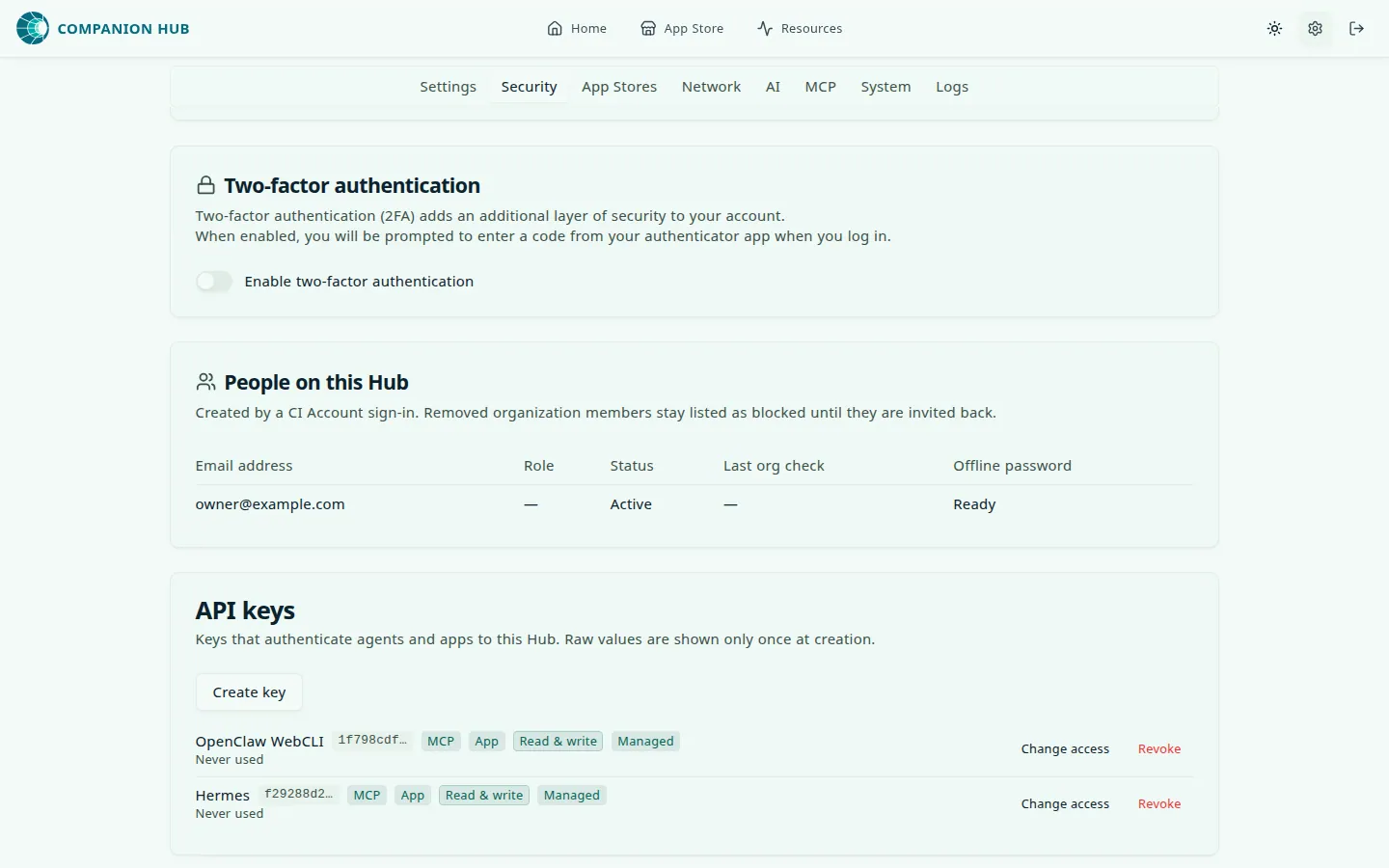
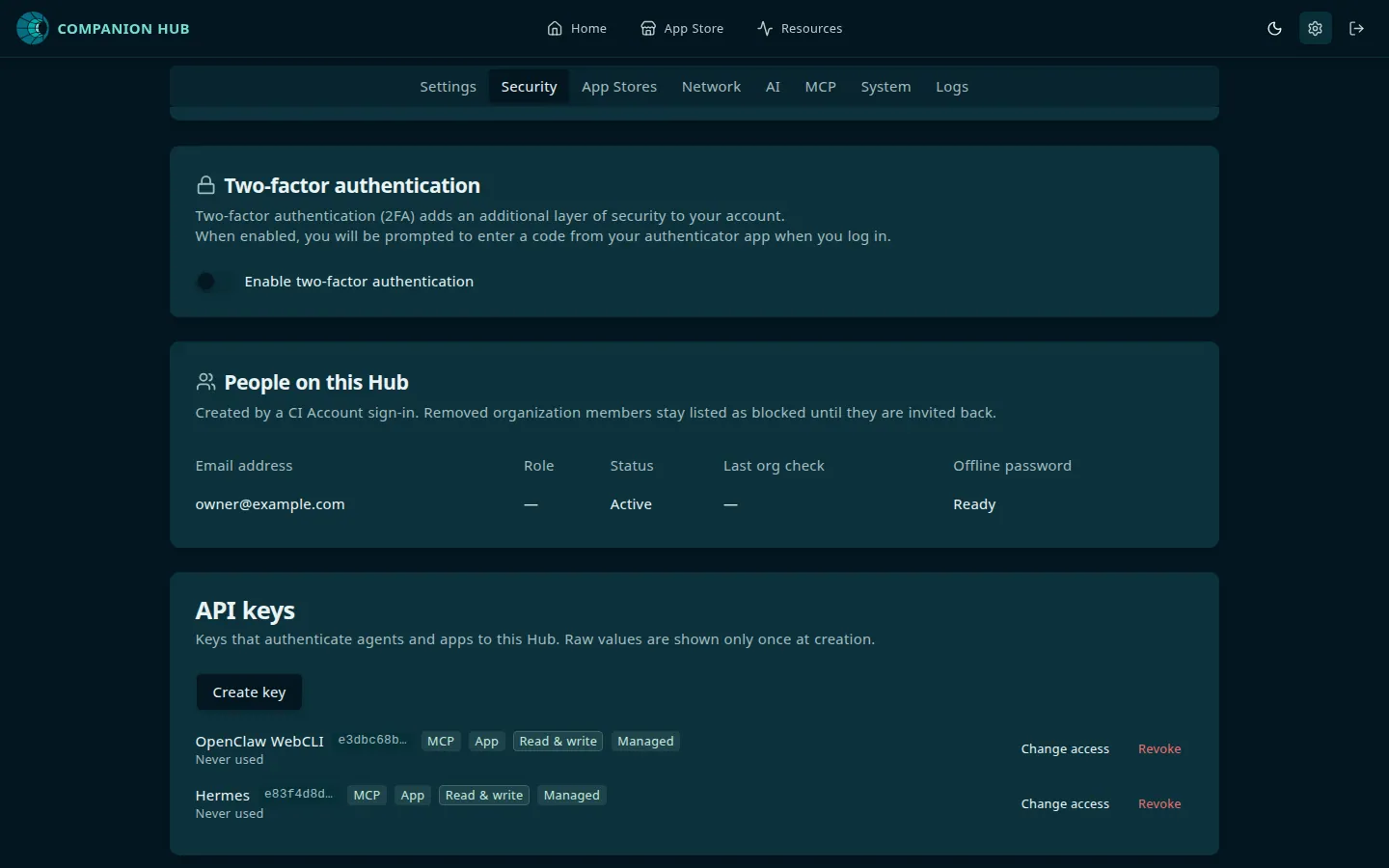
From the CLI, cihub api-key list shows every key with its scopes, capability, and prefix — never the
key itself. The CLI has create and list only, so there is no subcommand for changing or revoking;
use the dashboard. The admin routes behind the UI (PATCH /api/api-keys/:id to change a capability,
DELETE /api/api-keys/:id to revoke) need a signed-in session or an operator credential from the
appliance host. The MCP keys minted for clients cannot call them — those are hashed and authenticate
the MCP surface only.
Mint a separate key per client so revoking one does not disturb the others.
Installed marketplace MCP servers
Hub also bridges MCP servers you install from the CI Marketplace (apps with "categories": ["mcp", …]).
Those apps run as containers on the appliance; Hub connects to them over stdio (docker exec) or HTTP
(when the catalog entry pins mcp.url). Your agent reaches their tools through the same /api/mcp
endpoint, but not as separate entries in tools/list — it discovers them with hub_list_app_tools and
calls them with hub_call_app_tool.
| Layer | What it is |
|---|---|
Hub MCP (/api/mcp) | Your agent’s single entry point — authenticate once with a Bearer key |
| Marketplace MCP app | A catalog container (e.g. n8n-mcp, filesystem-mcp) whose tools Hub proxies |
| Catalog metadata | config.json#mcp (transport, command, env, url) plus form_fields for install |
One key, one endpoint, and every bridged server behind it:
flowchart TB
    A["Your agent"] -->|"Authorization: Bearer hub-key"| H["Hub MCP<br/>hub-url/api/mcp"]
    H --> N["Native hub_* tools<br/>filtered by capability"]
    H -->|"hub_list_app_tools<br/>hub_call_app_tool (full key)"| B["Bridge"]
    B -->|"stdio<br/>docker exec"| S["Marketplace MCP app<br/>container must be running"]
    B -->|"HTTP<br/>mcp.url from the catalog"| T["Marketplace MCP app<br/>HTTP endpoint"]
    B -->|"host_docker<br/>ephemeral docker run"| U["Marketplace MCP app<br/>bridged while installed"]
After installing an MCP app from the store:
- Open the app page — the MCP server card shows bridge status, tool count, and client config.
- Use
hub_list_app_tools(Settings → MCP tool runner, or any MCP client) to discover bridged tools. - Call app tools with
hub_call_app_tool.hub_list_app_toolsreturns each name prefixed with the app’s URN, written with_in place of the colon (<appName>_<storeSlug>__<tool_name>), andhub_call_app_toolaccepts either the prefixed or the bare tool name.
Most stdio apps require the app container to be running before bridging. host_docker listings (e.g. github-mcp) spawn an ephemeral docker run on the Hub host instead and bridge when the app is installed, with credentials from app.env.
Install-time configuration comes from form_fields in the marketplace config.json. Hub applies
catalog defaults for optional-only MCP apps (for example n8n-mcp with no credentials filled in).
The catalog keeps mcp.env in sync with those fields so agent clients see the same keys.
HTTP MCP listings must declare mcp.url in the catalog (internal http://service:port/path or a
hosted endpoint). Without it, Hub cannot bridge the server and the app details card shows
Not bridgeable.
For config.json fields such as form_fields, see Submitting to the marketplace.