Remote app store
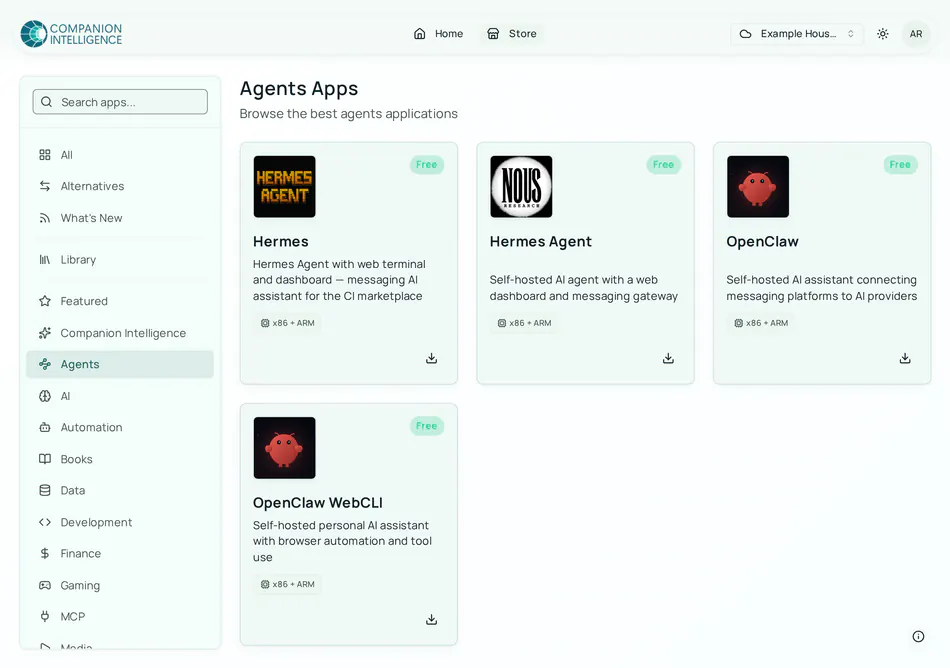
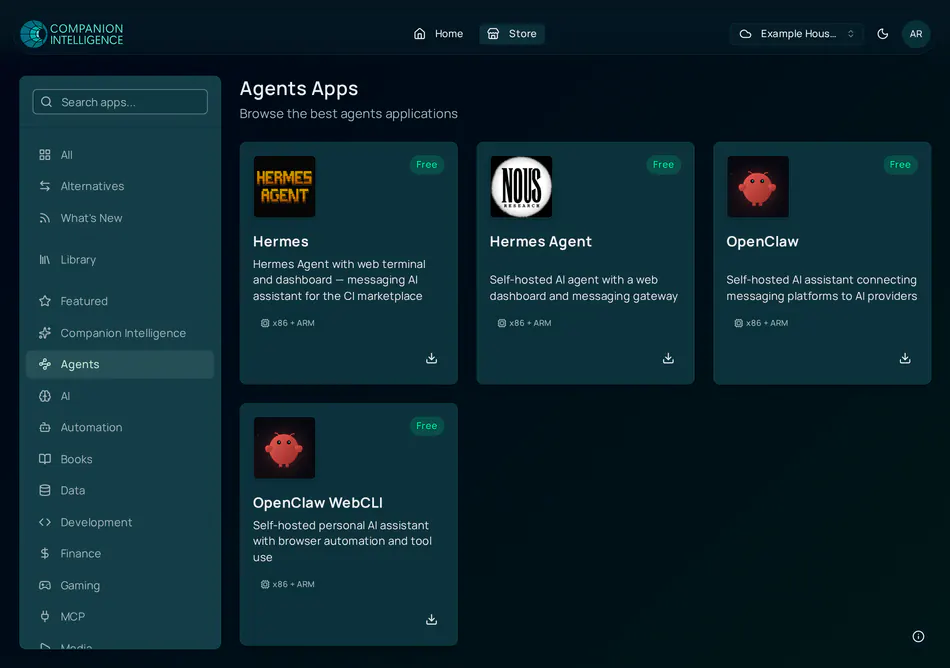
The app store at hub.ci.computer lets you browse the catalog and install apps on a paired Companion Hub without opening the Hub’s own dashboard.
What you can do
- Browse without an account. Anyone can browse and search the catalog at hub.ci.computer/store. Signing in is required to install.
- Install an app on a paired Hub. Choose one of your devices from the app’s page. This page’s install flow needs a Hub paired with your CI Account that is online.
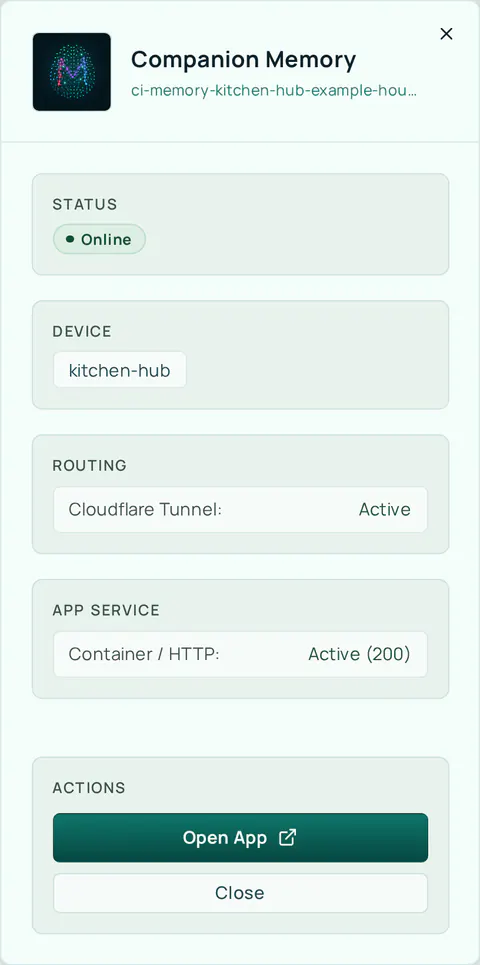
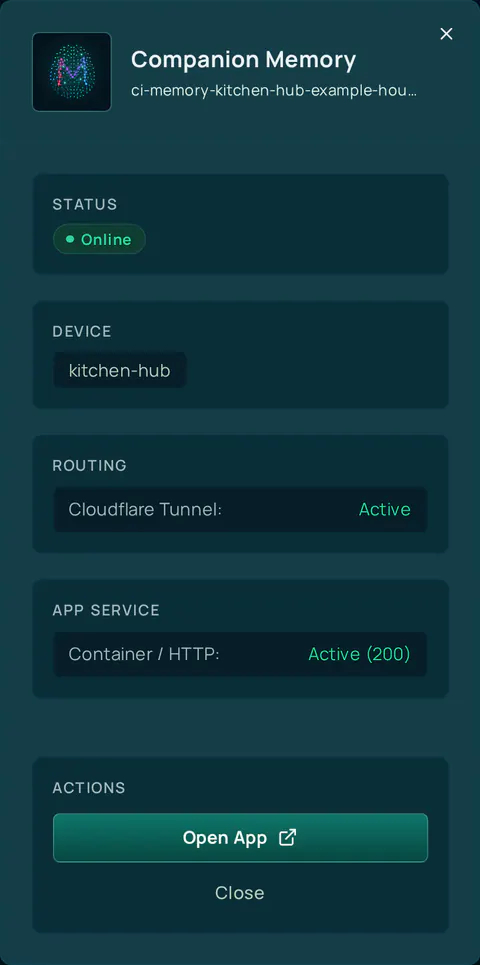
- See what is running. Your Home page lists the apps on each device with a status of Online, Online (unstable), Pending, Offline, or Status unknown. Selecting an app opens a panel with the device, the tunnel’s health, the app service’s health, and an Open App link.
Updating and uninstalling apps happen on the Hub’s own dashboard, not in your CI Account.
Install an app remotely
Open the app
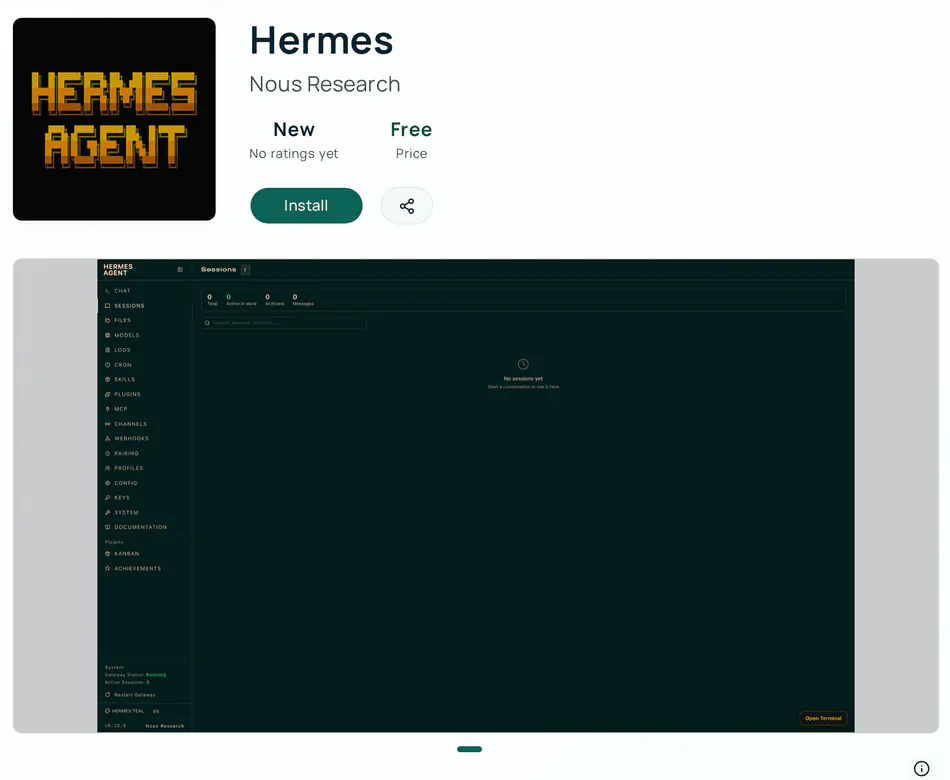
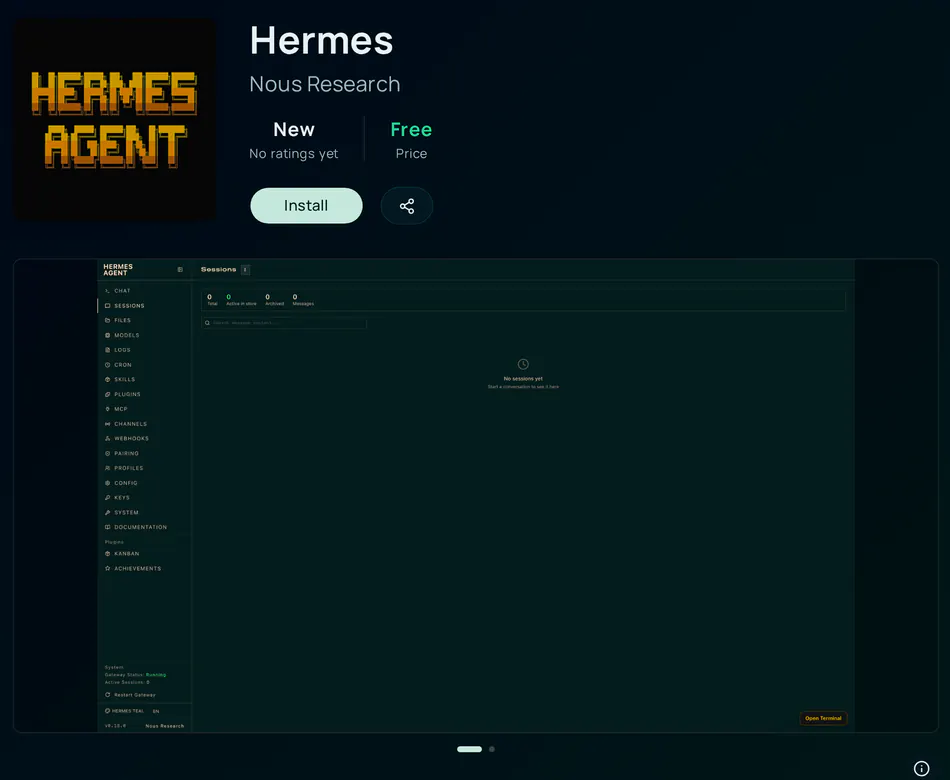
Open hub.ci.computer , select Store, and open an app. The app’s page has the Install button.
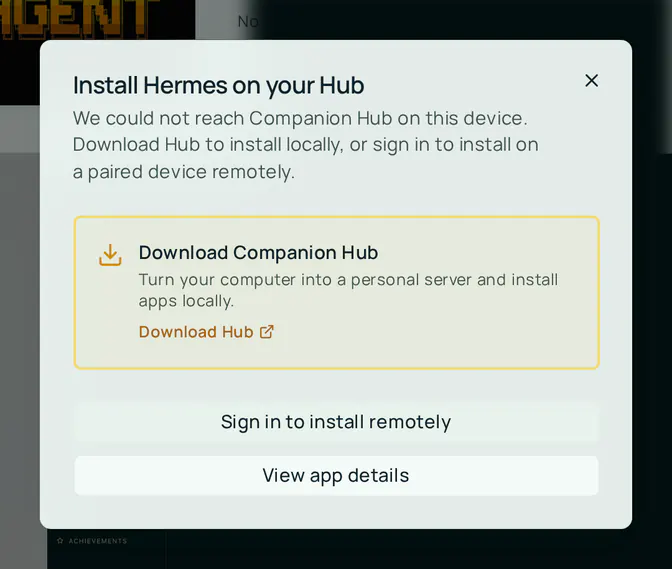
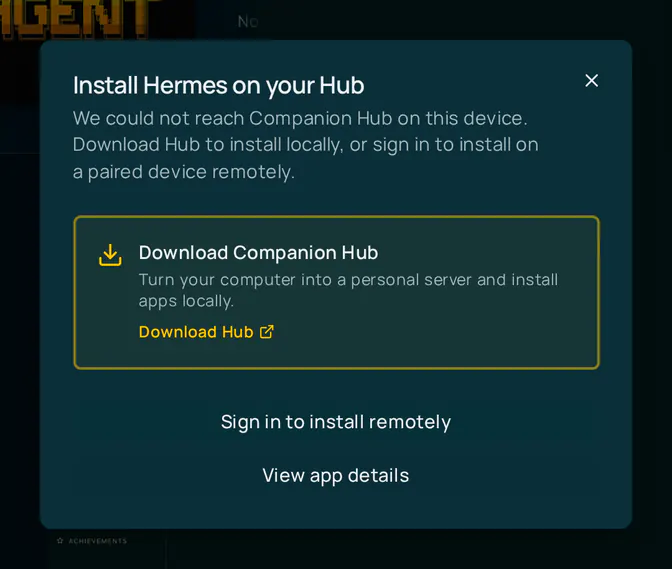
If you are signed out when you select Install, the Install … on your Hub dialog offers Sign in to install remotely next to Download Hub. If you are signed in but have no organization yet, a message asks you to create one first.
Choose a device
Select Install. The Install dialog says “Choose a device to install on, or open it where it is already installed.” Select one of your organization’s Hubs. A Hub that already has the app shows Installed with an Open button.
If you have no paired device yet, you get the Install … on your Hub dialog instead, with Download Hub and View app details. Pair a Hub first — see Device pairing.
Choose an access method
For apps that a Hub can expose, the dialog asks for an Access method:
| Access method | What it does |
|---|---|
| Public Web | Publishes the app at a public address through your Hub’s tunnel |
| Private VPN | Reachable only inside your Tailscale network |
| This Machine Only | Runs on the Hub and is reachable only from that machine |
Public Web is selected by default. Change it before you select Install if the app should stay private. Remote installs also turn on Enable authentication, which requires a Hub sign-in for the app.
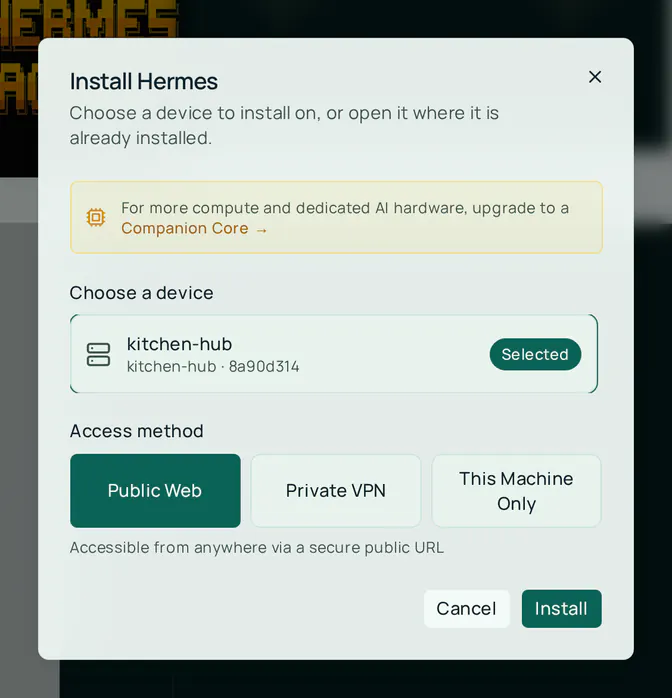
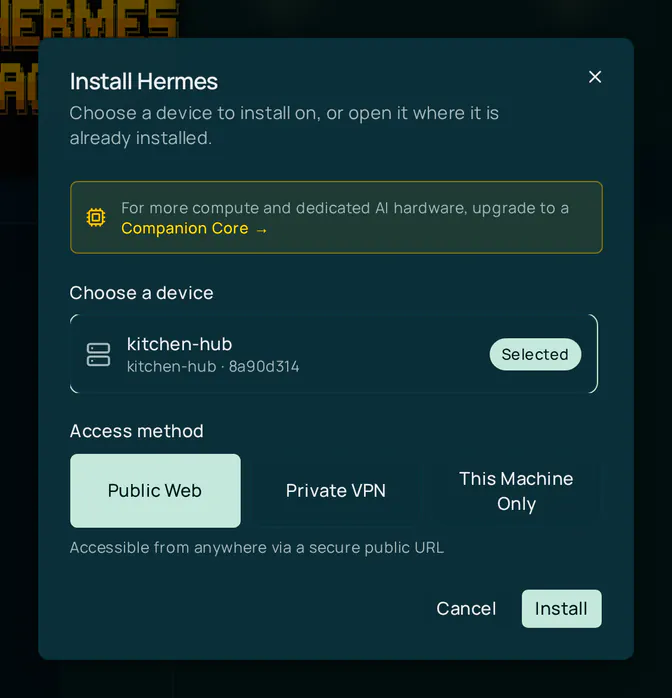
Select Install
The Portal sends the install request to your Hub through its public address, and the Hub then pulls the app. The app appears on Home when the Hub reports it.
A remote install reaches your Hub through its tunnel, so the Hub must be running and connected. If it is offline, the install fails with Your device did not respond in time. Please try again. If the Hub answers but turns the request down, the message reads Device refused installation. Start the Hub, check Settings → Network → Cloudflare Tunnel on it, and try again.
Who can install
Under the default organization access policy, every member of an organization can install and uninstall apps on its Hubs. Owners and admins can edit the policy under Organization settings → Access; see Organizations.
Buying a paid app is limited to owners and admins. The switch that lets the store sell apps (store.paidApps) is off on hub.ci.computer today.
Benefits
- Install apps from your phone while away from home
- Manage multiple Hubs from a single interface
- No need to access the local dashboard directly