Reach your Hub from your phone
Open your Companion Hub dashboard from your phone over a private network that only your devices can access.
Time: ~15 minutes · You’ll need: a Linux Hub running with Tailscale installed on the Hub machine, a phone, and a Tailscale account (free)
Six steps, two of them on the Hub and the rest on your phone:
flowchart LR
    subgraph hub["On the Hub"]
        direction TB
        A["Sign in to Tailscale in<br/>Settings → Network"] -->|"auth URL"| B["Sign in and<br/>approve the machine"]
        B --> C["Note the Hub's<br/>100.x.y.z IP"]
    end
    subgraph phone["On your phone"]
        direction TB
        D["Install Tailscale,<br/>same account"] --> E["Toggle the VPN on"]
        E --> F["Open<br/>http://100.x.y.z:5002"]
        F -->|"Wi-Fi off, still loads"| G["Reached over Tailscale"]
    end
    hub --> phone
What you’ll have at the end
- Companion Hub reachable from your phone on mobile data, not just home Wi-Fi
- No ports opened on your router and nothing exposed to the public internet
- The same private address working from any device you add later
This is the private option. If you want an app reachable by people who are not on your devices — a public link you can send someone — use the Cloudflare Gateway instead.
How Hub runs Tailscale
This route works with a Linux Hub. On macOS and Windows, Hub can’t use the Tailscale app on your computer, and Private VPN there is unsupported for now. See Tailscale private networking.
Hub can reach Tailscale in one of two ways: the Tailscale app installed on the Hub machine, or a Tailscale sidecar container (hub-tailscale, under the private-vpn compose profile). The sidecar only runs when Hub has a Tailscale pre-auth key (TAILSCALE_AUTHKEY) or a saved sidecar login, so on a fresh install the reliable route is to install Tailscale on the Hub machine first. The onboarding wizard’s Private VPN panel says the same: Tailscale needs to be installed on this computer. Installing it on the host is covered in Tailscale private networking.
The pieces involved, and why no router port is needed: the Hub machine (or the sidecar) and your phone both join the same tailnet, and traffic passes over it to the Hub.
flowchart TB
    P["Your phone<br/>Tailscale app"] <-->|"tailnet"| S["Tailscale on the Hub machine<br/>or the hub-tailscale sidecar"]
    S -->|"reaches"| N["Hub network"]
    N --> H["Hub dashboard<br/>port 5002"]
    N --> A["Installed apps<br/>each on its own port"]
Connect your Hub to your tailnet
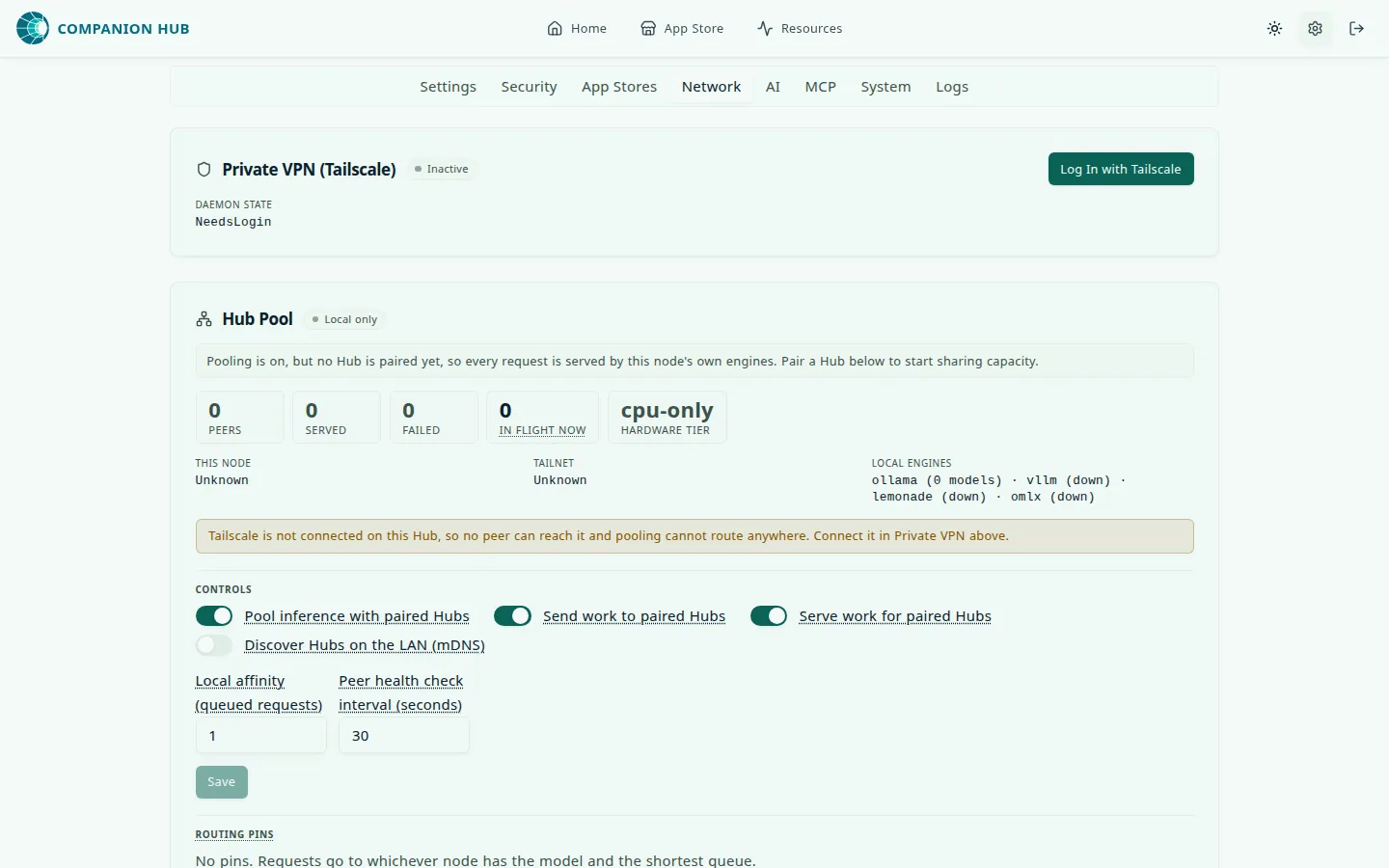
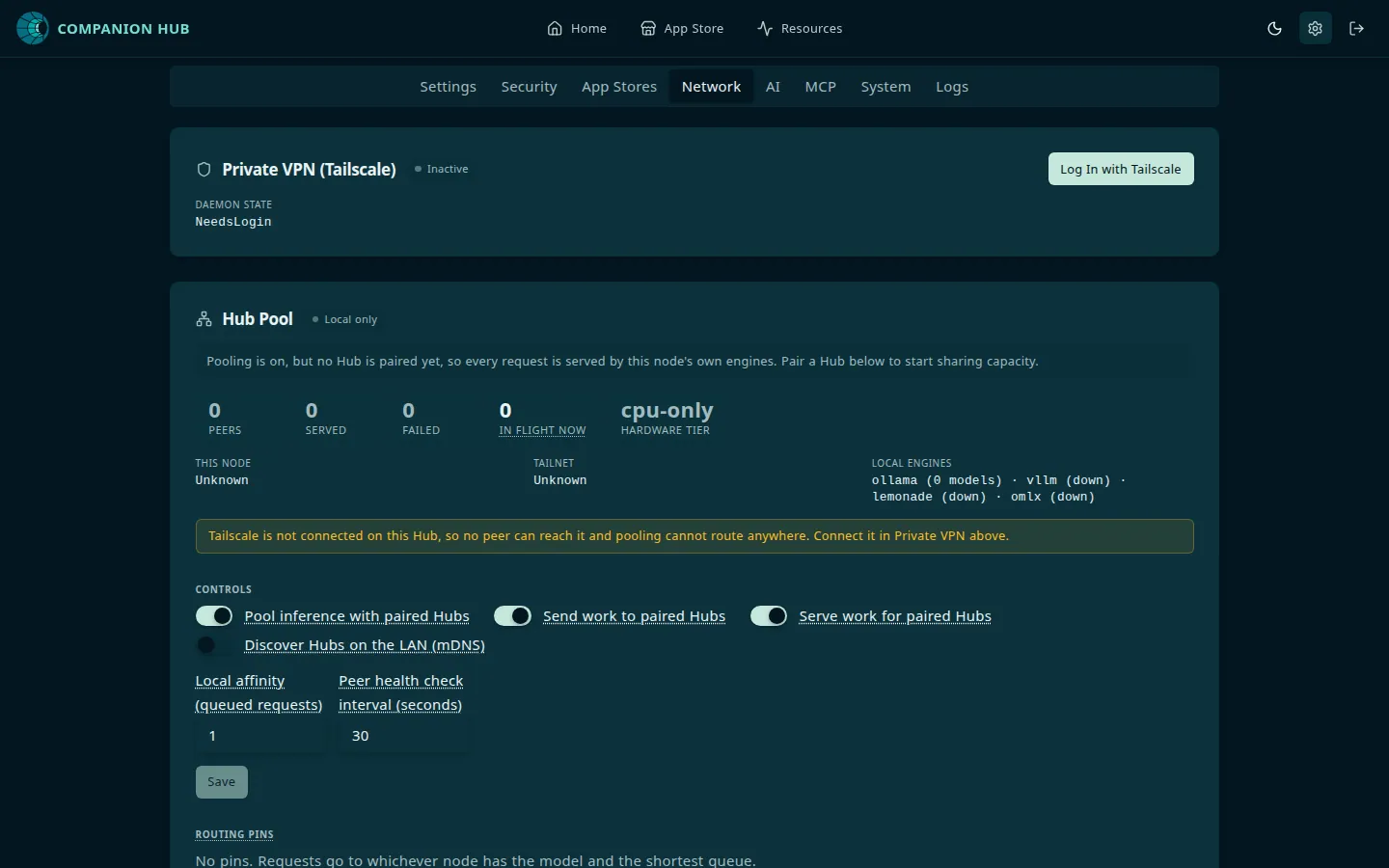
In the dashboard, go to Settings → Network. In the Private VPN (Tailscale) panel, select Log In with Tailscale.
Hub starts the Tailscale login and opens an authentication URL in a new tab. Sign in, approve the machine, and return to the Hub. If you already started this during the Onboarding wizard, it’s already done.
Prefer an unattended setup? Create a pre-auth key in your Tailscale admin
console and set it as TAILSCALE_AUTHKEY in the Hub’s .env file — no
browser needed on the Hub. See Pre-auth
keys.
Confirm the Hub joined
Back in Settings → Network, the Private VPN (Tailscale) panel is marked Active and shows its Tailscale IP (a 100.x.y.z address), its Hostname, and the Daemon state.
Record that IP. You’ll use it to reach the Hub from every other device.
If the panel says The Hub could not access Tailscale (no host CLI/socket and no hub-tailscale sidecar), install Tailscale on the Hub machine and reload the page. See Sidecar Not Available.
Install Tailscale on your phone
iPhone / iPad
Install Tailscale from the App Store, open it, and sign in with the same account you used for the Hub.
The account is what matters — devices only see each other inside the same tailnet.
Turn the VPN on
Toggle Tailscale on in the app and accept the VPN permission prompt your phone shows the first time.
Your phone now has its own 100.x.y.z address and can talk to every other device on your tailnet.
Open your Hub
In your phone’s browser:
http://100.x.y.z:5002Substitute the Tailscale IP you noted in step 2. This address works when Tailscale runs on the Hub machine itself. You should get the Hub login screen — the same dashboard as on your desktop.
When Tailscale HTTPS certificates are enabled on your tailnet, Hub also publishes the dashboard over HTTPS at the Hub’s Tailscale name — https://<hub-name>.<tailnet>.ts.net — which is the address to bookmark on your phone.
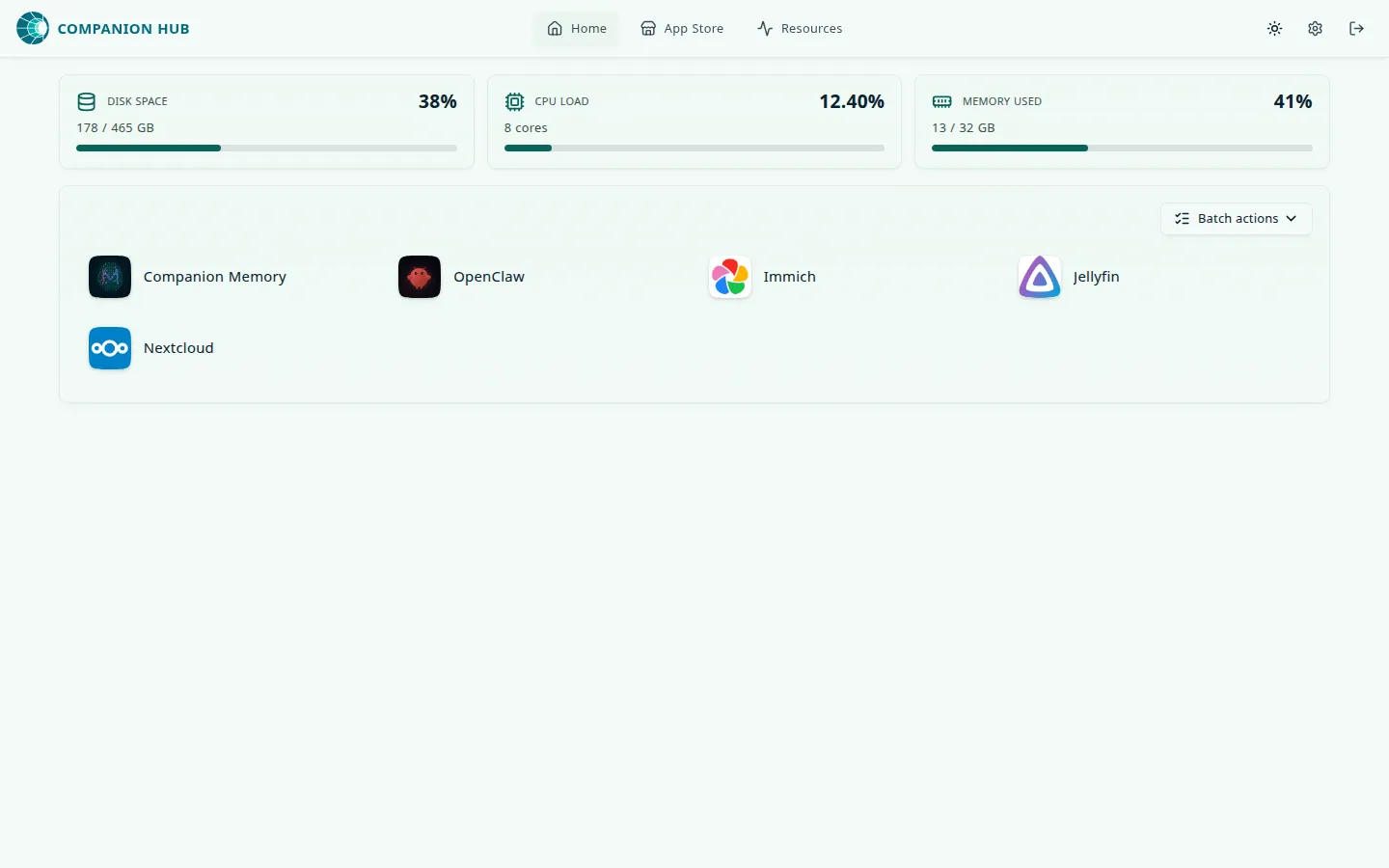
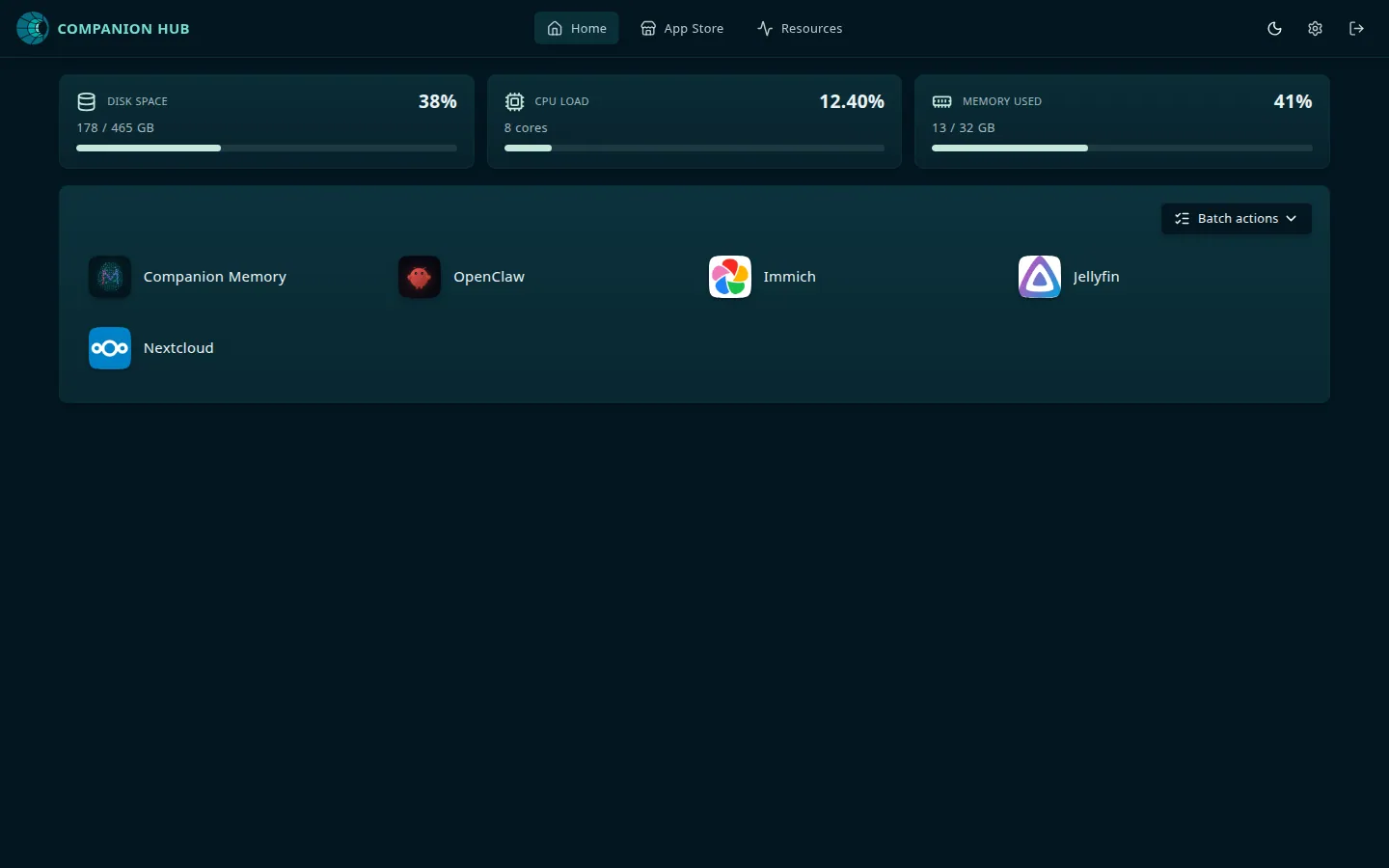
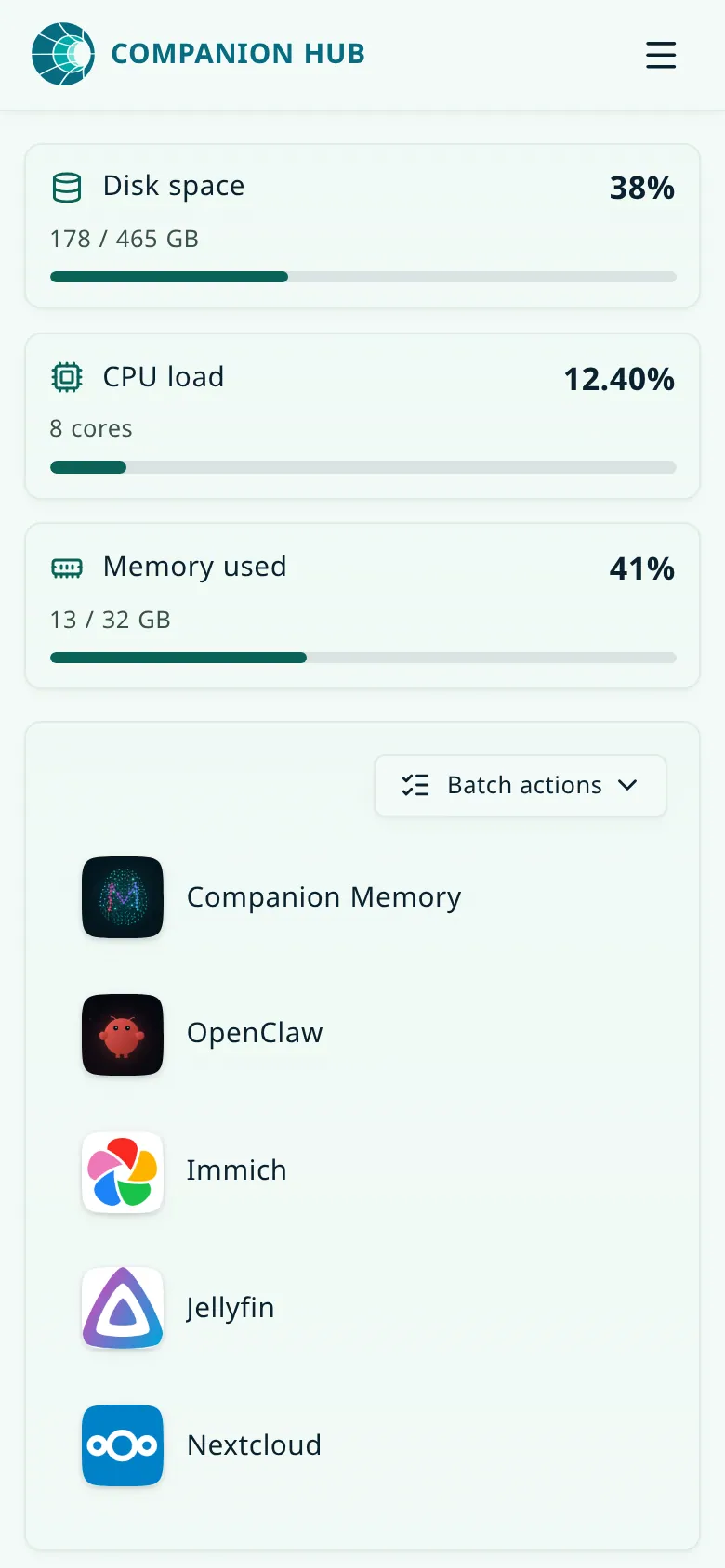
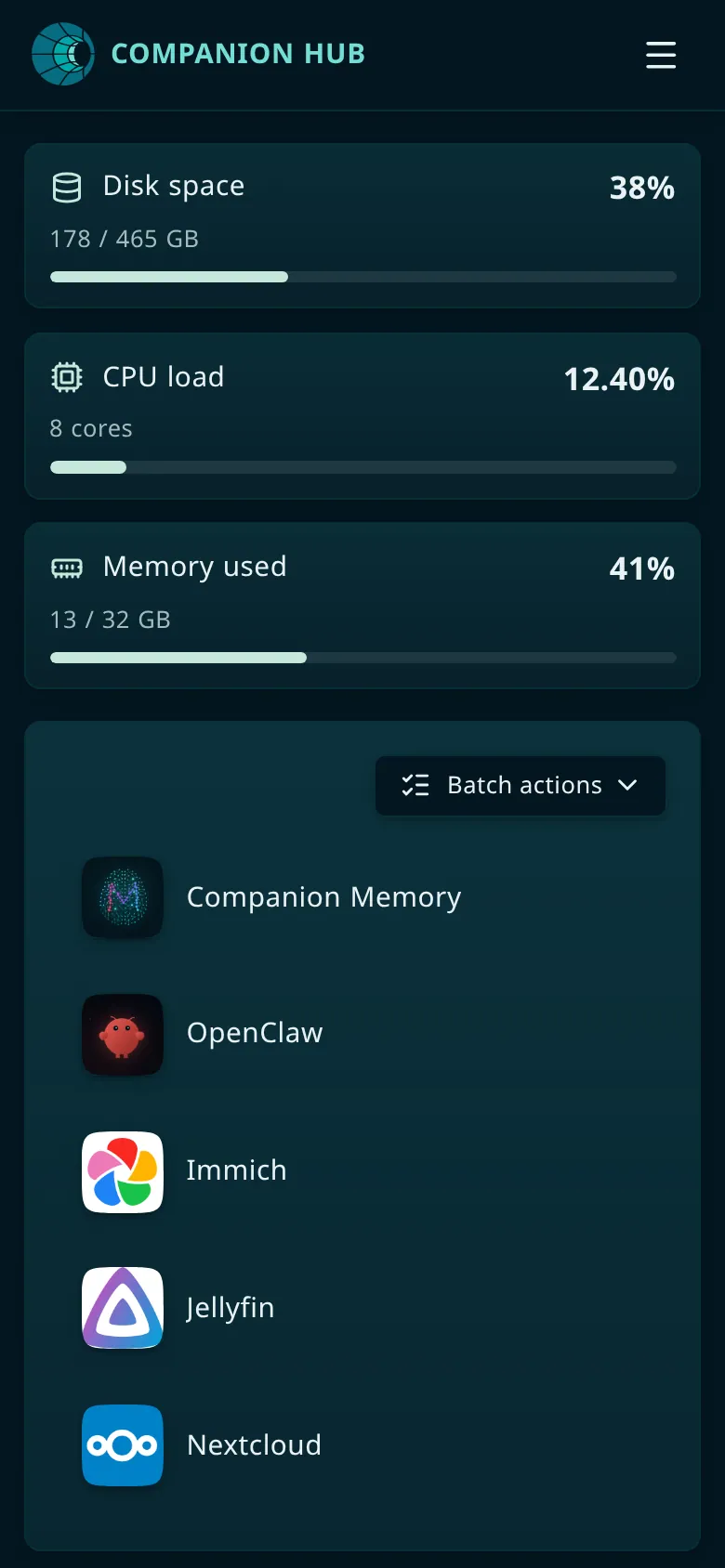
Add it to your home screen and it behaves much like an app.
If Settings → Network shows Tailscale refused the Hub’s changes, Hub hasn’t published https://<hub-name>.<tailnet>.ts.net yet. Run the command it shows, as Tailscale refused the Hub’s changes describes. The http://100.x.y.z:5002 address keeps working in the meantime.
Prove it works away from home
Test the connection over mobile data:
- Turn Wi-Fi off on your phone so you’re on mobile data
- Reload
http://100.x.y.z:5002
If it still loads, you’re reaching your Hub over Tailscale rather than your home LAN. If it only worked with Wi-Fi on, you were reaching the Hub directly and Tailscale is not carrying the traffic.
Reaching your apps, not just the Hub
The dashboard is on port 5002, but your installed apps are elsewhere. Open an app’s page and look at its Access points card. The Private VPN entry shows the address over your tailnet, usually the Hub’s Tailscale name plus the app’s port:
https://<hub-name>.<tailnet>.ts.net:8301That entry reads Enabled only when Tailscale is connected and accepts the Hub’s changes, HTTPS certificates and MagicDNS are enabled on your tailnet, and the app was installed with the Private VPN exposure mode. It reads Refused when Tailscale won’t accept the Hub’s changes; Settings → Network then shows the command that fixes it. Setting it up is covered in Accessing apps over Private VPN.
Agent apps such as OpenClaw WebCLI and Hermes, and apps with no login of their
own, publish their port on the Hub machine only. A direct
http://100.x.y.z:<port> address won’t reach them from your phone. Use their
Private VPN access point instead.
If it doesn’t work
| Symptom | Cause |
|---|---|
Phone can’t reach 100.x.y.z at all | Tailscale toggled off on the phone, or the phone signed into a different account than the Hub |
| Works on Wi-Fi, fails on mobile data | You were reaching the Hub over your LAN; the Hub’s Tailscale connection is not actually up — recheck step 2 |
| Hub panel shows no Tailscale IP | Tailscale isn’t installed on the Hub machine and no sidecar is running, or it hasn’t signed in — see Sidecar Not Available |
| Dashboard loads, an app doesn’t | You’re using the wrong address; take it from the app’s Access points card. Apps are not on 5002, and agent apps aren’t reachable by direct port from other devices |
| Private VPN entry reads Refused | The account the Hub runs as isn’t the computer’s Tailscale operator; run the command that Settings → Network shows, once, on the Hub machine |
For more troubleshooting, see Tailscale private networking.
Next
- Cloudflare Gateway — for links you can send to other people
- Tailscale private networking — host installation, Serve, custom routes, pre-auth keys
- Pool two Hubs — own a second appliance? Pair it over the same tailnet so the two share AI requests