Device pairing
Pair your Companion Hub with your CI Account at hub.ci.computer to enable remote management, public web addresses, and the remote app store. A CI Account is required, and the Hub’s own sign-in on :5002 checks the same account.
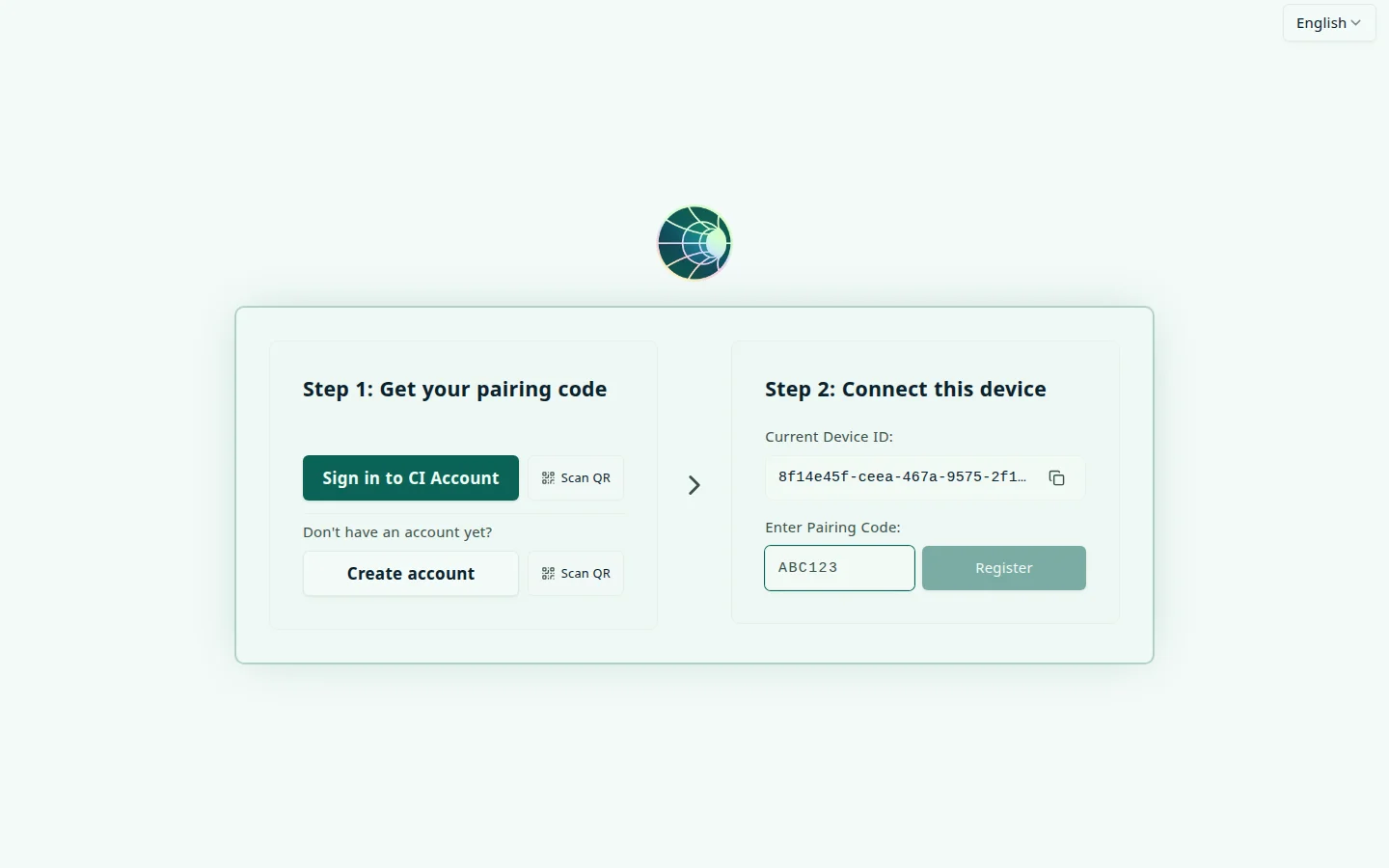
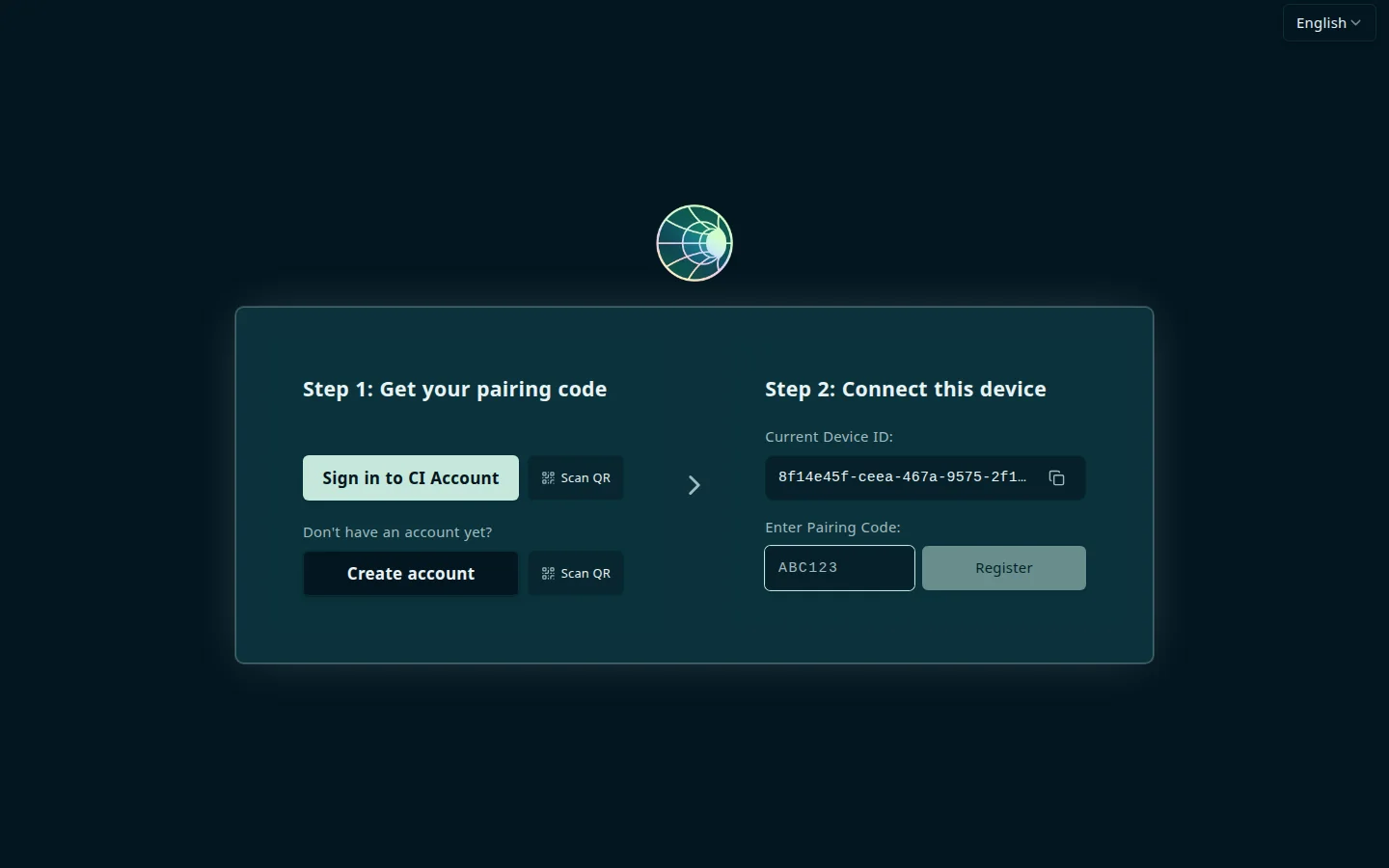
How pairing works
- You create a CI Account at hub.ci.computer , and an organization if you do not have one yet
- On Home, select Add Device and name your Hub — hub.ci.computer generates a 6-character pairing code
- On your Hub, enter the code on the device registration page (or during first-time setup)
- Hub sends the code and device ID to hub.ci.computer; your account provisions DNS and a Cloudflare tunnel
- Your Hub appears on Home at hub.ci.computer
The same flow as a sequence. Scanning the QR next to Sign in to CI Account or Create account is the shortcut for a Hub that has no browser of its own:
sequenceDiagram
    participant Y as You (phone or laptop)
    participant P as hub.ci.computer
    participant H as Hub registration page
    Note over H: Scan QR next to Sign in or<br/>Create account to open<br/>hub.ci.computer on your phone
    Y->>P: Sign in, Add Device,<br/>name the Hub
    P-->>Y: 6-character pairing code,<br/>shown once
    Y->>H: Type or paste the code, or open the<br/>cihub:// link in the desktop app
    H->>P: Pairing code + device ID
    P->>P: Provision DNS and<br/>a Cloudflare tunnel
    P-->>H: Confirmed (DNS and tunnel<br/>can take a few minutes)
    P-->>Y: Hub appears on Home
Get a pairing code (hub.ci.computer)
- Sign in at hub.ci.computer . If Home shows Set up an organization, select Create organization first — see Organizations
- Select Add Device
- Enter a Device Name for your Hub (for example, “Living Room Server”) and select Continue
- Copy the 6-character code in the Device Pairing Code dialog
The device name can be up to 30 characters: letters, numbers, spaces, dashes, and underscores, with no periods. The name must be unique within the organization. The Name your device dialog previews the resulting Slug under the name field. The slug becomes part of the Hub’s public web address and does not change when you later rename the device.
A pairing code is 6 uppercase letters and digits. It is single-use: once a code pairs a device it can’t be reused. It expires 7 days after it is issued, and the dialog shows it only once. If you close the dialog before you copy it, or a code fails or expires, open the device’s Device options menu on Home and select Regenerate pairing code. A new code cancels the old one, and you do not need to reset the Hub first.
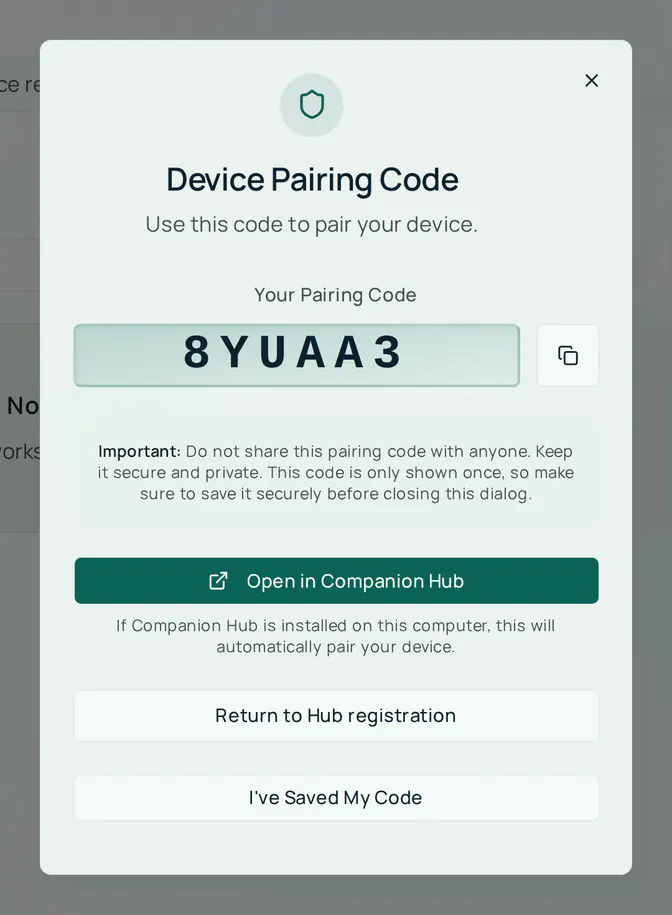
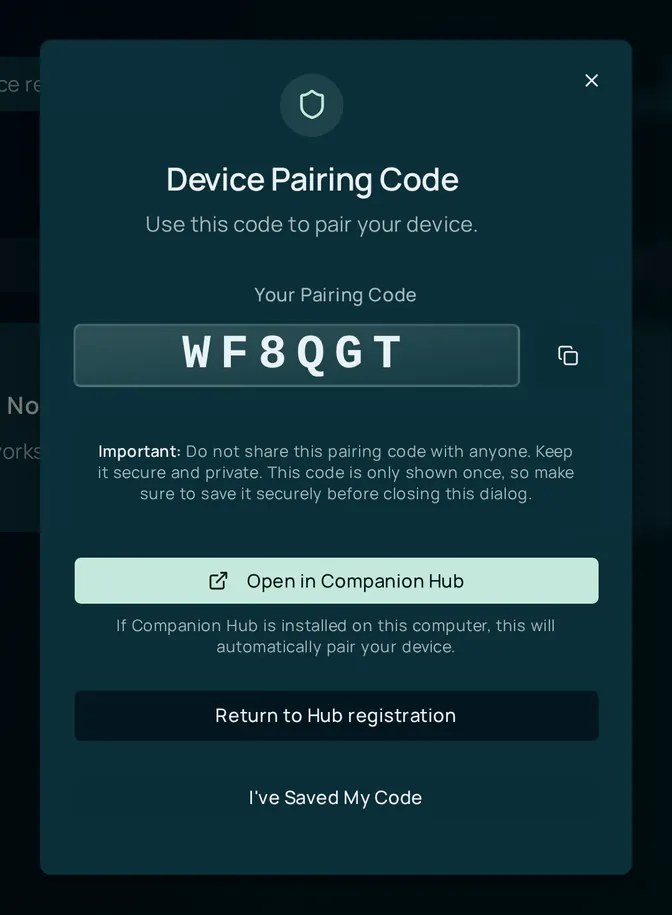
If you arrived from your Hub’s registration page, the dialog also has Return to Hub registration, which opens that page again.
No browser on this device? The registration page has a Scan QR toggle next to both “Sign in to CI Account” and “Create account.” Point your phone’s camera at it instead of typing hub.ci.computer’s address by hand — this is the fast path for a headless appliance or one you’re managing over SSH.
Enter the code (Hub)
From the dashboard:
- Open the device registration page. A new Hub opens on it first: until the Hub is paired, every dashboard page except sign-in redirects there. It also appears after you reset registration
- Under Step 1: Get your pairing code, use Sign in to CI Account (or Create account) if you have not made a code yet. Under Step 2: Connect this device, enter the code in Enter Pairing Code and select Register
- Keep the page open while it shows Provisioning your domain. Setup often takes a few minutes, and DNS propagation can add another minute or two
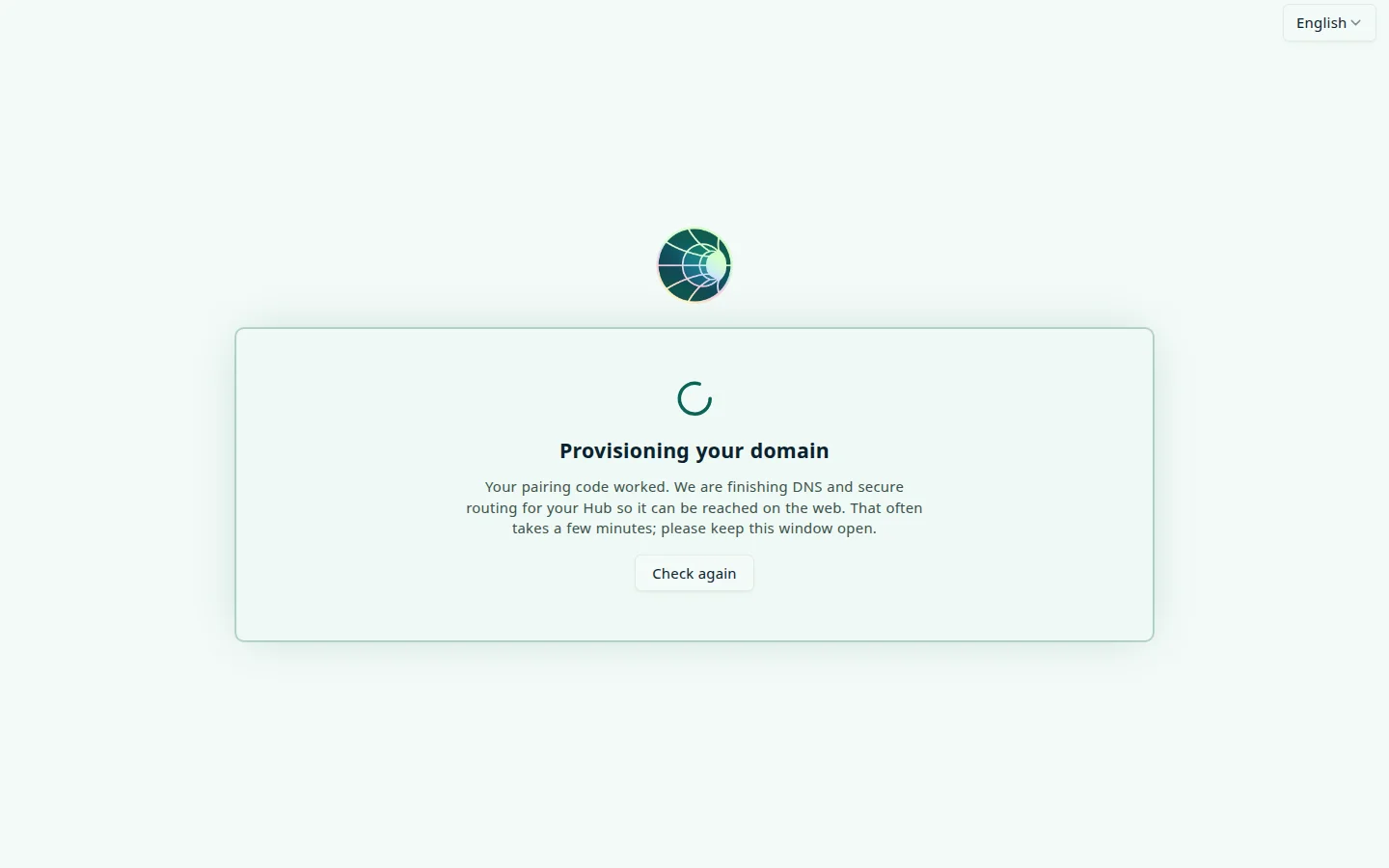
When the Hub’s public address answers, the page moves you to it (https://hub-<device>-<organization>.<zone>/login, where <zone> is the short domain your CI Account assigned, such as ci0.pw). If the address is still propagating after about five minutes, Hub opens the local sign-in page and tells you that tunnel setup is still finishing. The Hub works locally in the meantime.
From the CLI:
cihub register                 # prints the device ID and hub.ci.computer URL, then asks for the code
cihub register --code ABC123   # pairs without a prompt, for SSH sessions
The Hub stack must be running (cihub up). cihub register waits for the Hub, prompts for the pairing code, submits it, and reports progress until registration completes. Add --fresh to clear leftover local registration data first, and --move to confirm a move to another organization in advance.
During first-time setup: the registration page prompts for the code automatically when Hub detects it is unregistered.
Confirm success
Once paired:
- Your device appears on Home at hub.ci.computer
- The Hub’s Cloudflare tunnel exists, and apps whose exposure mode is Public Web can be reached at their public address. See Cloudflare Gateway
- Remote app store installation is enabled
- Settings → Network on the Hub shows the Cloudflare Tunnel card as Active, with a tunnel ID
Sign in to the Hub
Pairing does not create a Hub account. After registration completes, the Hub asks you to sign in. Choose Sign in using your CI Account, or enter your CI Account email and password. The first person to sign in becomes the Hub’s first operator; the Hub then continues to first-time setup. See Account and login.
If your account already knows this computer
Each computer has a hardware device ID. If you reopen the registration link from a Hub that hub.ci.computer already holds, hub.ci.computer does not create a duplicate. It shows This Hub is already a device in organization and asks what you want to do:
- Restore device — keeps its apps, web addresses, and tunnel. You get a new pairing code for this Hub (select Regenerate pairing code), and the old code stops working
- Replace it with a new device — deletes the existing device with its apps, web addresses, and custom domains, then adds this Hub as a new device. You type the device’s name to confirm and select Delete and add as new. This can’t be undone
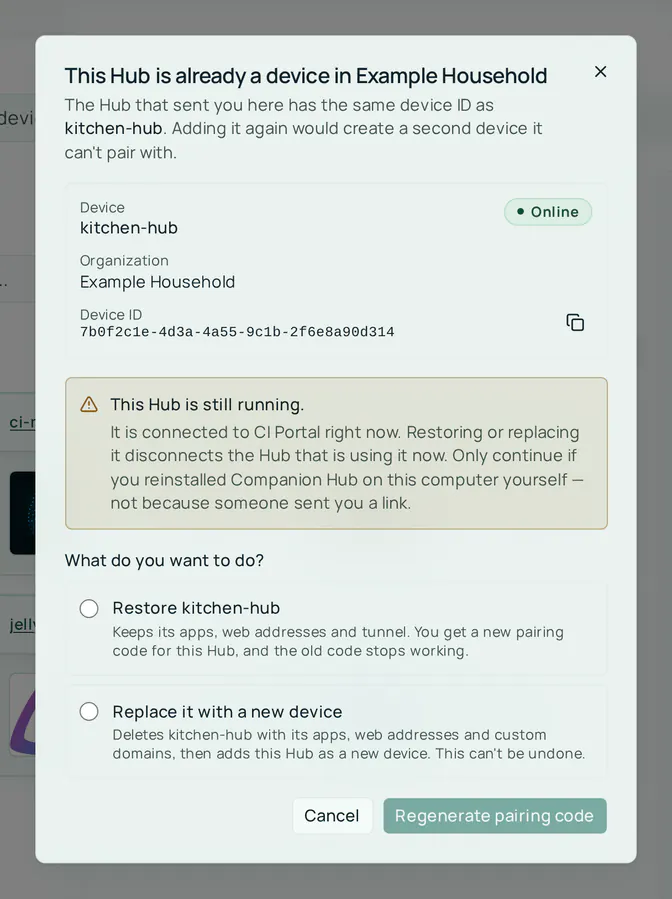
If the Hub looks like it is still running, the dialog warns that restoring or replacing the device disconnects the Hub that is using it now. Continue only if you reinstalled Companion Hub on this computer yourself, not because someone sent you a link.
Only an owner or admin can restore or replace a device. A member sees who can.
The Hub’s registration page shows the matching choice, Reconnect this Hub, with Restore my device, Move to another organization, and Start fresh (its button reads Set up as new device). For Start fresh, an owner or admin must delete the old device in your CI Account first.
Managing devices from hub.ci.computer
On Home, each Hub has a card with its online status and a Device options menu:
| Menu item | What it does | Who can |
|---|---|---|
| Copy device ID | Copies the hardware ID that the Hub also shows on its registration page | Any member |
| Rename device | Changes the label shown in the portal. Pairing, public URLs, tunnel, and installed apps keep their current addresses | Any member |
| Regenerate pairing code | Cancels the current code and issues a new one to reconnect the same device | Owner or admin |
| Delete device | Permanently removes the device, its tunnel, its published routes, and its apps. The Delete device? dialog warns you if any cleanup step fails | Owner or admin |
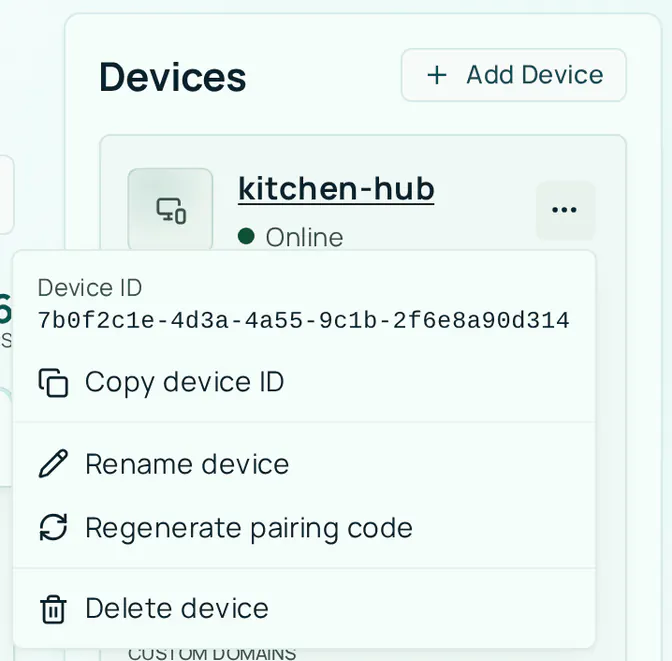
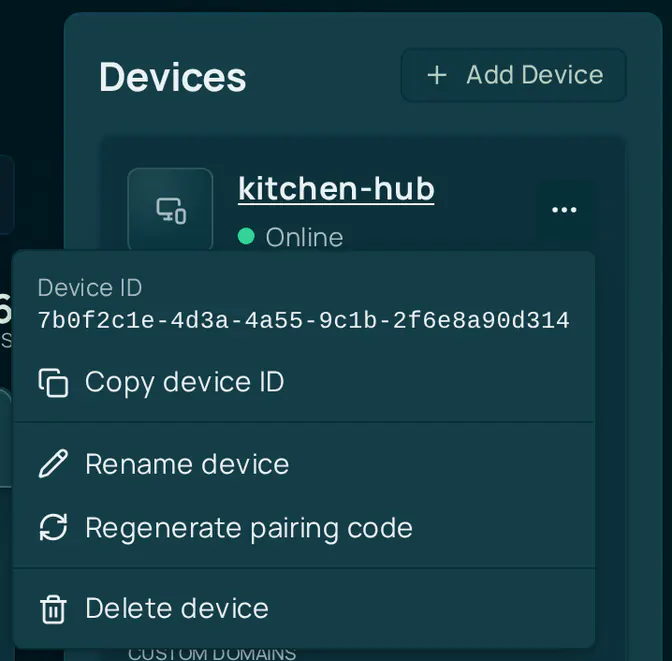
From your CI Account you can also:
- View all paired Hubs and their online status
- See each app’s public address and health
- Install apps remotely on a paired Hub (see Remote app store)
- Pair Hubs into an organization for team access. A device belongs to the organization you chose in Add Device
Which apps use a public address is decided on the Hub, not in your CI Account.
Re-pairing and resetting registration
If you need to move Hub to a new CI Account, fix a broken tunnel, or start fresh, pick the option that matches how much you want to keep.
From the Hub dashboard
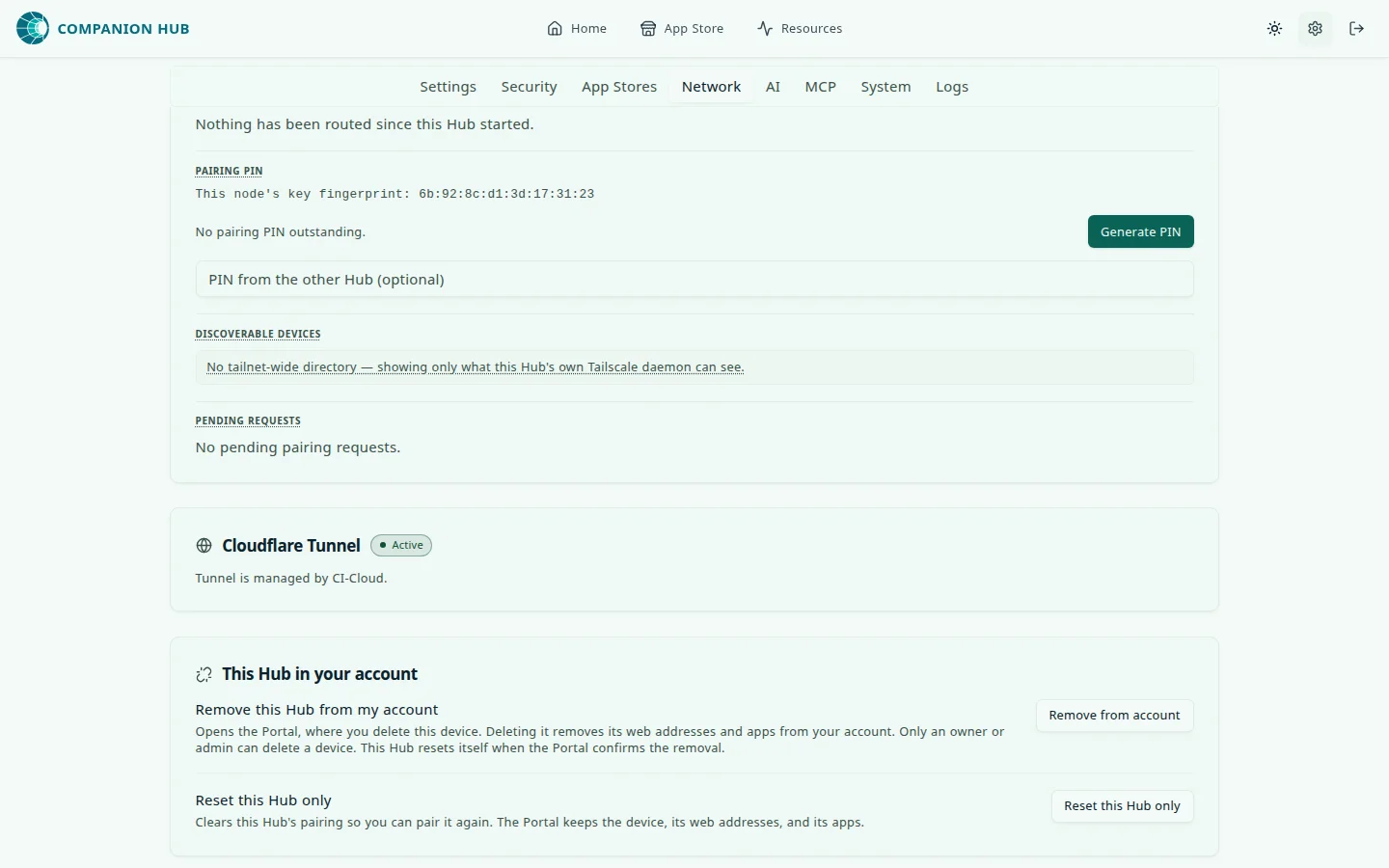
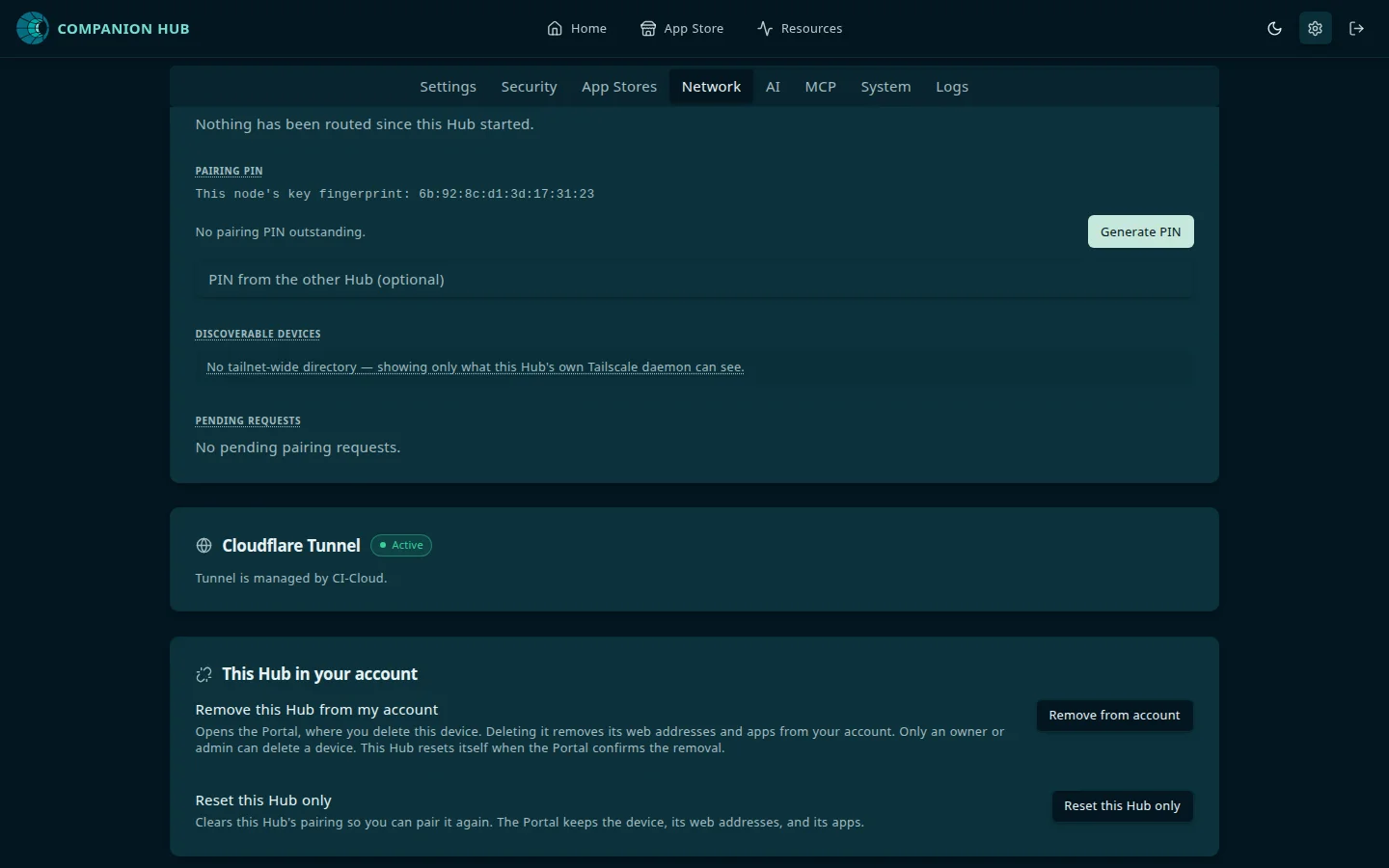
Go to Settings → Network → This Hub in your account:
- Reset this Hub only clears this Hub’s pairing, stops the tunnel, and returns the Hub to the unregistered state so you can enter a new pairing code. Your CI Account keeps the device, its web addresses, and its apps. Pair again with a code from Regenerate pairing code to reconnect the same device.
- Remove from account opens your CI Account, where an owner or admin deletes the device. Deleting it removes its web addresses and apps. The Hub resets itself when your CI Account confirms the removal, or at its next hourly check-in.
From your CI Account
Use Regenerate pairing code to reconnect a Hub without tearing down its tunnel or routes. Use Delete device to remove it for good.
Resetting a Hub stops its Cloudflare tunnel, so its public URLs stop working until you pair it again. Pairing again with a code from Regenerate pairing code brings back the same tunnel, web addresses, and apps. Deleting the device in your CI Account removes them for good.
To clear only the tunnel token by hand, see Remove tunnel token manually.
Moving a Hub to another organization
A Hub can move between organizations you belong to.
- In your CI Account, switch to the organization you are moving the Hub to, and select Add Device
- Enter the new code on the Hub. The Hub asks you to confirm: Move this Hub to organization
- Select Move it here
The organization the Hub leaves loses it, together with its apps, public web addresses, custom domains, and members’ sign-in approvals for that Hub. Its owners and admins get an email, and Home shows Moved to another organization until an owner or admin dismisses it. The Hub keeps its tunnel through the move.
A Hub that has no move key from an earlier pairing cannot move itself. It shows “This computer belongs to another organization” until an owner or admin there deletes it. Pair it once more where it is, with Restore, to receive a move key.
Adding multiple devices
Each physical Hub gets its own device ID and dashboard entry. Run a separate Add Device flow at hub.ci.computer for each machine — do not reuse pairing codes across devices. On deployments that enforce plan limits, the number of paired devices is capped by the organization’s plan; see Billing.
To register many Hubs without a browser session for each one, sign in the cihub tool once with cihub login --scope device:pair, then use cihub fleet install.
Deep linking
The desktop app registers the cihub:// URL scheme. If Companion Hub is installed on the same computer as your browser, select Open in Companion Hub in the Device Pairing Code dialog and the code is passed to the app — no copy-paste needed. Supported links:
cihub://pair?code=ABC123— pair using a 6-character codecihub://pair/ABC123— same, path formcihub://auth?token=…— complete CI Account sign-incihub://install/{appSlug}?storeId=ci-marketplace— open the Hub store app page and show the install form (also supported ascihub-dev://install/...in dev builds)
Opening one of these focuses the desktop app and applies the code or token.
The dialog does not show a QR code for the pairing code. To pair a headless Hub, use the Scan QR toggles on the Hub’s registration page, or type the code.
Troubleshooting
| Issue | Fix |
|---|---|
| ”Pairing code must be exactly 6 characters.” | Check for a missing character or extra space. Codes use letters A–Z and digits |
| ”That pairing code is no longer valid. Ask for a new one.” | The code was already used, expired after 7 days, or was replaced by a newer one. Use Regenerate pairing code on the device’s card, or Add Device for a new device |
| ”This computer belongs to another organization” | An owner or admin in that organization must delete the device, or you move it as described above |
| ”Unable to reach CI Portal (…). Please check your network connection.” | The Hub could not open a connection to hub.ci.computer, so the code was never sent and is still unused. The text in parentheses says why for each address it tried, for example a timeout or an unreachable network. Check that the computer that runs the Hub has outbound HTTPS (port 443) and working DNS, then enter the same code again |
| ”CI Portal did not answer in time. It may still be provisioning this Hub…” | The request left the Hub but nothing came back, so hub.ci.computer may already have used the code. Check Home: the Hub may be listed. If it is not, get a new code with Regenerate pairing code and enter that one |
| ”This pairing code was made for a different device.” | A code from Regenerate pairing code works only on the device it was made for. Use it on that Hub, or select Add Device for a new one |
| ”There is no web address free for this Hub right now. Contact support.” | Your CI Account could not find a domain with room for a new Hub. Retry later; if it persists, contact support |
| Pairing succeeds but no public URL | Wait a few minutes for DNS propagation; check the device’s status on Home |
| Hub shows Remote access is offline | Select Reconnect. If it asks you to restart the Hub or pair again, follow the message. Also verify outbound internet |
| Hub shows degraded cloud status | Verify outbound internet; Hub checks in with hub.ci.computer about once an hour |
| Need to switch CI Accounts | Select Reset this Hub only on Hub, then pair with the new account |
Hub only needs outbound internet for pairing. No inbound ports must be opened on your router.
See also: Account and login, Cloudflare Gateway.