Running Companion Hub
Companion Hub can run as the desktop app (recommended for personal computers), companion-hub --detached on Linux without a display, or via the cihub CLI for servers, automation, and power users.
Every entry point starts the same Docker stack; pick the one that matches where Hub runs:
flowchart LR
    A{"Where does<br/>Hub run?"}
    A -->|"Personal computer"| B["Desktop app<br/>native window and tray"]
    A -->|"Linux server over SSH"| C["companion-hub --detached"]
    A -->|"Scripting a packaged install"| D["cihub up --detached"]
    A -->|"Contributing from a checkout"| E["cihub up local"]
    B --> F["Docker stack"]
    C --> F
    D --> F
    E --> F
    F --> G["Hub dashboard"]
Desktop app (macOS, Windows, Linux)
The Companion Hub desktop app bundles Docker orchestration, the web dashboard, and a native window with system tray controls.
Download: ci.computer/download
Windows ARM64 and Linux ARM64 installers are published too, as direct downloads — see Installation.
Linux packages (.deb/.rpm from ci.computer/download ) install the same app and bundled CLI.
The desktop app:
- Opens the Hub dashboard in a native WebView window
- Shows Hub health in the system tray — Start Hub and Stop Hub, Show Hub or Hide Hub, Account Management (opens hub.ci.computer ), View Logs, Clear Tunnel Token (not full reset), a Status line, and Quit. Closing the window hides Companion Hub in the tray instead of quitting. Quit closes the app without stopping the Hub’s containers; choose Stop Hub first to stop them
- Discovers other Hub instances on your LAN via mDNS
- Remembers window size and position between sessions
- Installs the bundled
cihubCLI to your user PATH on first launch
On first launch, the app checks Docker, starts the Hub’s Docker stack, and opens the dashboard when the Hub answers. On macOS, and on Linux with Docker Desktop, the app also raises Docker Desktop’s memory limit toward 75% of your RAM (at least 8 GB), its CPUs to every core, and its disk cap toward half your disk when they are lower, and restarts Docker Desktop to apply them. The startup screen shows progress while that happens. Your pairing and onboarding steps follow in First login and setup.
The desktop app manages Docker for you, but a Docker engine must be installed and running: Docker Desktop, or a licensing-free alternative — Docker Engine in WSL2 on Windows, Colima on macOS, Docker Engine on Linux. Install Docker walks through each, and Docker backends compares them.
What the startup screen tells you
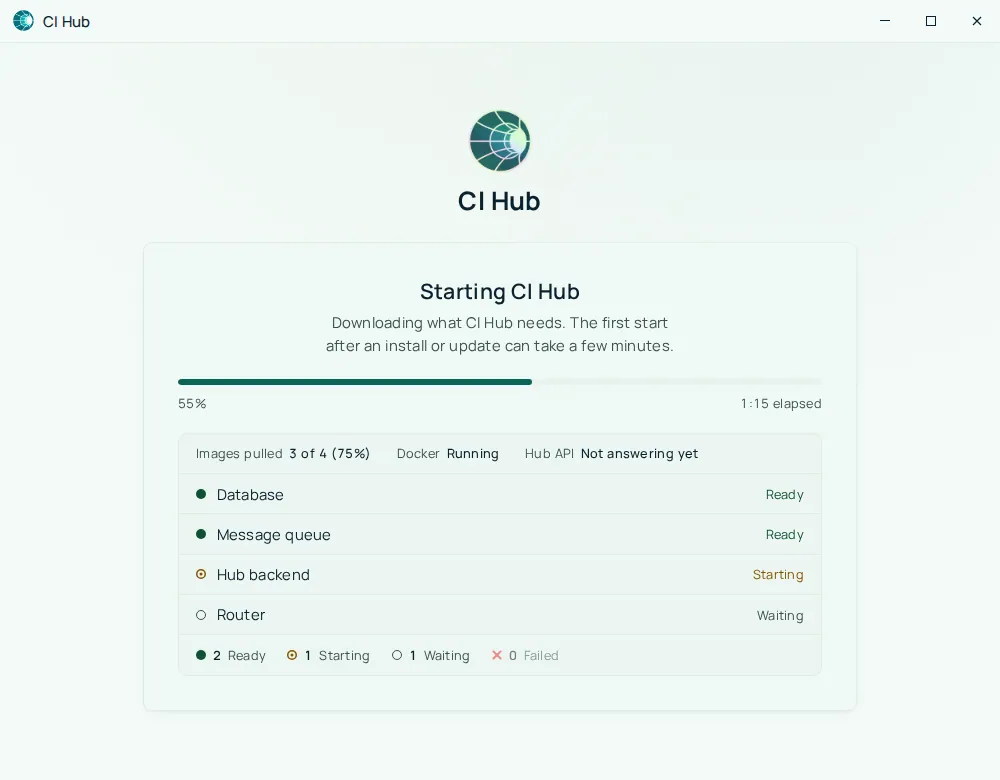
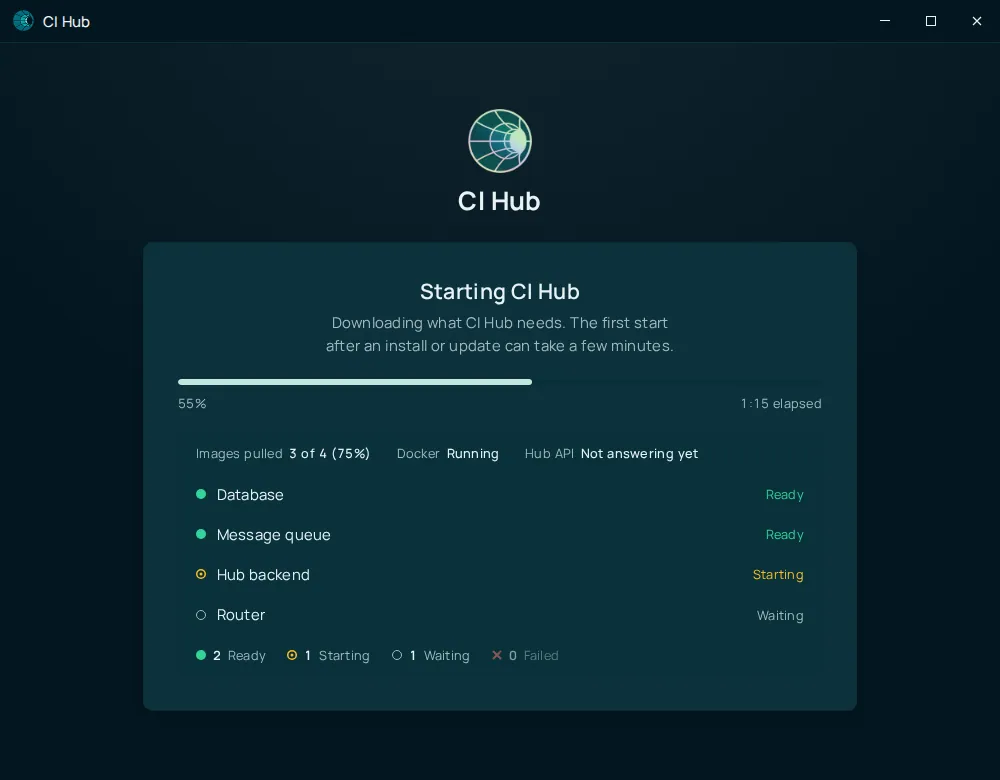
Every time the desktop app opens, it shows a startup screen until the Hub API answers. While the Hub starts, it lists the four services the Hub is made of, with a progress bar, the number of images pulled, the state of Docker, and whether the Hub API answers yet:
The screen names the problem when there is one:
| Title | What it means | What to do |
|---|---|---|
| Checking CI Hub | The app is looking at Docker and the Hub services. | Wait a few seconds. |
| Docker isn’t installed | No Docker engine found. | Select Install Docker, or install it yourself. |
| Docker isn’t running | Docker is installed but not answering. | Open Docker Desktop and wait for it to finish starting. On Linux, run sudo systemctl start docker (the screen has a Copy button). Hub carries on by itself once Docker is up. |
| CI Hub can’t use Docker | Your account isn’t allowed to use Docker. | On Linux, run sudo usermod -aG docker $USER, then log out and back in. |
| CI Hub can’t reach Docker | Docker didn’t answer, and the screen shows Docker’s own message. | Check that Docker is running, then wait. Hub carries on by itself once Docker answers. |
| Starting CI Hub | Containers are starting. A progress bar shows the percentage, elapsed time, and how many images are pulled. The first start after an install or update downloads images and can take a few minutes. | Wait. A View logs link appears after about 90 seconds. |
| CI Hub hasn’t finished starting | A service has been starting for more than three minutes. | Select Restart Hub, Keep waiting (resets the three-minute timer), or View logs. |
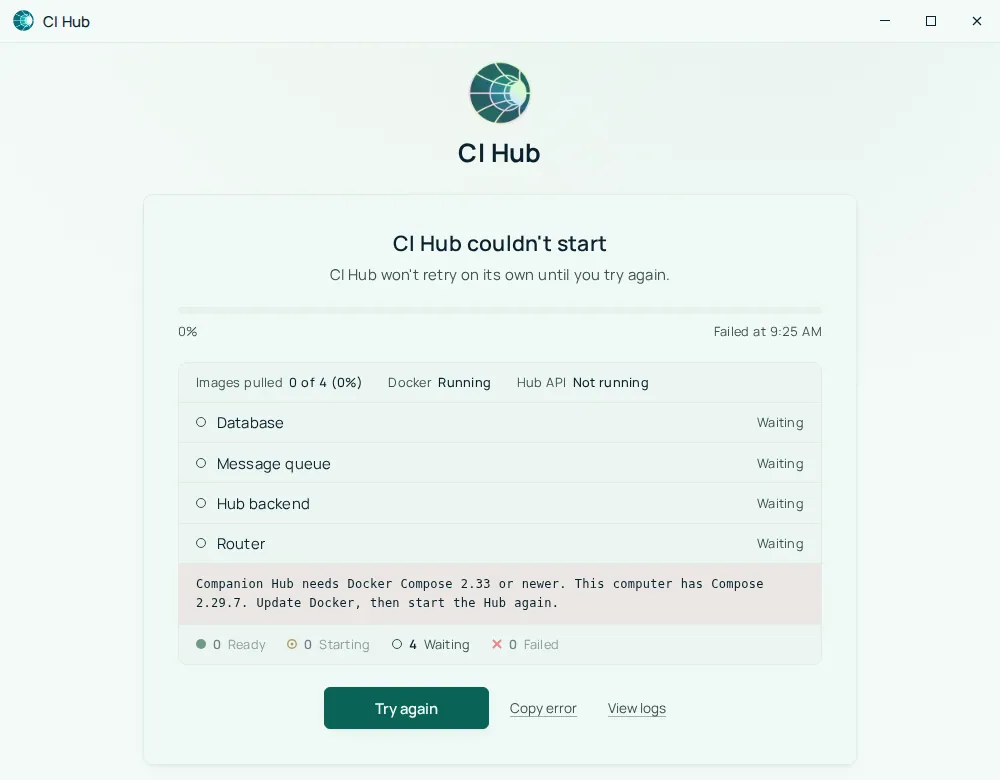
| CI Hub couldn’t start | Docker couldn’t start a service, or Docker Compose is too old: the screen then says Companion Hub needs Docker Compose 2.33 or newer. This computer has Compose <version>. Update Docker, then start the Hub again. Hub does not retry on its own. | Select Try again. Copy error and View logs collect what you need for a bug report. If the message names Docker Compose, update Docker first: Try again can’t fix it. |
| CI Hub is stopped, or CI Hub isn’t running | You stopped it (stopped), or nothing was running when the app opened (isn’t running). A stopped Hub stays stopped until you start it. | Select Start Hub. Starting usually takes under a minute. |
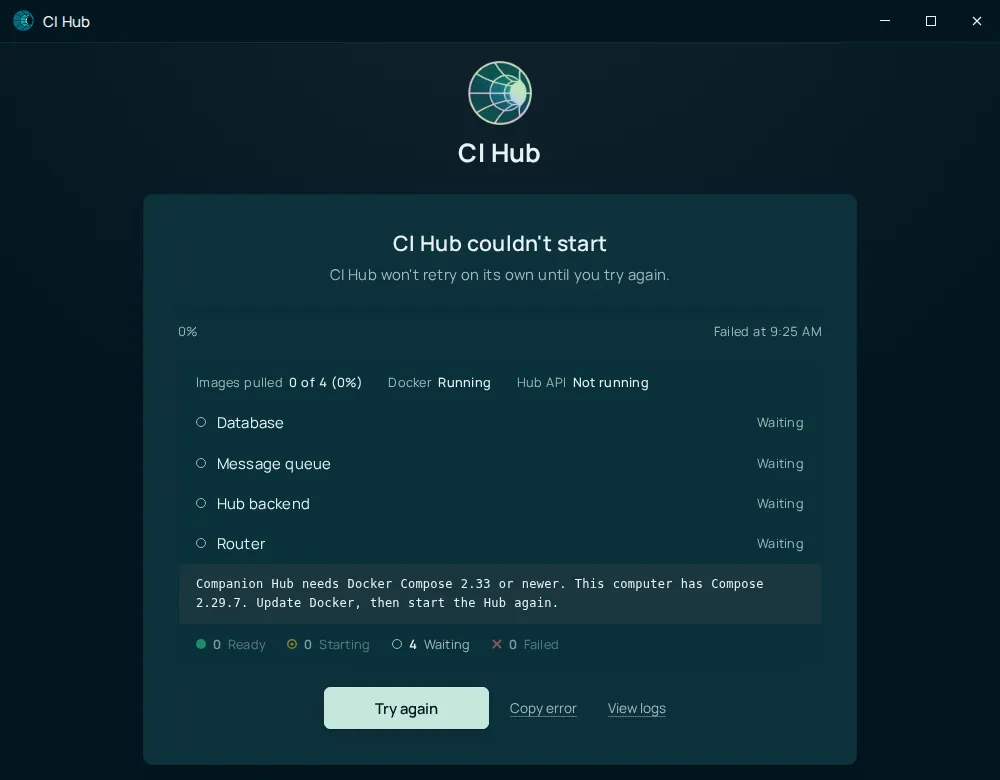
This is how the screen looks when Docker Compose is too old:
When the Hub answers, the screen changes to CI Hub is ready and opens the dashboard.
Headless / server mode (Linux)
On a Linux machine without a GUI — a VPS, home server, or SSH session — use the installed package directly:
companion-hub --detachedThis seeds the prod data directory (if needed), starts the Docker stack in the background, and does not require DISPLAY or a window manager.
Once seeded, the cihub CLI works from any directory:
cihub status
cihub up --detached      # restart after a stop
cihub down
The dashboard is available at http://<server-ip>:5002. Hub uses port 5002 unless it’s already taken, in which case it picks another free port; cihub status lists each container with its published ports, and the ci-hub row shows <host port>->5002/tcp.
Hub keeps its data in a companion-hub folder: ~/.local/share/companion-hub on Linux, ~/Library/Application Support/companion-hub on macOS, and %APPDATA%\companion-hub on Windows.
The .deb package links cihub to /usr/bin/cihub when you install it. If
cihub is not found, either open the desktop app once (it adds the CLI to
~/.local/bin) or invoke the bundled binary:
/usr/lib/companion-hub/resources/cihub.
CLI (cihub)
The cihub command-line tool ships inside the desktop app and Linux packages. It provides full lifecycle control for servers, scripting, and contributors working from a source checkout.
Common first-run flow on a packaged install, without a browser:
cihub up                              # start the stack (detached by default on a packaged install)
cihub status                          # containers, tunnel URL, Tailscale IP, models
cihub register --code <pairing-code>  # pair with your CI Account
cihub claim --email you@example.com   # create the first admin
cihub up on a machine that has never run Hub asks you to choose a database password and creates the data folder. Set POSTGRES_PASSWORD in the environment to skip the prompt.
cihub wizard is an interactive alternative that walks the same steps. It needs a terminal, and on a packaged install the environment it asks for is ignored — Hub always targets the prod install, so press Enter at that prompt.
See the full CLI reference for every command.
Which method should I use?
| Scenario | Recommended |
|---|---|
| Personal computer (Mac/Windows/Linux desktop) | Desktop app |
| Linux server accessed over SSH | companion-hub --detached |
| Restarting or scripting a packaged install | cihub CLI |
| Contributing to Hub development | cihub up local (from checkout) |