Cloudflare Gateway management
This page covers what your CI Account shows and controls for the Cloudflare Gateway. To understand the gateway and choose which apps use it, follow Cloudflare Gateway.
Your CI Account provisions the tunnel and DNS records when you pair a Hub. There is no separate Enable Gateway step, and your CI Account has no switch that turns the gateway on or off. Which apps are public is a per-app setting on the Hub, called Exposure mode, where Public Web is the gateway. Your CI Account at hub.ci.computer shows the result, including from a device that isn’t on your home network.
What you can do from your account
| Action | Where |
|---|---|
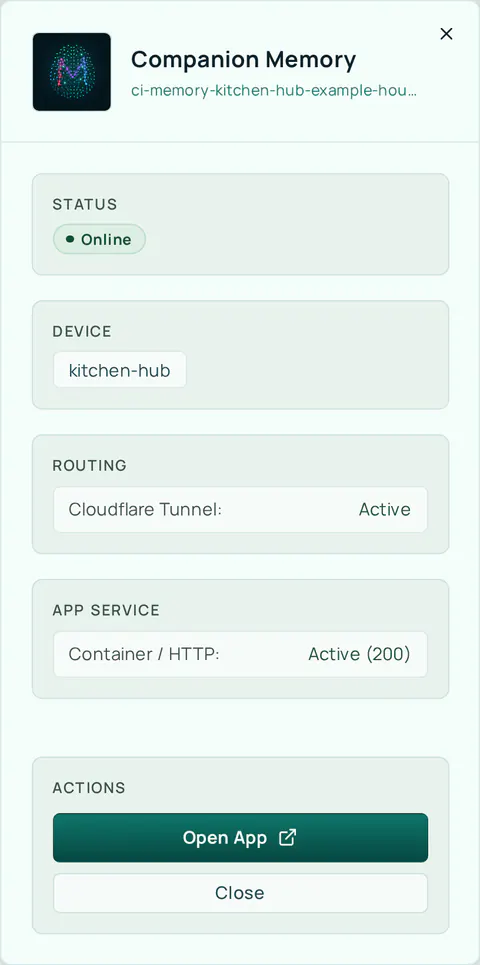
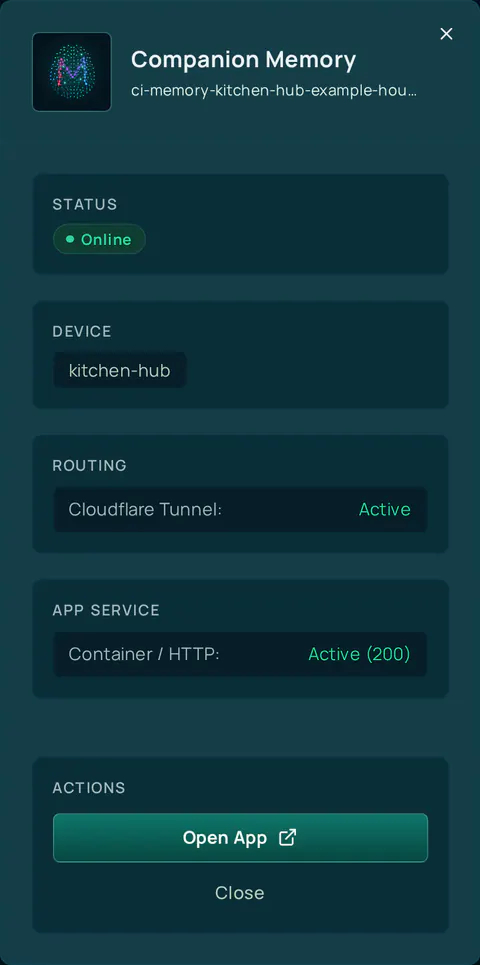
| See which apps have a public address | Home → the device’s apps. Select an app to see its address and Open App |
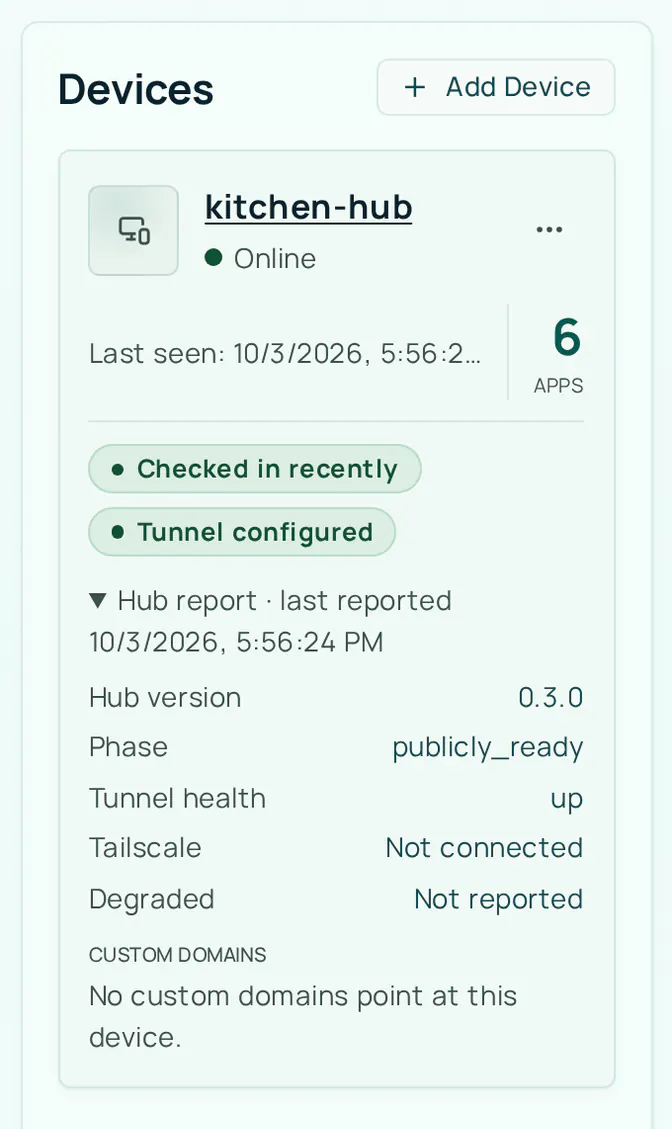
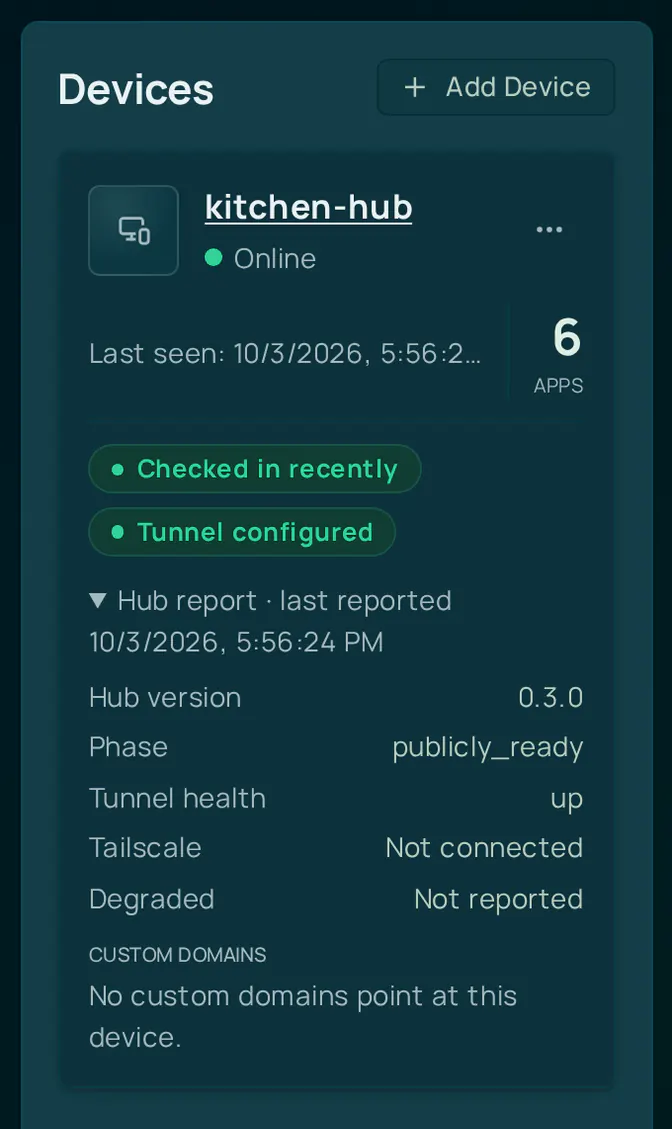
| Check tunnel health | Home → the device’s status line, or an app’s panel → Routing → Cloudflare Tunnel |
| Install an app with a public address | Store → the app → Install → Access method → Public Web. See Remote app store |
| Expose or stop exposing an existing app | On the Hub: the app’s settings → Exposure mode → Save |
| Turn the tunnel off for a Hub | Settings → Network → This Hub in your account → Reset this Hub only on the Hub, or Delete device in your account |
An app’s public address has the form <app>-<device>-<organization>.<zone>, and the Hub dashboard itself is at hub-<device>-<organization>.<zone>. The device and organization parts are the slugs you and your organization chose. Your CI Account picks the zone when you pair a Hub: a new Hub gets a short zone such as ci0.pw, and Hubs paired earlier can still use ci.computer.
Unexposing an app removes its public URL, but anyone who was already using it loses access without warning. If an app was exposed by mistake, unexpose it and rotate any credentials that may have been reachable. Installs default to Public Web when the tunnel is up, so check the Exposure mode before you install.
When your Hub is offline
Home shows the last-known state. A Hub that has not checked in for three hours shows No check-in for over 3h. Your CI Account cannot reach the Hub to change anything: an install from the store fails with Your device did not respond in time. Please try again., because the request travels through the tunnel.
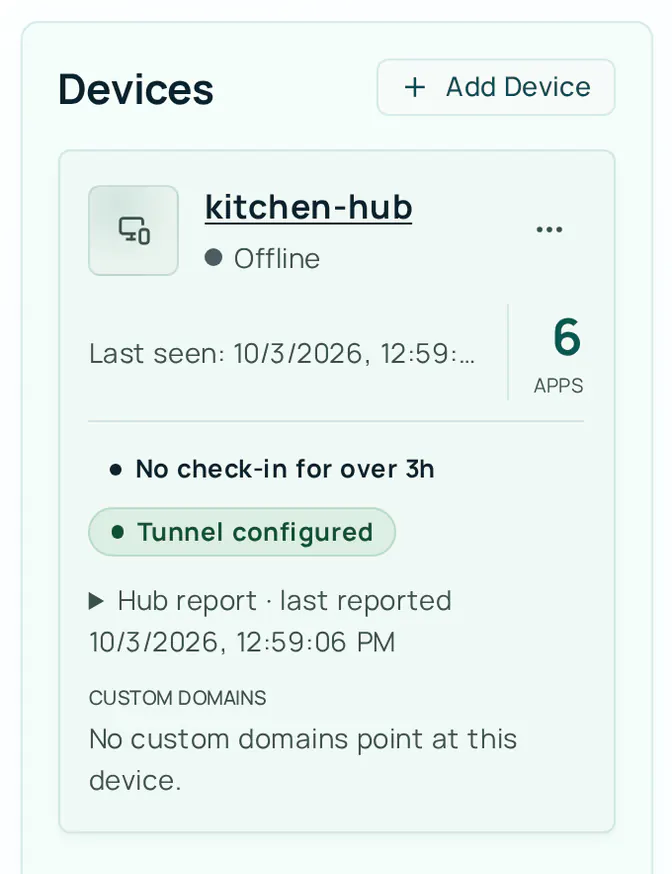
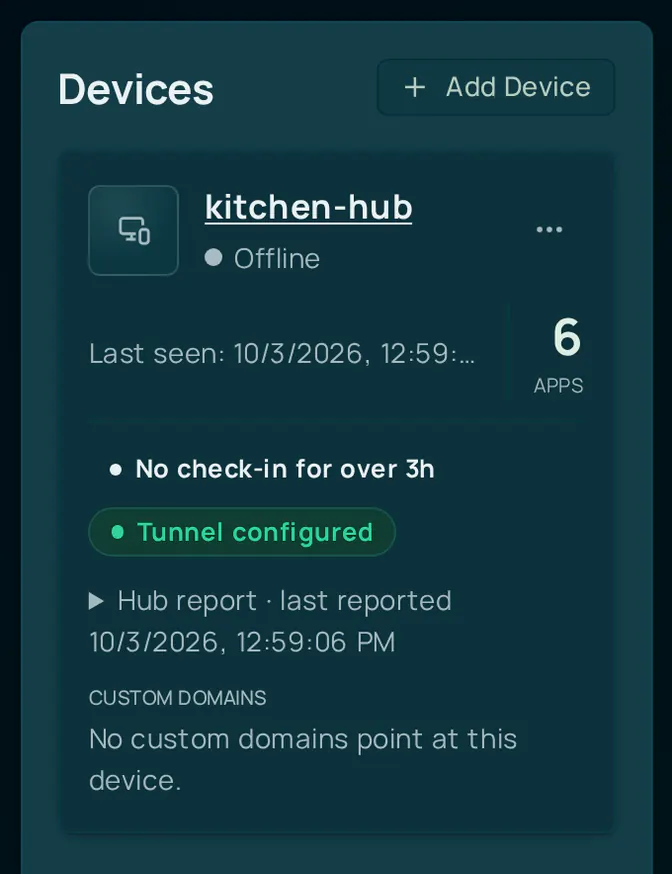
The Hub keeps working on your local network. If the Hub itself shows Remote access is offline, select Reconnect on that banner. If it asks you to restart the Hub or pair again, follow the message.
If a device shows offline while it’s actually running, check that the Hub still has outbound internet access, then verify the tunnel:
cihub status                          # includes the Cloudflare tunnel state
docker ps --filter name=cloudflared
If an app’s public address is wrong, open the app’s settings on the Hub and select Repair routing. The cihub public-web status and cihub public-web repair commands do the same from a terminal, but only on a Hub run from a source checkout; on an installed Hub they stop with a message saying so.
Unpairing
Removing a device from your CI Account means selecting Delete device on its card on Home. Only an owner or admin can do it. Deleting a device removes its tunnel and DNS routes, its apps, and any custom domains bound to it. Exposed apps stop being publicly reachable. The Hub resets itself the next time it checks in, which is at most an hour later, or straight away if you started from the Hub’s Remove from account button.
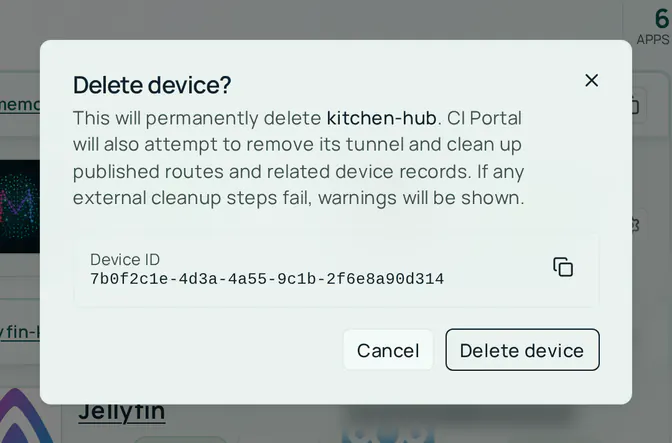
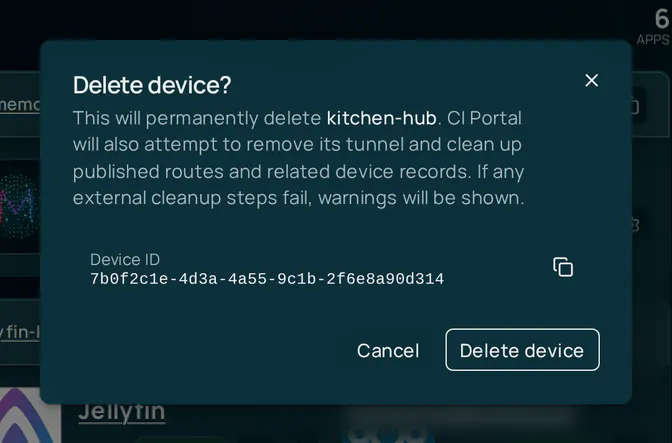
The dialog says the CI Account will also try to remove the tunnel and clean up the device’s routes, and it shows a warning if any cleanup step fails.
To keep the device, its tunnel, and its web addresses and only reconnect the Hub, select Regenerate pairing code instead. Codes are single-use and expire after 7 days. See Device pairing.
If tunnel state is left behind after unpairing, see Remove tunnel token manually.