Common issues
Each section below is one symptom, its first check, and the fix. Use the table to jump straight to the one you have. If you’re not sure which applies, run cihub doctor first — see Troubleshooting.
| Symptom | First check | Section |
|---|---|---|
| An app won’t install or start | Settings → Logs | Apps won’t start |
| An app’s public address says it is starting | Wait; the page reloads itself | An app’s address says it is starting |
| The dashboard doesn’t load | cihub status | Can’t access dashboard |
| The App Store shows no apps, or installs never finish | cihub doctor → Registration | App Store is empty |
| Pairing with your CI Account fails | Is the pairing code fresh? | CI Account pairing fails |
| Sign-in says the Hub has no operator | cihub doctor → Operator | This Hub has no operator |
| A banner says remote access is offline | docker ps --filter name=cloudflared | Remote access is offline |
| Models don’t load | ollama list | AI models not loading |
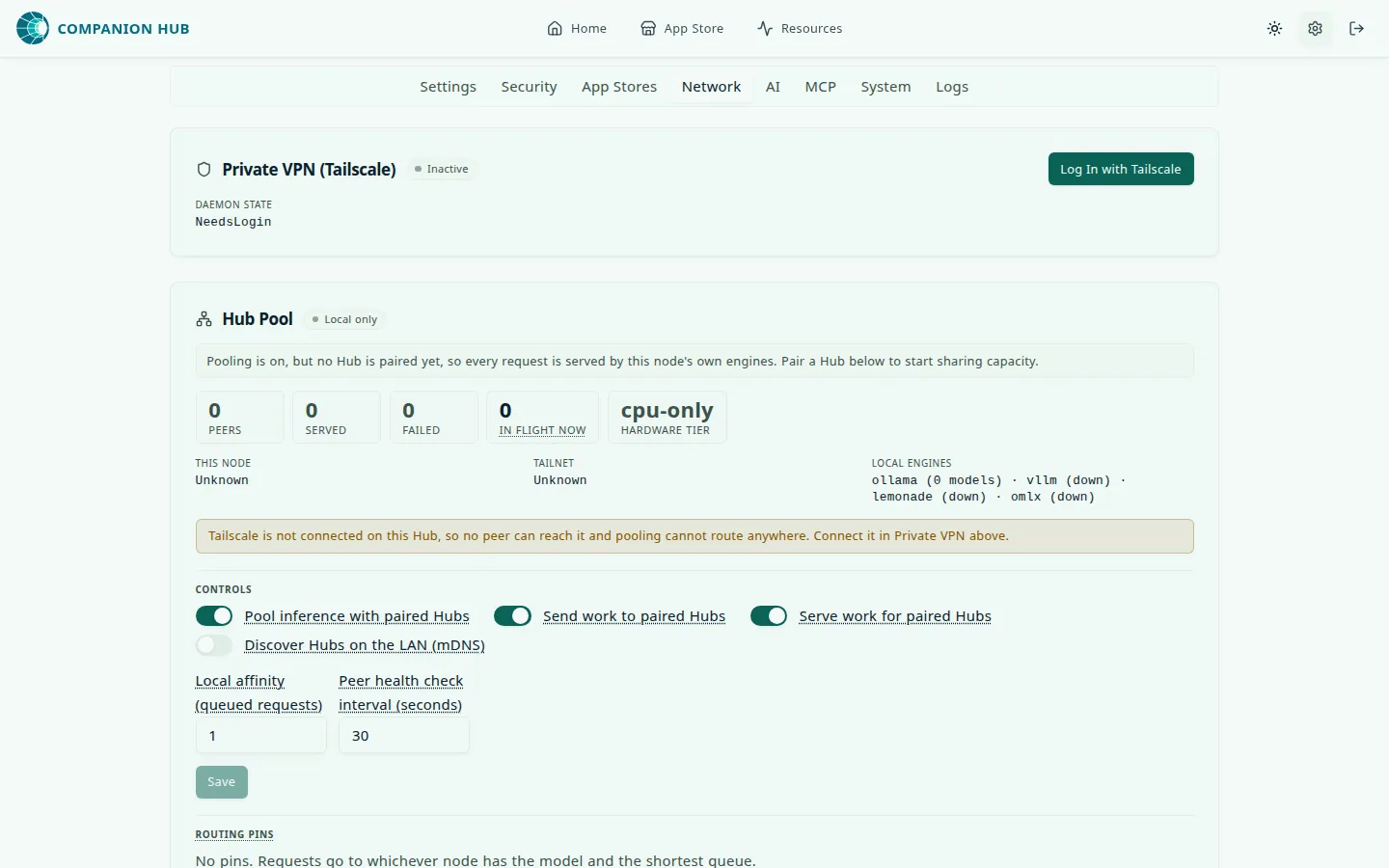
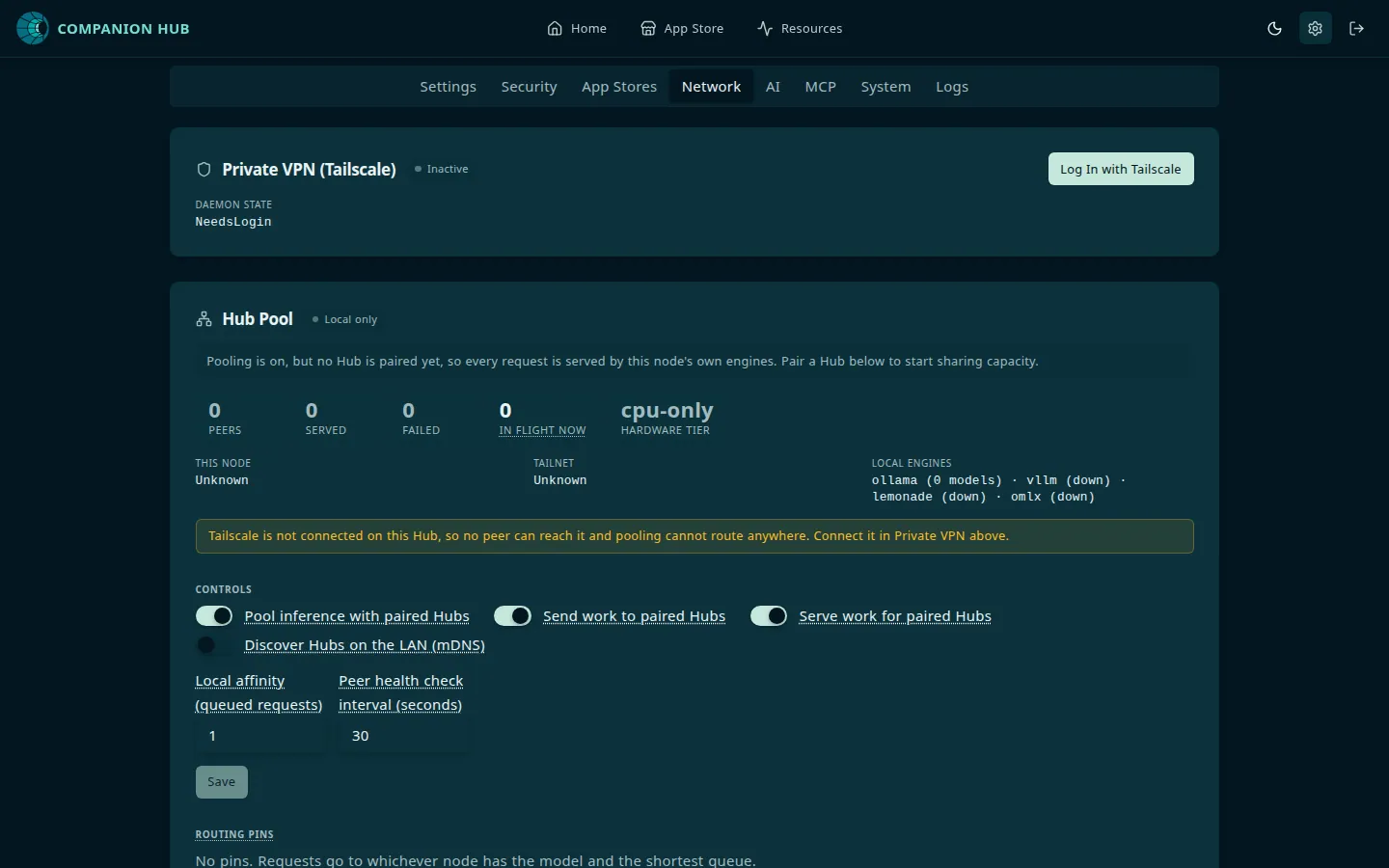
| Tailscale stays disconnected | Settings → Network | Tailscale not connecting |
Apps won’t start
- Read the reason first. In the dashboard, open Settings → Logs — an install or start failure is logged there, and the error message links to it. See the Log viewer.
- Check Docker is running:
docker info, orcihub doctor - Ensure enough disk space:
df -handdocker system df. See Disk space full. - Read the container’s own output: run
cihub app listto find its container name, thencihub app logs <container-name>
Work through the checks in this order — each one rules out the next:
flowchart TD
    a["App won't start"] --> b{"docker info or<br/>cihub doctor OK?"}
    b -->|"No"| c["Start Docker →<br/>Docker issues"]
    b -->|"Yes"| d{"Disk space left?<br/>df -h · docker system df"}
    d -->|"No"| e["Free space →<br/>Docker issues: Disk space full"]
    d -->|"Yes"| f["Read Settings → Logs, then the app's logs:<br/>cihub app logs #lt;container#gt;"]
    click c "/docs/troubleshooting/docker-issues#docker-not-running"
    click e "/docs/troubleshooting/docker-issues#disk-space-full"
    click f "/docs/troubleshooting/log-viewer"
Error messages you may see
| Message | What it means | What to do |
|---|---|---|
Failed to install app <id>, see logs for more details (also start, stop, restart, update, uninstall, reset) | The operation failed inside Docker | Open Settings → Logs and read the lines above the failure |
Failed to backup <name>, see logs for more details, or Failed to restore <name>, see logs for more details | The archive or the copy failed, or Hub refused a restore (the log says Backup <file> was refused) | Open Settings → Logs. The app stays Stopped; a refused restore leaves its data untouched |
Too many attempts. Try again in <N> seconds., or Too many incorrect 2FA codes. Sign in again to get a fresh attempt. | Ten failed sign-ins in a minute from one address, or five wrong two-factor codes | Wait the seconds shown, or sign in again for a fresh attempt. Behind Docker Desktop or a proxy Hub doesn’t trust, everyone shares one allowance |
Your architecture <arch> is not supported by app <id> | The app doesn’t publish an image for this machine’s CPU, such as arm64 | Choose a different app, or run Hub on a supported machine |
Port <port> is already in use by app <id> | Another installed app already claims that host port | Uninstall or stop the other app, or choose a different app |
An event is already in progress for app <id>. Please wait until it finishes or for it to timeout. | The app is still busy with an earlier install, start, or stop | Wait a few minutes, then retry. Hub times a stuck event out after five minutes by default |
App network range conflict. Hub is reassigning a new internal network. Retry install or start. | The app’s Docker network overlaps another network on the machine | Retry the install or start. If it repeats, run cihub doctor --repair-networks |
Couldn't <command> this app because the Hub's job queue is unavailable. | The Hub’s RabbitMQ container is down or still starting | Wait a minute and retry. If it persists, run cihub status and check that ci-hub-queue is up |
This app needs hardware virtualization (KVM). It is not available on this machine. | The app needs KVM, which this machine or its virtual machine doesn’t provide | Enable virtualization in the firmware or the hypervisor, or choose a different app |
This app needs AMD ROCm. Set up ROCm in AI Settings, then retry. | The app needs the AMD GPU stack | Open Settings → AI, set up ROCm, then retry |
An app’s address says it is starting
Through its Public domain address, an app that is still starting shows <App> is starting… instead of Bad Gateway. Its status is Installing, Starting, Restarting, Updating, Resetting, Backing up, or Restoring, or the app last changed state, or the Hub itself started, less than two minutes ago.
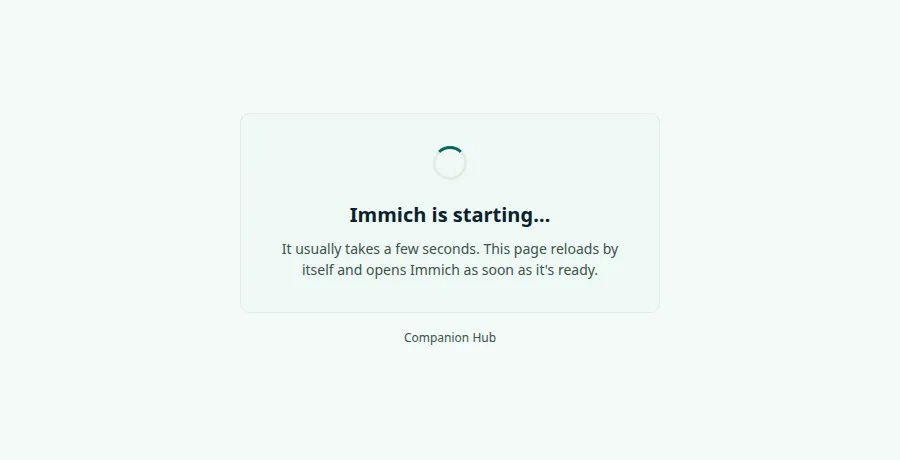
The page reloads itself every five seconds and opens the app as soon as it answers. Nothing needs doing. The visitor’s request still gets the real 502 or 504 status, so API clients and health checks see the failure.
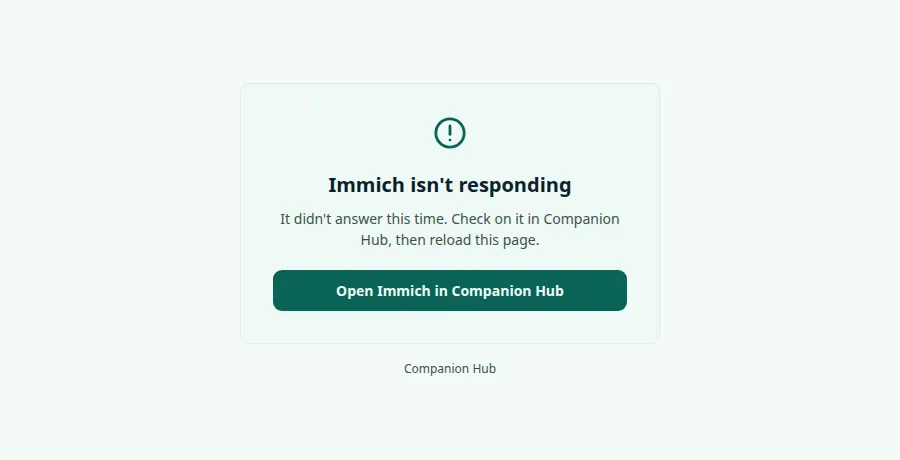
If the page reads <App> isn’t responding, the app didn’t answer for more than two minutes. Check on it in Companion Hub, then reload the page. On a paired Hub the page offers an Open <App> in Companion Hub button.
- Read the reason in Settings → Logs, then the app’s own output:
cihub app logs <container-name>. - Only addresses that go through Hub’s router, the Public domain route, show this page. The Local access address goes straight to the app’s port, so your browser shows its own error there.
- An app that existed before you updated to 0.3.0 gets the page after its next start, restart, or update.
Can’t access dashboard
- Verify Hub is running:
cihub status, or check Docker Desktop - Read the dashboard address from the Containers list in
cihub status. Theci-hubrow shows<host port>->5002/tcp. The default ishttp://localhost:5002. If port 5002 was busy when the Hub started, the CLI moved the Hub to a free port and printed aPort preparationbox. - Check that the Hub answers:
curl -f http://localhost:5002/api/health/livereturns{"status":"ok"}. A first start pulls images, so allow a few minutes before you conclude it is stuck. - On a remote server, use the server IP, or the Tailscale name from Settings → Network (
https://<device>.<tailnet>.ts.net/). The Tailscale IP with port 5002 works only when Tailscale runs on the Hub machine itself. If the address times out, a host firewall may be blocking port 5002.
The address to try depends on where Hub is running:
flowchart TD
    a["Dashboard unreachable"] --> b{"cihub status shows<br/>Hub running?"}
    b -->|"No"| c["Bring the stack up →<br/>Docker issues: Hub stack won't start"]
    b -->|"Yes"| d{"Where is Hub?"}
    d -->|"This machine"| e["http://localhost:5002<br/>or the port in the ci-hub row"]
    d -->|"Remote server"| f["Server IP, or the Tailscale name<br/>from Settings → Network"]
    click c "/docs/troubleshooting/docker-issues#hub-stack-wont-start"
App Store is empty
Hub reads the App Store from Companion Portal, and it authenticates with a device key that it receives when you pair the Hub with your CI Account. A Hub that never finished pairing, or that can’t store the key, fails these calls with a 401. Installs don’t complete, and the store can look slow or empty rather than obviously unauthorized.
- Check pairing: run
cihub doctorand read theRegistrationline. If it saysunregistered, runcihub register— see CI Account pairing fails. - Check that Hub has outbound internet access
- Restart Hub:
cihub down, thencihub up --detached
CI Account pairing fails
- Generate a fresh pairing code at hub.ci.computer (codes are single-use). Enter it in the dashboard, or run
cihub register --code <code>. Over SSH,--codeis required, because the command can’t prompt for it. - Ensure Hub has outbound internet access, and that the Hub is running — pairing talks to the running Hub.
- If
cihub doctorshowsDevice IDascopied from another machine, the env file came from another machine and Hub refuses to pair under that ID. Fix it first — see Move your Hub to a new machine. - If the registration page says
Unable to reach CI Portal (…), the Hub never reached CI Account. The text in brackets lists each CI Account address and why it failed, for exampleETIMEDOUT 192.0.2.10:443orgetaddrinfo ENOTFOUND <host>. Fix DNS, the firewall, your proxy, or your VPN, then register again: the pairing code is still unused.CI Portal did not answer in timemeans the request went out but nothing came back: get a new code first.cihub doctorshows the same reason on itsPortal check-inline. - If the dashboard says
This Hub is not fully set up yet, complete device registration; the message names the phase it’s stuck in. - See Device pairing for reset steps
This Hub has no operator
Symptom: sign-in fails with This Hub is registered but has no operator yet. Claim it with cihub claim --email <you@example.com> on the Hub itself, or sign in once through CI Portal.
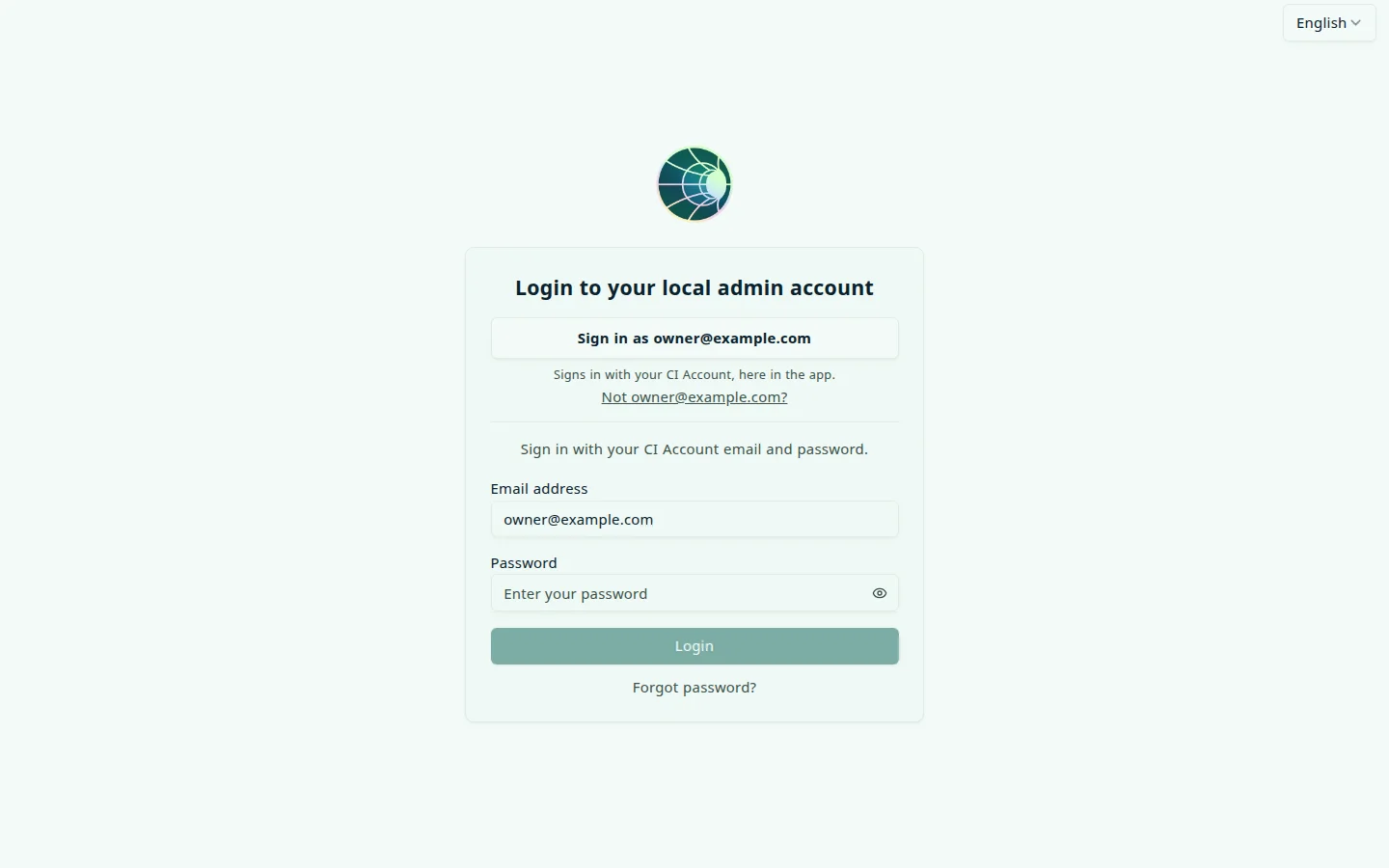
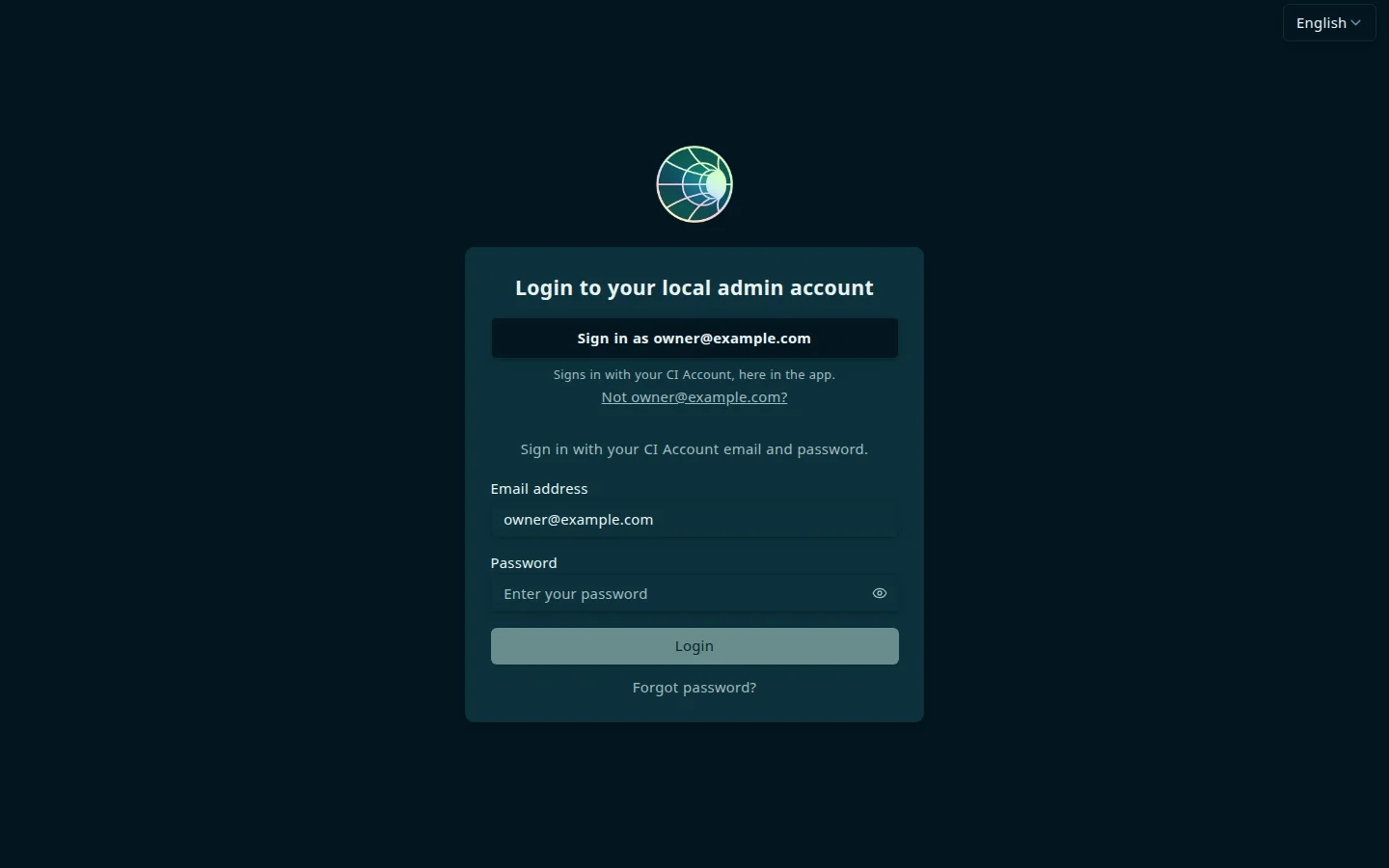
Pairing registers the Hub, but it doesn’t create the first operator account. Run the command on the Hub, with the email address you use for your CI Account:
cihub claim --email <you@example.com>The command is safe to run again: if the Hub already has an operator, it says so and exits with status 0.
Remote access is offline
Symptom: the dashboard shows a banner, Remote access is offline, and says the Hub runs normally on your device but its public URL isn’t available. Companion Hub itself is unaffected; only the Cloudflare tunnel is down.
- Select Reconnect in the banner. Hub tells you what it needs next: restart the Hub to finish restoring access, or re-pair this device. Re-pairing resets the current registration, so you pair the Hub again.
- Check that the tunnel container exists and is running:
docker ps --filter name=cloudflared, thendocker logs cloudflared. On an installed Hub,cihub statusshows the Cloudflare row asactivewhile the tunnel container runs andnot configuredotherwise. - Check that Hub has outbound internet access. The tunnel connects outward to Cloudflare.
- If the state stays stuck after you unpair, see Remove tunnel token manually.
AI models not loading
By default, Hub talks to Ollama running on your machine — from inside the Hub container it connects to http://host.docker.internal:11434.
- Install Ollama on the host: ollama.com , then check it with
ollama list - Run
cihub doctorand read theDocker bridgeline.refusedmeans Ollama listens on loopback only — setOLLAMA_HOST=0.0.0.0:11434and restart Ollama.blockedmeans a host firewall drops traffic from the Hub’s container, and doctor prints theufw allowcommand to run. See Ollama not reachable from containers. - Manage models in Settings → AI. Model downloads run in the background, and their progress appears in Settings → Logs. Large models need several gigabytes of free disk space.
- A download Hub refuses says why at once, for example that the model’s weights are larger than your GPU memory. Pick a smaller model.
- If Lemonade reads Lemonade not detected on Linux although it runs, follow the steps on the Lemonade card. See Lemonade on Linux.
Tailscale not connecting
- If the panel says The Hub could not access Tailscale (no host CLI/socket and no hub-tailscale sidecar), Hub has no Tailscale client to use. Install Tailscale on the Hub machine, or set a pre-auth key, as Sidecar not available describes
- If the panel shows Tailscale refused the Hub’s changes, run the command it shows once on the Hub’s computer. See Tailscale refused the Hub’s changes
- Complete authentication in the browser tab that opens
- Wait 5–10 seconds, then refresh Settings → Network
- See Tailscale troubleshooting
For Docker-specific issues, see Docker issues. For other problems, see Getting help.