Self-hosted alternatives finder
The App Store carries a curated table mapping proprietary services to self-hosted apps you can run on your own Hub instead — so you can start from “I want to stop paying for X” rather than from an app name you have never heard of.
Finding it
Open the App Store and pick Alternatives in the left-hand category sidebar (on a narrow screen it is a pill in the horizontal category row instead). The subtitle reads “Open source replacements for proprietary software”.
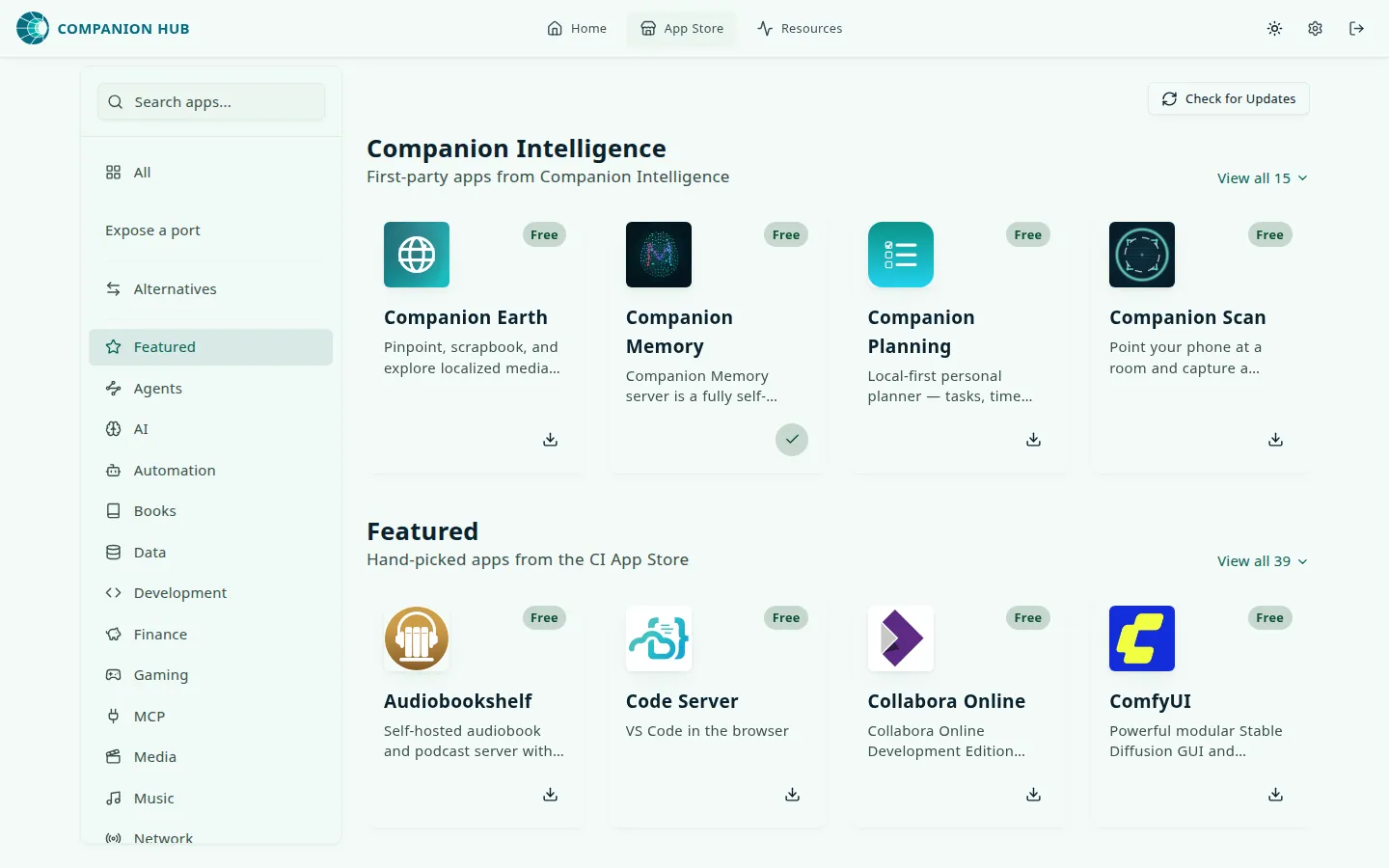
The view is a table grouped into ten categories — utilities, social, development, data, media, automation, security, photography, finance, and AI. Each row puts one or more proprietary products on the left and their self-hosted replacements on the right. The App Store search box filters it: typing matches the proprietary name, the alternative name, or the category.
A few rows as they stand today:
| Instead of | Run on your Hub |
|---|---|
| Google Photos, iCloud Photos | Immich, PhotoPrism |
| Google Drive, Dropbox | Nextcloud, Seafile, Filebrowser |
| LastPass, 1Password | Vaultwarden, Passbolt, TeamPass |
| Notion | AppFlowy, Affine, Logseq |
| Confluence, Notion | Docmost, Novel |
| Figma, Sketch | Penpot |
Clicking through
Each alternative is a pill. Where the entry is mapped to an app in your store, the pill is a link straight to that app’s listing, so discovery and install are one hop apart. Every entry in the current dataset is mapped that way.
Where an entry has no mapped app, the pill grays out and carries a Soon badge instead — it is deliberately not clickable, because there is nothing to install yet.
Search finds replacements too
You do not have to open the Alternatives view. The regular App Store search also matches the products an app replaces, so a search for “Google Drive” lists Nextcloud, and it shows the matching rows from the Alternatives table above the results. Each app lists those names in the replaces field of its manifest — see config.json options.
Where the data comes from
The table is not part of the app catalog and not stored on your Hub. It is a single
alternatives.json file served by CI Cloud at GET /api/store/alternatives, which your Hub proxies
for the App Store UI.
The path from the source file to a pill in your App Store:
flowchart TD
    J["alternatives.json<br/>in the CI-Portal repository"] -->|"served as"| E["CI Cloud<br/>GET /api/store/alternatives"]
    E -->|"proxied by"| H["Your Hub"]
    H --> V["App Store<br/>Alternatives view"]
    V -->|"appSlug set"| L["Pill links to<br/>the app listing"]
    V -->|"no appSlug"| S["Grey pill with<br/>a Soon badge"]
Because the list is fetched from CI Cloud, an appliance with no internet access shows an empty or errored Alternatives view. The rest of the App Store is unaffected.
Contributing
The dataset lives in the CI-Portal repository, at
apps/hono-app/src/domains/store/handlers/alternatives.json — not in the app store repository. To
add a mapping, open a pull request there adding the proprietary product and its alternatives, and
set appSlug on any alternative that already exists in the catalog so the pill becomes a link.
The alternatives finder is a discovery tool. Not every proprietary service has a 1:1 replacement, and the table only claims that these are the apps worth looking at first.