Introduction
Companion Intelligence is a self-hosted AI platform: software you download or hardware you own, running entirely on your machine. It is your private AI infrastructure, your personal cloud, and your Companion Memory in one stack.
Every service you might otherwise rent, Dropbox, Slack, Spotify, Google Drive, ChatGPT, is a subscription paid with money and data. Companion is the exit ramp. All your cloud apps under one roof; installs in minutes; the results are yours.
Companion Hub is the software that installs and manages self-hosted apps through a web dashboard, desktop app, and CLI. It is free for personal and nonprofit use. It runs on most PCs (Linux, Windows, Mac) and on Companion Core hardware built for local inference.
This documentation covers the full ecosystem:
| Area | What it covers | |
|---|---|---|
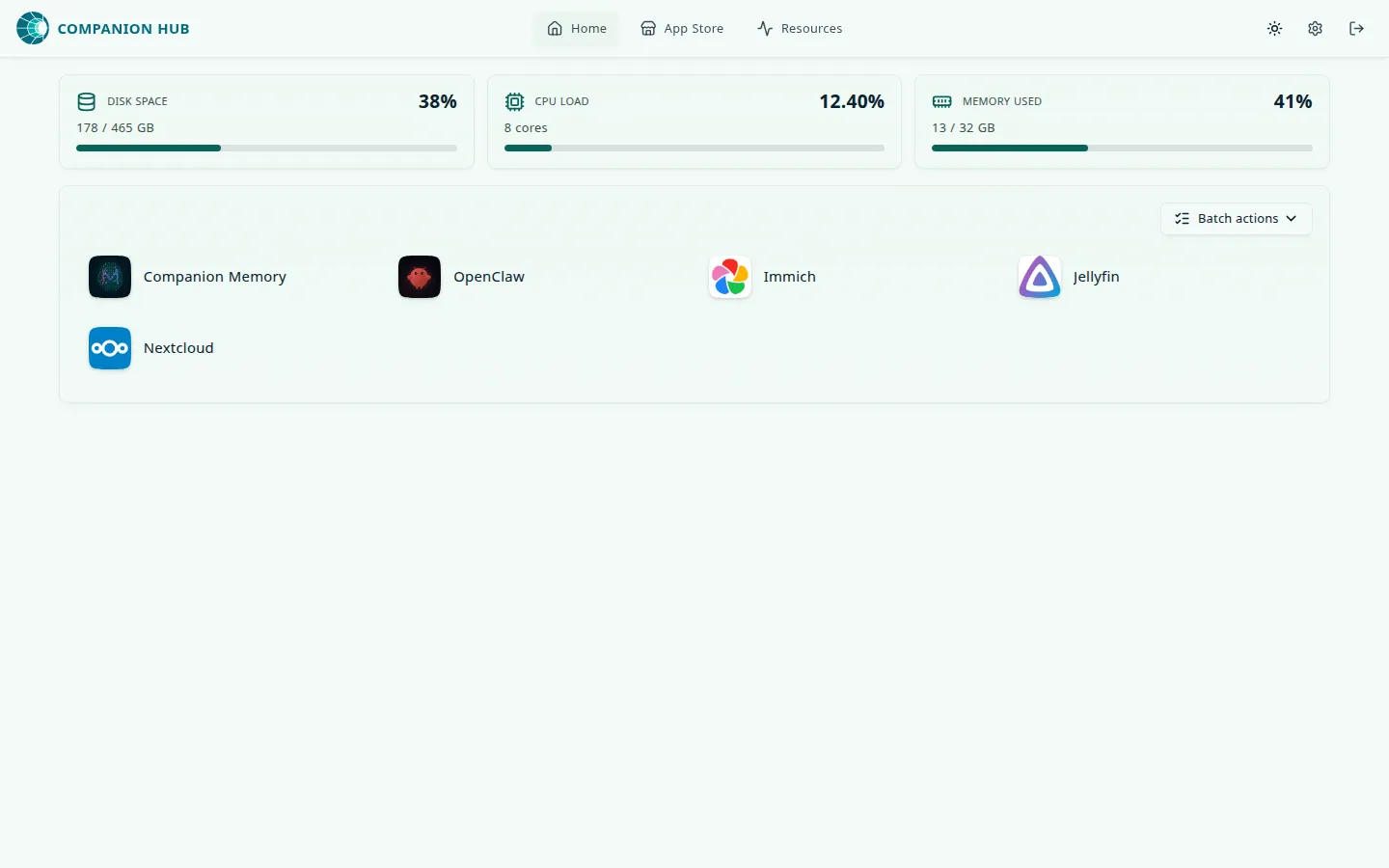 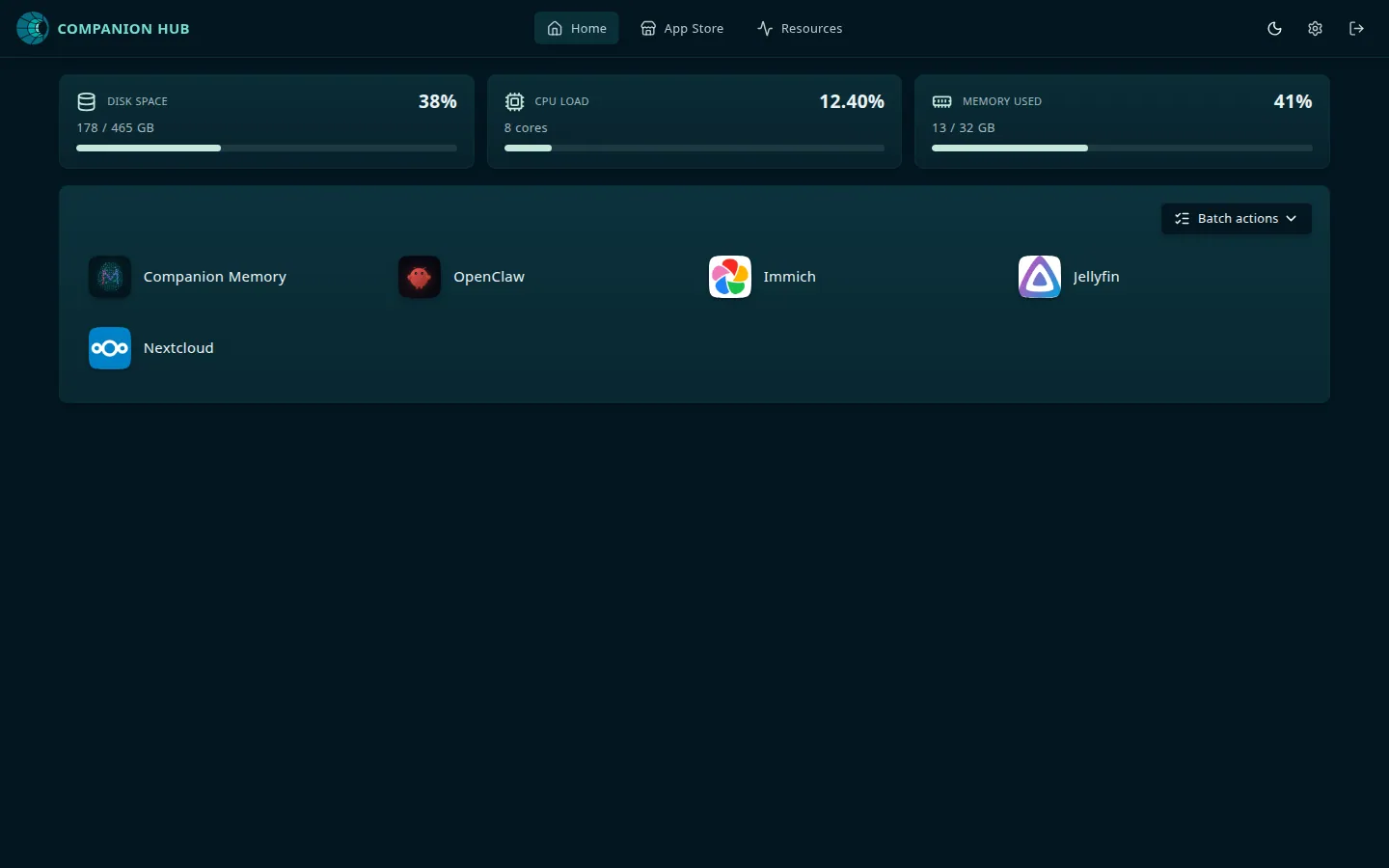 | Companion Hub | The local app runtime and dashboard |
  | CI Account | Remote access, device pairing, and public access flows at hub.ci.computer |
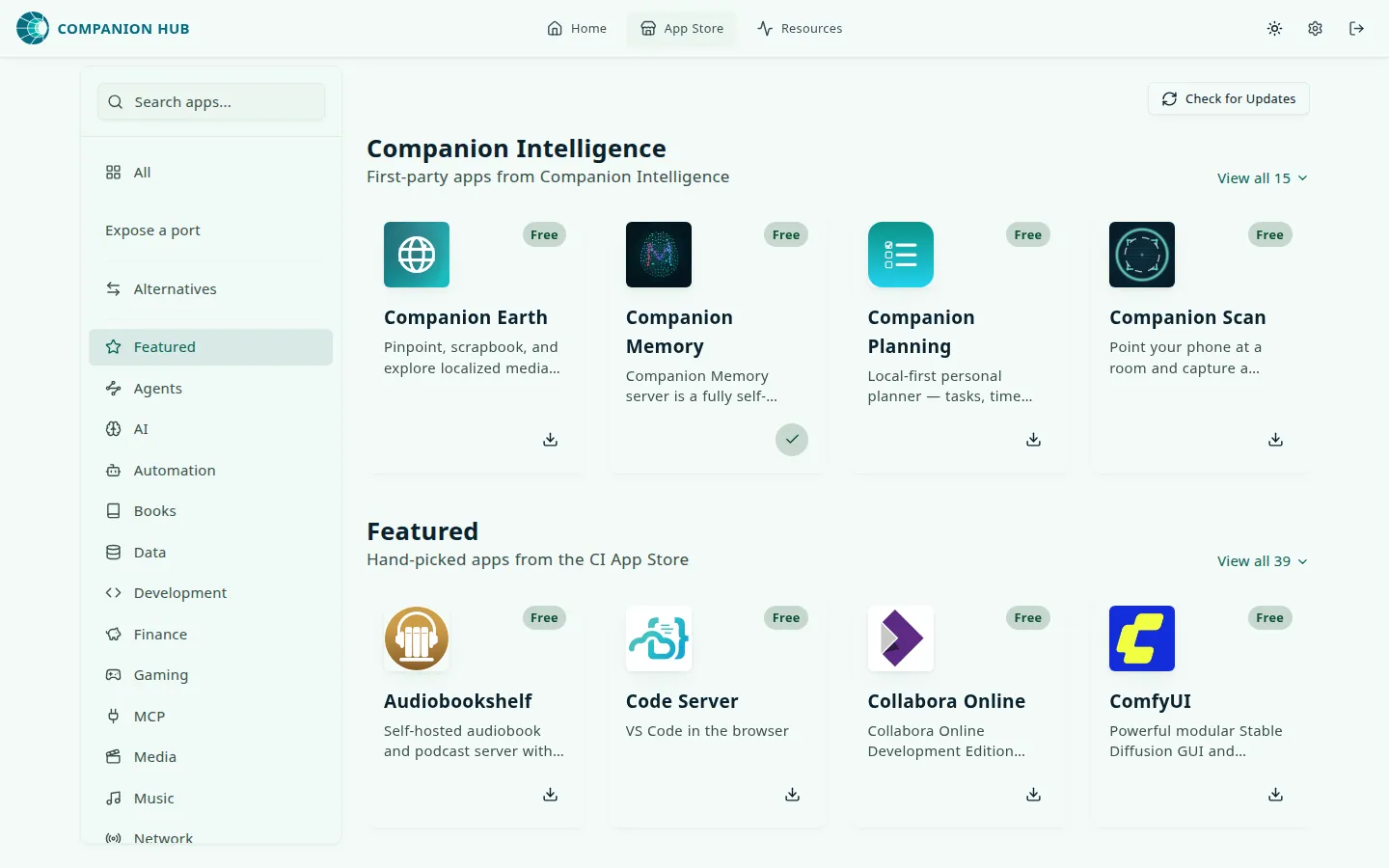 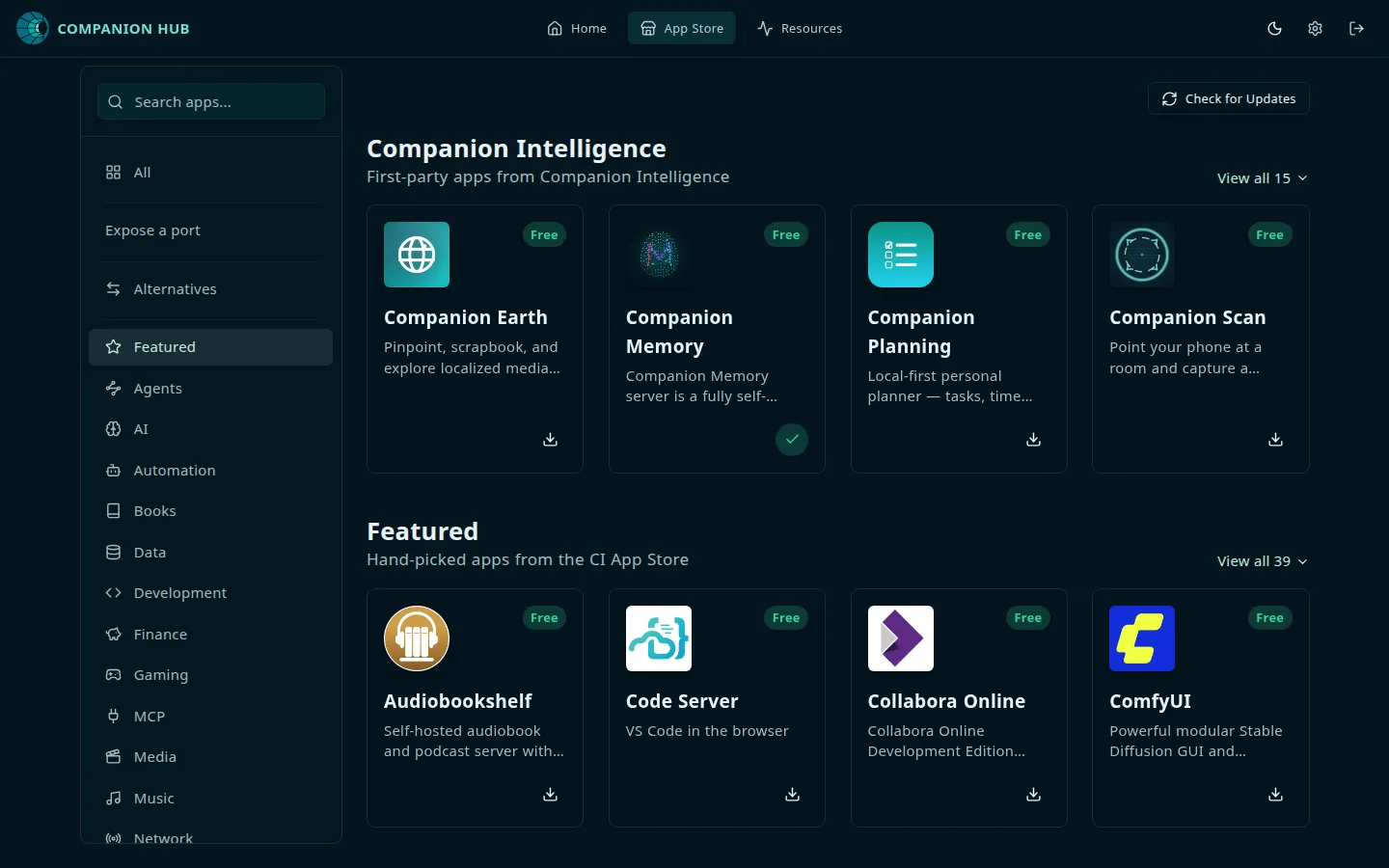 | First-party apps | Companion Intelligence apps that work on Hub and with Companion Memory |
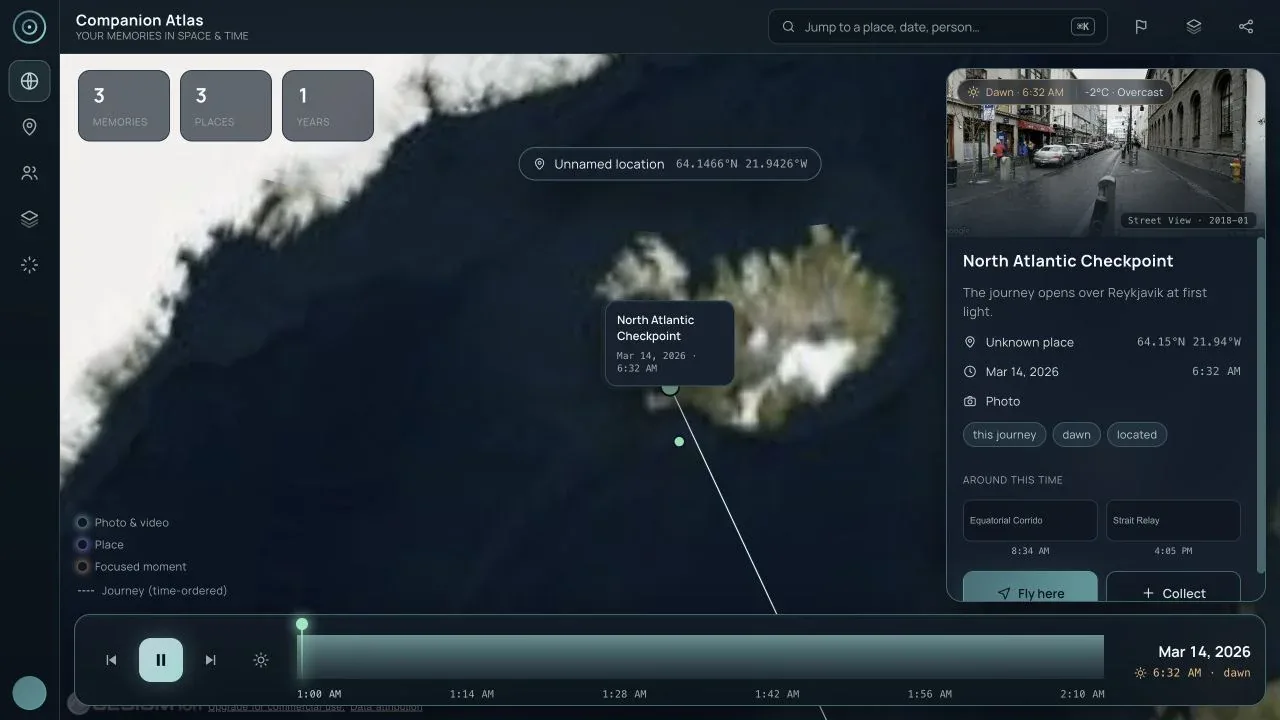 | Companion apps | User-facing clients, wearables, and interfaces across devices |
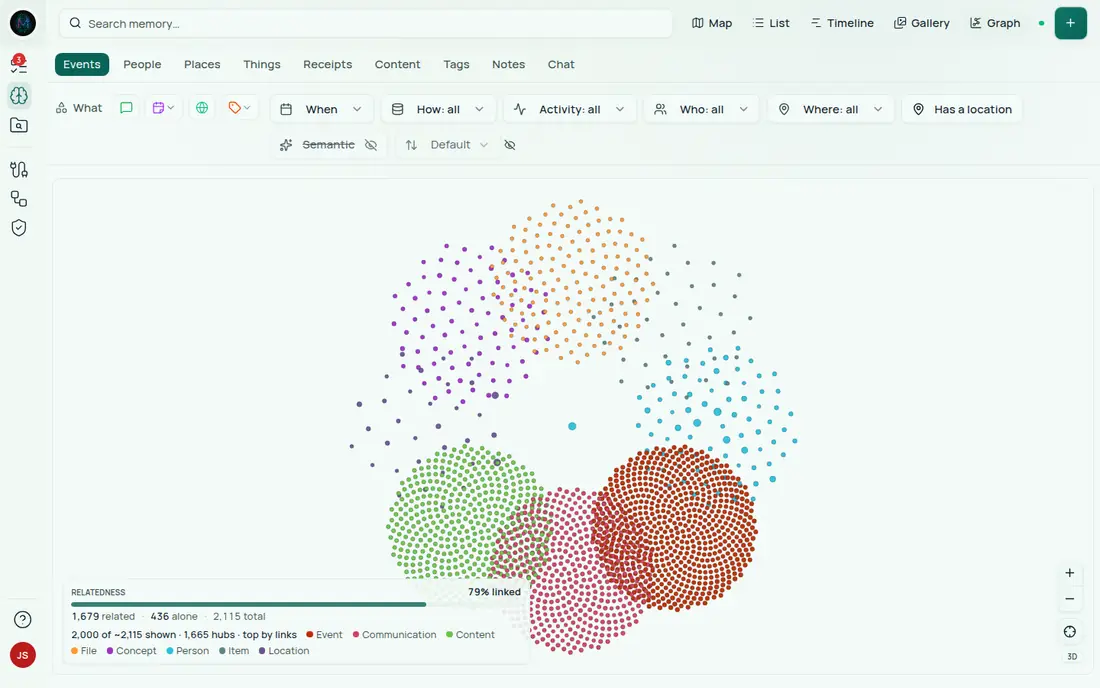  | Connecting your own agent | Point an MCP client you already run at your Hub and Memory |
If you already run OpenClaw, Hermes, Claude Code, or another MCP-capable client, it can connect to your Hub and Companion Memory directly: appliance management from Hub, recall and capture from Memory. See Connect an existing agent.
To run Companion Hub now, follow Your first hour from installation to a working app. If you have a Companion Core, start with the Core Server quick start. Continue below for a product overview.
Why Companion Hub?
- Ownership by default: run your apps, data, and AI on hardware you control
- Privacy by design: local-first architecture; no analytics or usage tracking; no training on your data. Anonymous crash reports are on by default, and you can turn them off
- One dashboard: install apps, manage updates, check logs, and configure networking
- Integrated AI: local inference through Ollama, oMLX, vLLM, or Lemonade, optional cloud providers, and standardized inference settings for apps
- Managed remote access: Tailscale and Cloudflare Gateway without manual port-forwarding
- A bigger ecosystem: Hub is the foundation for your CI Account, Companion Memory, agents, and hundreds of installable apps
How the platform fits together
Hub and Companion Memory run on your machine. Capture flows into Memory, agents connect to Memory and Hub over MCP, and your CI Account is required for pairing, remote access, and Organizations:
flowchart LR
    accTitle: How the platform fits together: capture, agents, the App Store and your CI Account around Companion Hub
    Capture["Capture<br/>browser extensions, Companion Capture,<br/>mobile app, wearables"]
    Agent["Your MCP client<br/>OpenClaw, Hermes,<br/>Claude Code"]
    Store["Companion App Store"]
    Account["CI Account<br/>hub.ci.computer"]
    subgraph Hub["Companion Hub on your machine"]
        Memory["Companion Memory"]
        Apps["Installed apps"]
    end
    Capture -->|"events, files,<br/>media"| Memory
    Agent -->|"MCP: recall<br/>and capture"| Memory
    Agent -->|"MCP: appliance<br/>management"| Hub
    Store -->|"install"| Apps
    Account <-->|"pairing, remote<br/>access, Organizations"| Hub
    Capture -.->|"sign-in and<br/>server lookup"| Account
In practical terms:
- Hub runs apps and local services on your machine
- CI Account (hub.ci.computer) is required for pairing, remote access, and Organizations
- Companion App Store is where installable apps are published
- First-party, third-party, and companion apps are the user-facing tools built on top of that stack
Companion Hub itself runs on Docker. Each app is an isolated compose stack. Apps open on a direct local port. Apps you expose to the web or a Tailscale network are routed by hostname through a Traefik reverse proxy.
You can run Hub via the desktop app (macOS, Windows, Linux), companion-hub --detached on Linux servers without a display, or the bundled cihub CLI for scripting and lifecycle control.
Try it live
Some Companion sites run in your browser, so you can open one now and read its docs page when you want the detail.
- Companion Spatialxr.ci.computerA phone-first augmented-reality app that overlays nearby places, history, and weather on your camera view.Open site Read the docs
- Photo Time Machinephoto.ci.computerA viewer that turns an image, image set, or video into a shareable 3D model. You point it at a server you run.Open site Read the docs
- Virtual Homeshomes.ci.computerThirty homes, each built live in your browser from one spec file. Fly the camera paths and change the hour.Open site Read the docs
- Spellbookmagic.ci.computerA searchable catalog of local-AI and self-hosting tools, organized by the job you are doing.Open site Read the docs
Setting up a device? The full Companion sites list also has the setup guides for Home Assistant Voice PE, Even Realities, Mentra Live, and Pebble.
Start here, then branch out
Your first hour walks the whole path on one page: Docker → Ollama → Hub → your first app. To follow separate pages instead:
- Install Hub on your machine
- Pair with your CI Account: a fresh Hub opens on the device registration screen, and pairing enables remote access and Organizations
- Sign in as the first admin
- The onboarding wizard launches to set up AI, apps, and remote access
- Install your first app from the Companion App Store
Nothing installed to a working app, start to finish.
Your first hourPower on, join your network, and pair. Docker, Ollama, and Hub are already installed.
Set up a Companion CoreUnderstand the core value proposition before you install.
Why use Companion Hub?Go from setup to a working app in a few steps.
Install your first appChoose the desktop, CLI, or headless workflow that fits your machine.
Running Companion HubSee how first-party, third-party, and community apps fit together.
Browse the Companion App StorePair devices, manage remote access, and share Hubs through Organizations.
Understand your CI AccountReach a Hub-hosted OpenClaw or Hermes from iOS or Android, over Tailscale.
Use an agent from your phoneAlready run Claude Code, OpenClaw, or Hermes? Point it at your Hub.
Connect an existing agent