Why Companion Hub?
Companion Hub is a self-hosting platform built around a simple idea: your services, your hardware, your rules.
Learn more about Companion Intelligence hardware and offerings at ci.computer .
What makes Companion Hub different
Managed Cloudflare Gateway
Most self-hosting platforms leave networking to you. Companion Hub provides a managed Cloudflare Gateway through your CI Account at hub.ci.computer. Pairing your device provisions the tunnel and DNS, and you then choose per app whether it gets a public HTTPS URL by setting its Exposure mode to Public Web. No port forwarding, no Cloudflare account required.
Your CI Account
Sign in at hub.ci.computer for remote management. Pair your Hub, install apps remotely, invite your team, and monitor your devices — all from a browser. Which apps are public is a per-app setting on the Hub, not in your CI Account.
One-click App Store
A curated App Store with hundreds of containerized applications. Each app ships with sensible defaults and dynamic install forms, and Hub adds Traefik routing when you expose it.
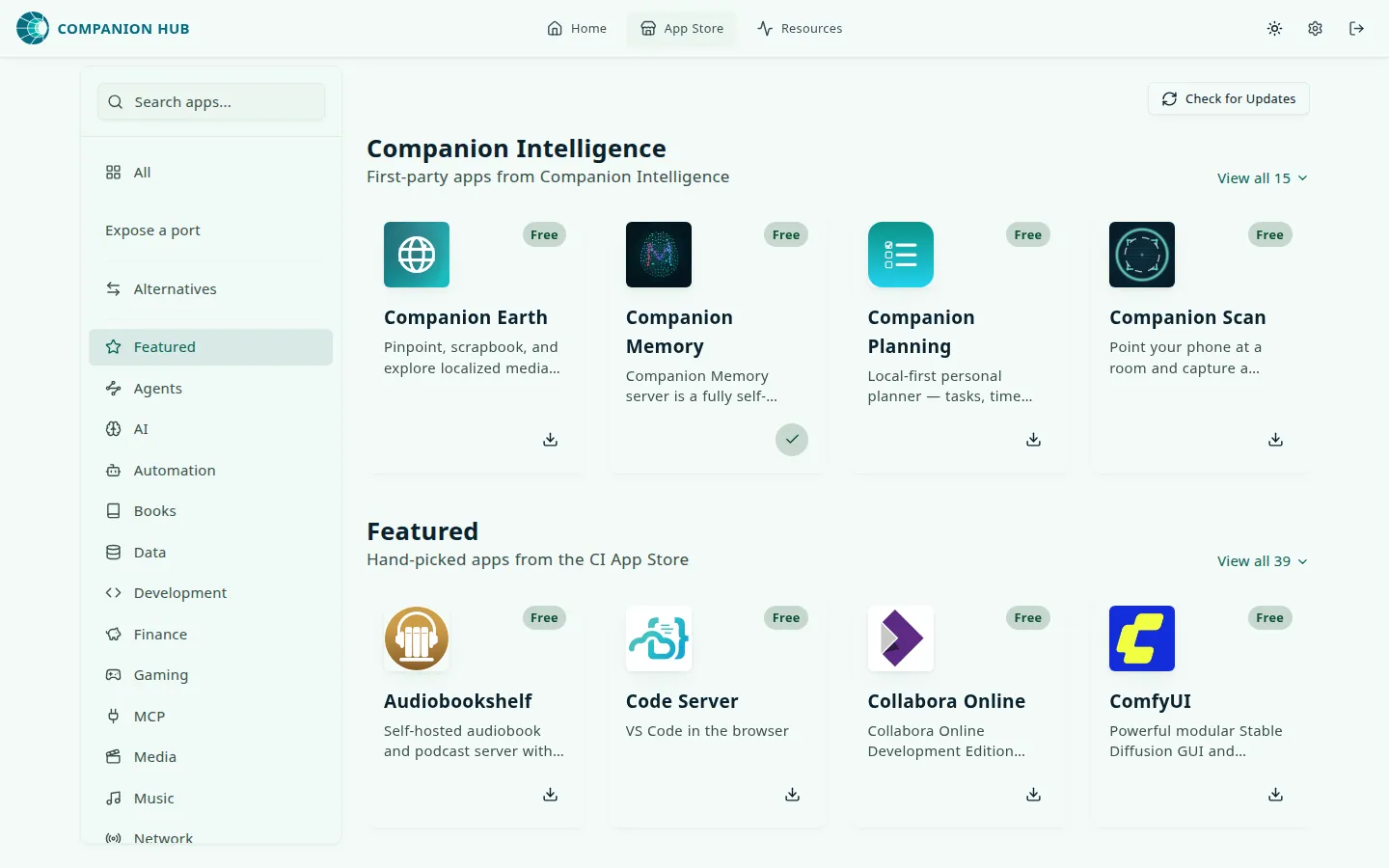
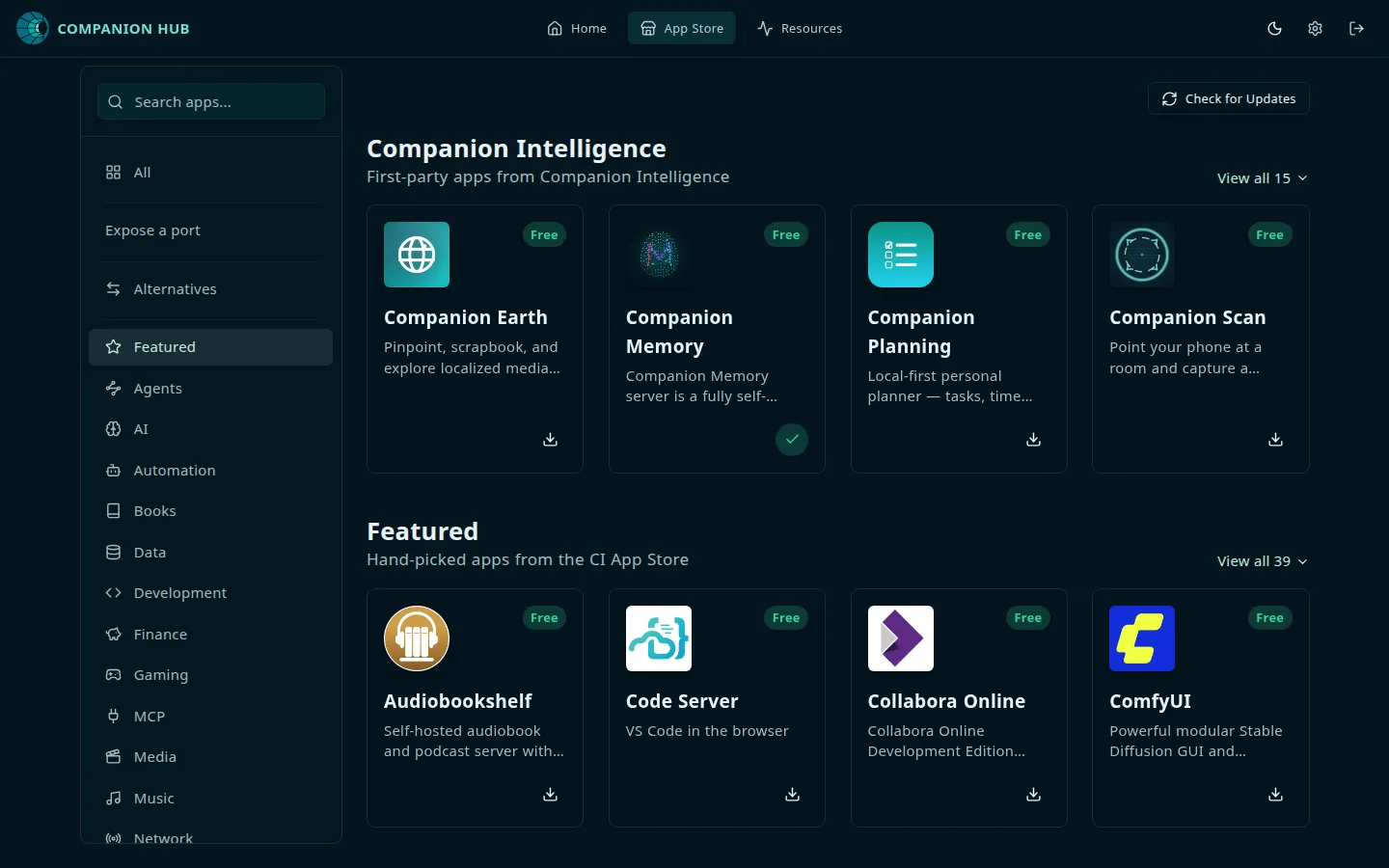
Submit your own apps via ci.computer/store-submit .
Sovereignty and privacy
Companion Hub has no analytics pipeline and no usage metering. It can report crashes, and that reporting is on by default in distributed builds. A report holds error details and, when an app fails, that app’s container logs. Turn reporting off with Allow anonymous error monitoring in Settings (allowErrorMonitoring), or set CI_TELEMETRY=off or CI_LOCAL_ONLY=true in the Hub .env file. See Crash reporting for what is sent.
Your app data stays on your machine unless you expose an app or pair with your CI Account for tunnel access. Crash reports, described above, are the one other thing that leaves it.
Built-in AI
Hub detects your hardware and configures local AI through Ollama, oMLX, vLLM, or Lemonade, whichever runs on your machine, with optional cloud provider keys. Apps opt in to standardized CI_* inference variables via hub_integration.inference in their manifest.
Companion Agent
Choose OpenClaw or Hermes during onboarding for a personal AI agent with MCP tool access, browser automation, and local or cloud models. See Companion Agent.
First-party ecosystem
Companion Intelligence builds deeply integrated apps — Static Container Builder, OpenClaw, spatial tools, and hardware companions. Browse Companion Apps.
Standard Docker underneath
Every app runs as standard Docker Compose. If you leave Hub, your containers and volumes remain on disk. See Docker fundamentals.
Built for everyone
Start with one-click installs and the onboarding wizard. Grow into CLI management (cihub), custom app stores, and compose customization when you’re ready.