Updating Companion Hub
Companion Hub updates on two separate channels, and your apps update on their own:
- The Hub stack — the
ci-hubcontainer that serves the dashboard and API. It can update itself: Auto-update stack is on by default, and while the Hub keeps running it checks once a day and moves a release-pinned install to the newest stable release. It updates only that container. - The desktop app — the window, tray, and bundled
cihubCLI. It never updates without an action from you. - Each installed app — see Update an installed app.
Find how you want to update; the sections below give the details.
| To update | Do this |
|---|---|
| The Hub stack, from the dashboard | Settings → System, then the Hub stack card → Update stack to <version> |
| The desktop app, from its own window | Settings → System, then the Desktop app card → Update to <version> |
| The desktop app, from a terminal (Linux) | companion-hub update (add --check to only check; exit code 1 means an update is available) |
| Check both channels, from a terminal | cihub update --check, then cihub update |
| Only the Hub stack, from a terminal | cihub pool update |
| Manually | Download the new installer from ci.computer/download or the releases page and install it over the old one |
| An installed app | Open the app’s page and select Update, or Batch actions → Update all on Home |
From the dashboard
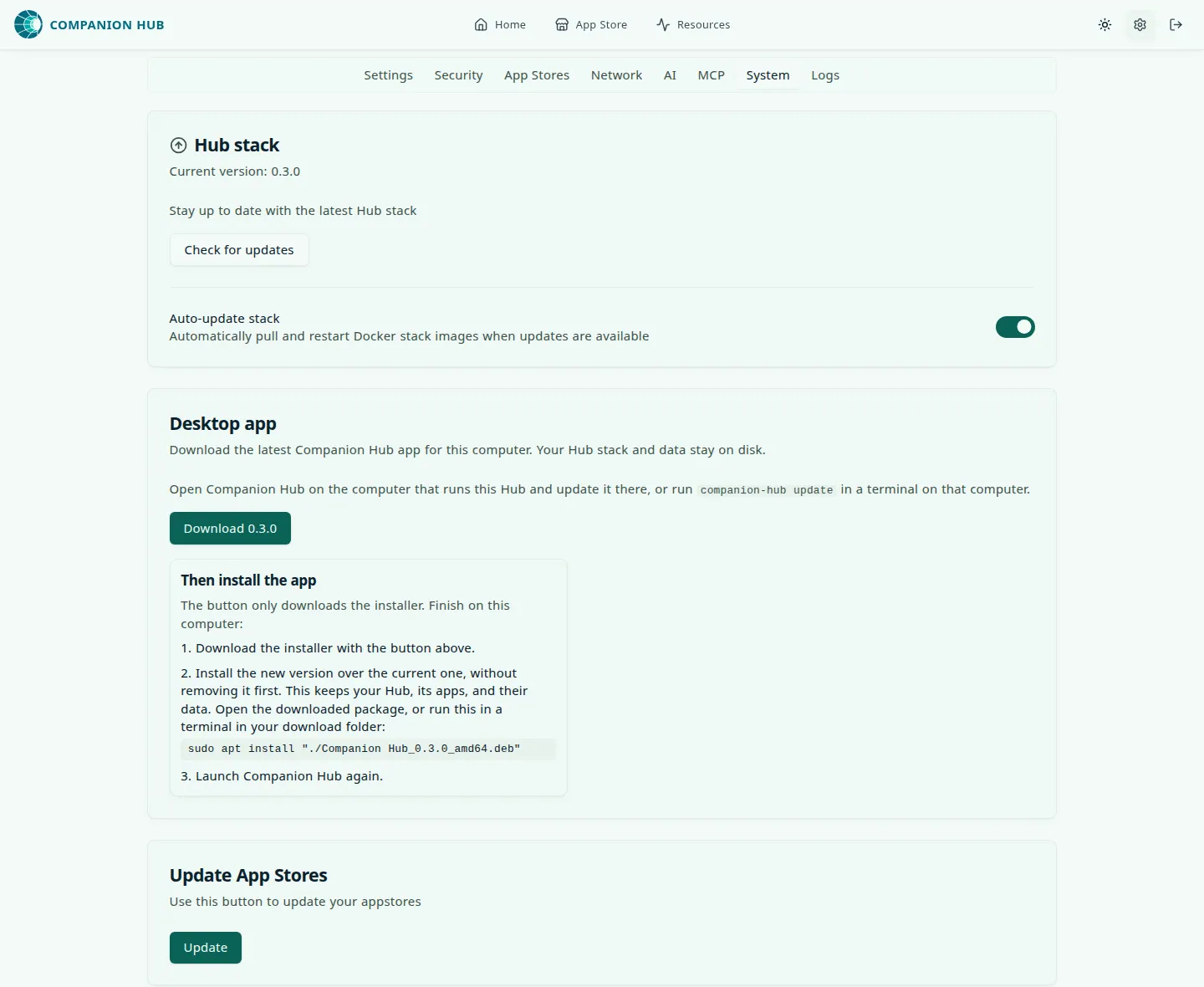
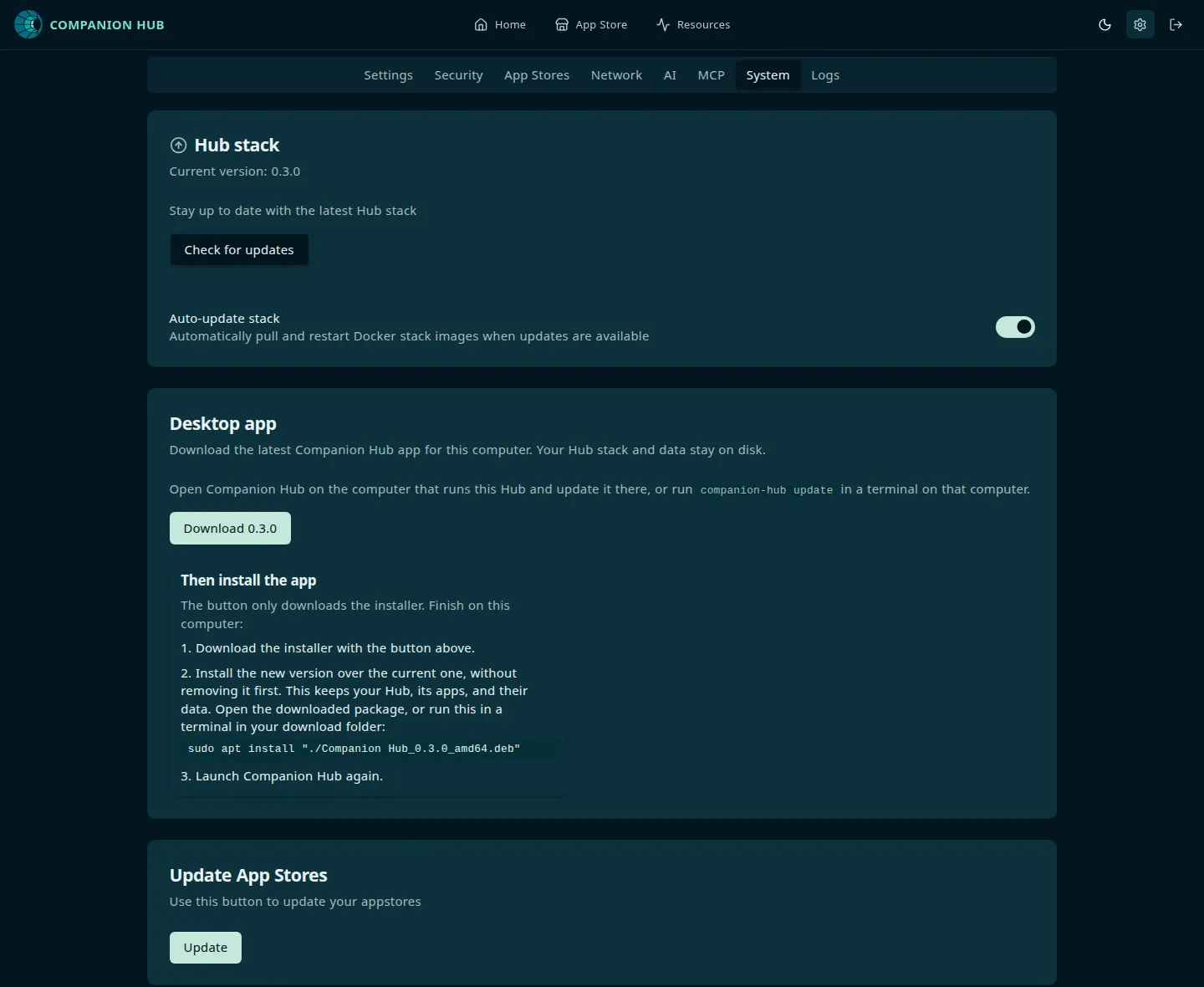
Open Settings (the gear icon) and select the System tab. Its cards include:
- The Hub stack card shows Current version and, when a newer release exists, A new Hub stack version (
<version>) is available. Select Update stack to<version>. Hub pulls the new image and recreates the Hub container, and the page reloads when the Hub is back. Select Check for updates to look now. - The same card has the Auto-update stack switch. Turn it off to stop the daily check. A Hub that isn’t pinned to a release version, such as one on the
devchannel, never auto-updates whatever the switch says. Auto-update moves the Hub image only; it never installs a new desktop app. - The Desktop app card updates the app itself. See Desktop app.
If the update doesn’t take, Hub says The Hub came back on <version>, the same version as before the update and points you to the Logs tab.
If the desktop app (version 0.3.0 or later) is running on the Hub’s computer, Update stack to <version> also hands the update to the app, which installs its own new version and restarts the Hub. The card then reads The desktop app is running on this Hub. Update will refresh the app as well as the stack. Without a running app, the card says Hub stack is updating. This doesn’t update the desktop app, and the Desktop app card does that part.
Desktop app
The Desktop app card depends on where you open the dashboard.
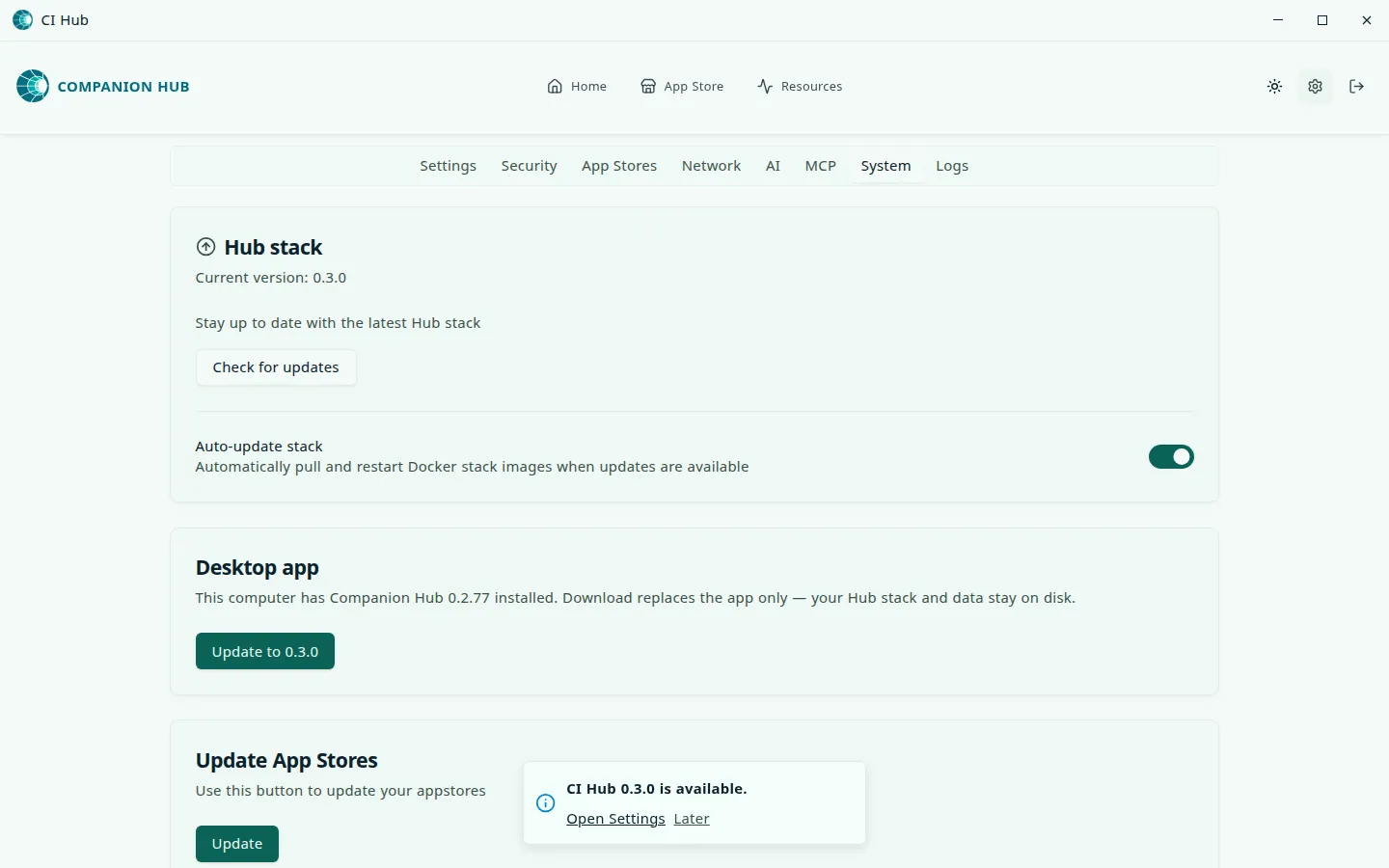
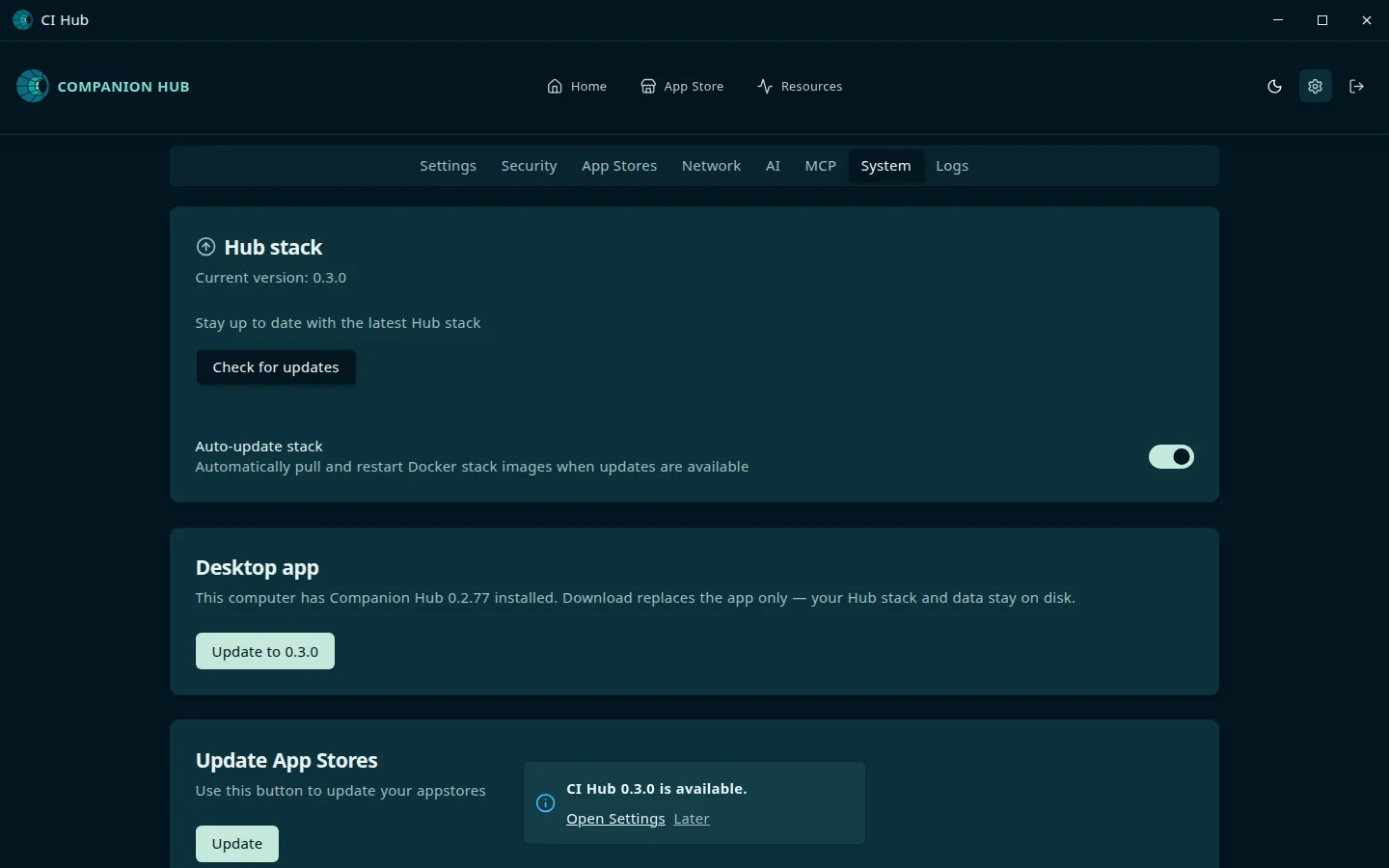
In the desktop window, when a newer app exists, the card offers Update to <version>. Select it and Companion Hub downloads the installer, checks it, and installs it. The card shows each step: Getting the update ready…, Downloading Companion Hub <version>…, Checking the download…, Installing Companion Hub <version>…. On Linux, your computer may ask for your password. The Hub keeps running until the new version is ready to start. Then the app stops it, closes, opens the new version, and starts the Hub again. If the install fails, Hub starts again and the card says what went wrong.
If Companion Hub doesn’t open again after the update, open it yourself. If you update from version 0.2.77 or earlier, the update stops the Hub before it downloads, and on Linux the window closes without reopening. Open Companion Hub again and the Hub starts with it.
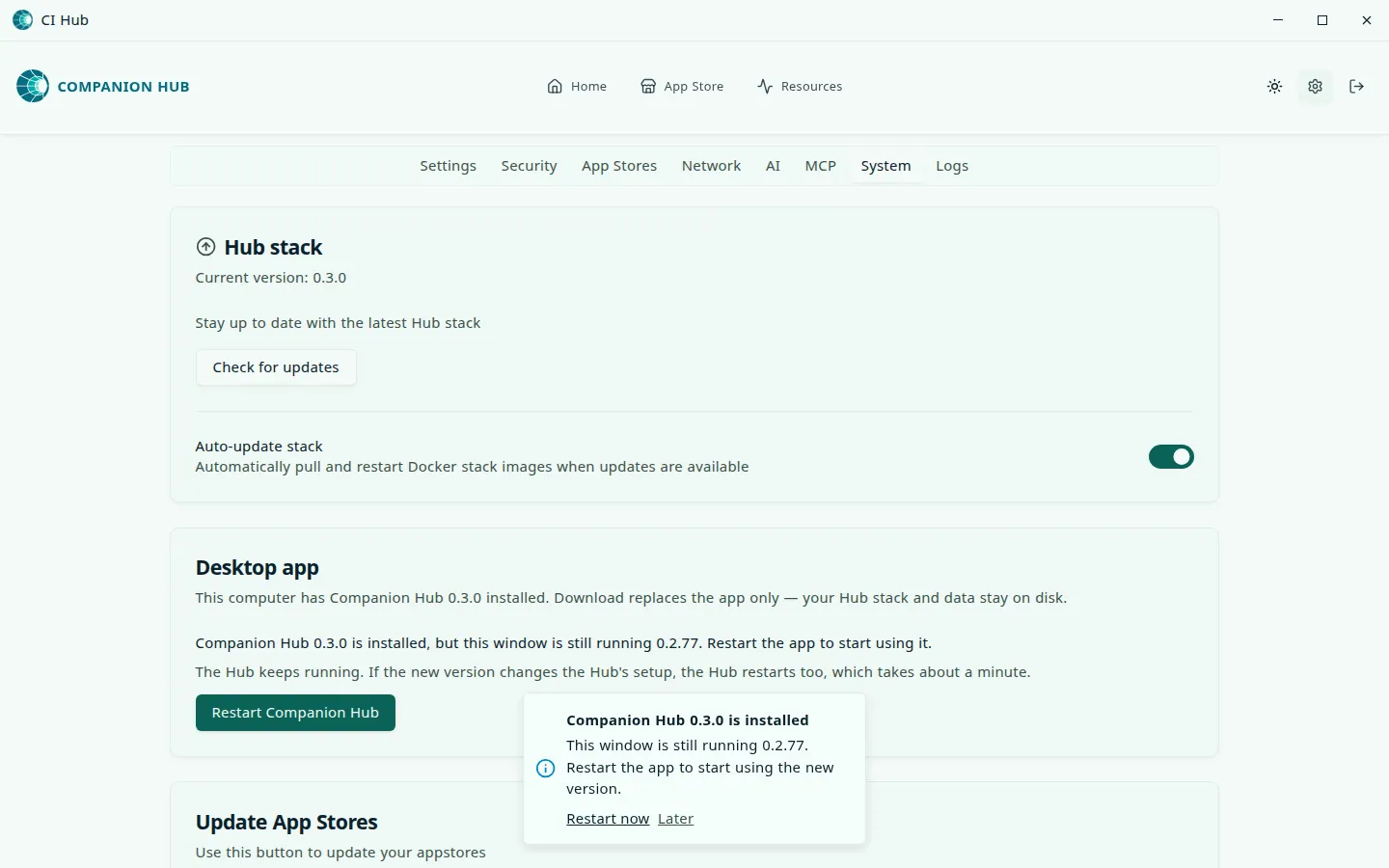
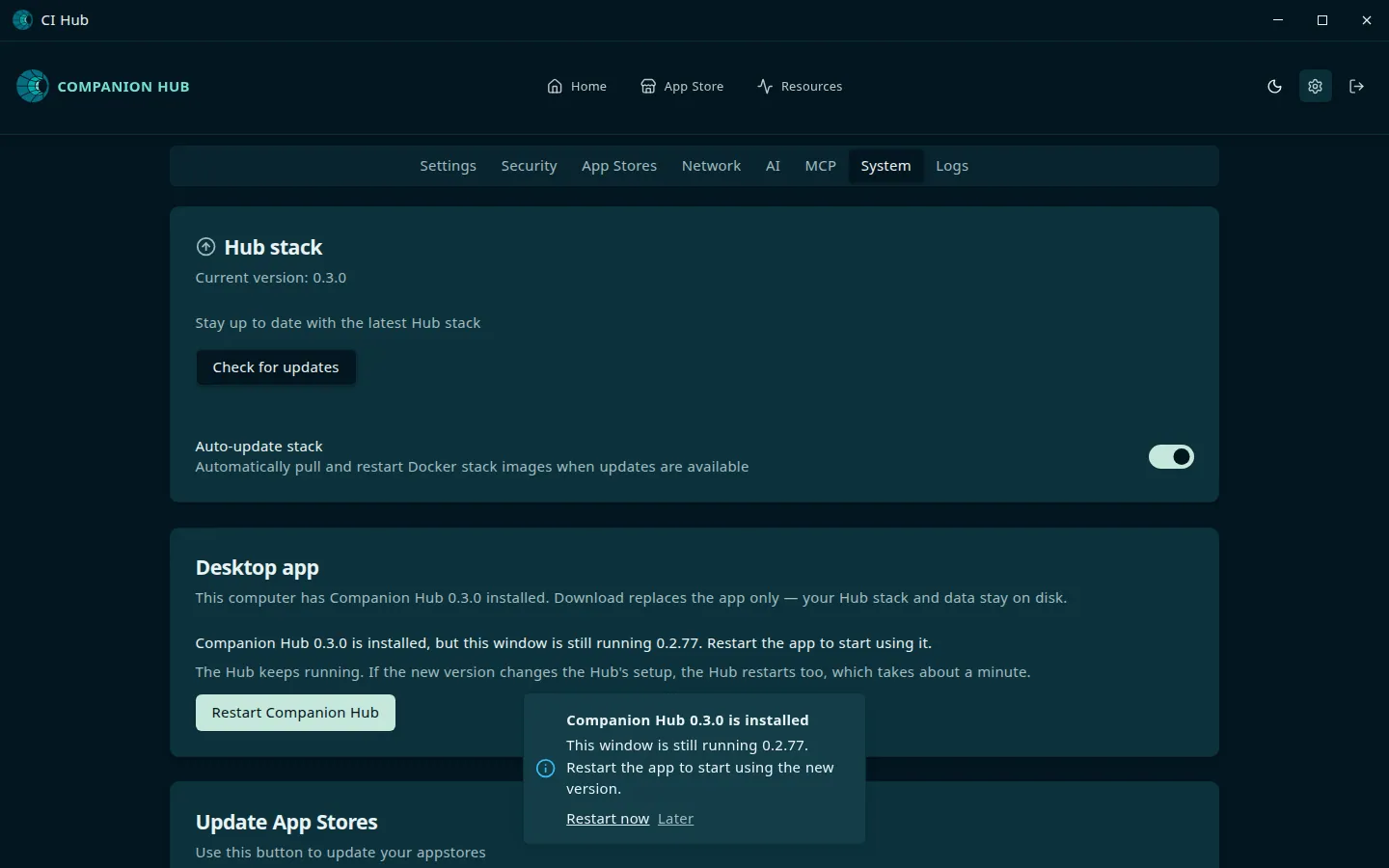
If you install a newer version while the app is open, the card says Companion Hub <version> is installed, but this window is still running <version> and offers Restart Companion Hub. Your Hub keeps running while the app restarts. If the new version changes the Hub’s setup, the Hub restarts too, which takes about a minute.
The window also shows a notice, Companion Hub <version> is installed, with Restart now and Later.
In a browser, the card offers Download <version> for the computer you’re using, with the steps to finish below it. A phone or tablet gets No download URL available for this platform. Finish on the Hub machine: install the new version over the old one and open it again. Your data and app configurations are preserved when the installer upgrades in place.
The desktop window checks for a new version when it opens and every four hours, and shows CI Hub <version> is available with Open Settings and Later. A browser shows no notice, so look at the cards.
On Linux, companion-hub update does the same from a terminal, and it also works on a headless server:
companion-hub update --check   # exit code 1 when an update is available
companion-hub update           # download, install, and restart
companion-hub is on your PATH only after a Linux package install. On macOS and Windows, use the Desktop app card or the installer.
Install over the old version. Never uninstall it first. Uninstalling
Companion Hub is a full purge: it deletes the Hub’s data folder, its Docker
volumes (database and app data), your installed apps, and the Docker images.
That includes sudo apt remove or purge, sudo rpm -e, and, on Windows, an
installer that offers Uninstall before installing. Upgrading in place with
sudo apt install ./Companion*Hub_*.deb keeps your data. Back up anything you
can’t lose before you update by hand; see Backup and
restore.
- macOS — open the downloaded
.dmgand replace Companion Hub in Applications. Dragging the old app to the Trash doesn’t remove your data. - Windows — quit Companion Hub, then run the new
.msi, which upgrades in place. The-setup.exeasks what to do with the old version, and its default choice, Uninstall before installing, is a genuine uninstall that deletes Hub data. Choose Do not uninstall, or use Update to<version>in Settings. - Linux, Debian and Ubuntu —
sudo apt install ./Companion*Hub_*_amd64.deb - Linux, Fedora and RHEL —
sudo dnf install ./Companion*Hub-*.x86_64.rpm
Open Companion Hub again afterward.
Linux server / headless
After installing the updated package, restart the stack:
companion-hub --detached
# or, if cihub is on PATH:
cihub up --detached
To move only the Hub stack to a newer image, without touching the desktop package:
cihub pool updateDespite its name, cihub pool update isn’t limited to Hub Pool. It pulls the Hub image your install is pinned to and redeploys it. A standalone cihub binary — one you installed apart from the desktop package — updates on its own channel. cihub update prints the CLI version next to the stack version, so you can see when they’ve drifted apart.
Pulling ghcr.io/companionintelligence/ci-hub:latest by hand doesn’t update a
packaged install. Each release pins its own image tag, so the stack keeps
running the pinned version until it’s updated through Settings, companion-hub update, or cihub pool update.
Update an installed app
Apps update separately from the Hub. When an app has an update, open its page and select Update. The update page shows the version change, whether the configuration changed, and a Backup switch that is on by default.
Hub pulls the new images before it touches the running app, so a failed download leaves the app running. With Backup on, Hub then stops the app and backs it up. It replaces the app’s files and starts it again if it was running. If the app’s containers aren’t healthy afterwards, Hub puts the old version back and shows Failed to update app <name>, see logs for more details. See Backup and restore.
Batch actions → Update all on Home, or cihub app update-all on the Hub machine, updates every app that has an update and always takes a backup of each one first. Hub never updates your installed apps by itself.
Update notifications
When a newer Hub stack is available, the Hub stack card in Settings says so. When a newer desktop app is available, the desktop window shows a notice and the Desktop app card offers the update.
App data, settings, and installed apps survive updates. See Breaking Updates for major version migrations.